Description
🖼️ Tool Name:
UXsniff
🔖 Tool Category:
AI-powered website UX analytics platform; falls under Data & Analytics, Web & App Design, Productivity & Automation, and Visual Media Analysis.
✏️ What does this tool offer?
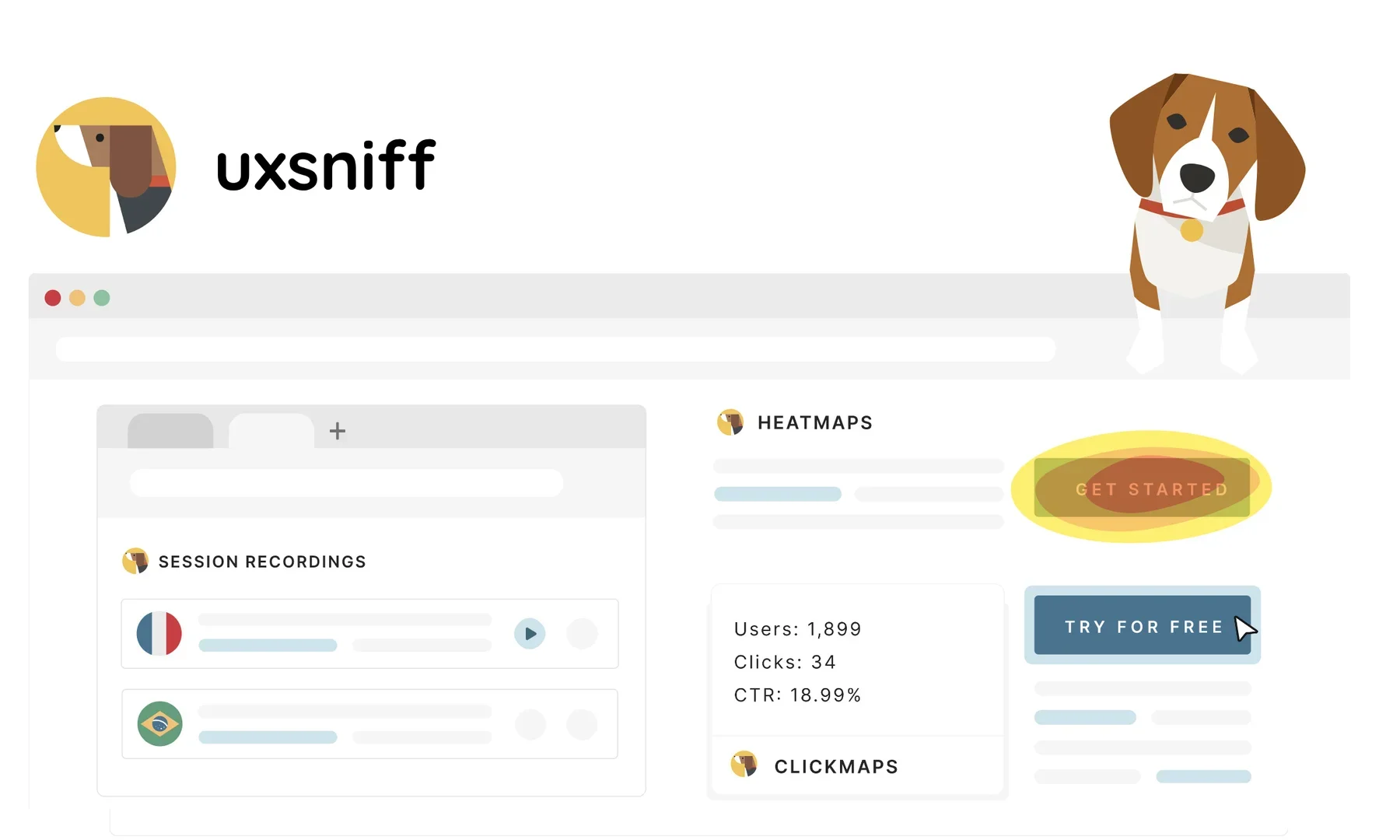
UXsniff acts as your virtual UX analyst. After adding a small snippet to your website, it automatically captures session recordings, generates interactive heatmaps, and detects abnormal click patterns or UX issues. Its standout features include AI-generated session summaries (via ChatGPT API), automated SEO and UX audits, and user feedback tools like on-site surveys and feedback widgets. Zapier integration enables end-to-end automation with 5,000+ apps.
⭐ User experience highlights:
GPT‑powered insight summaries: Automatically analyzes session recordings and provides AI-generated synopses—saving time from reviewing every video.
Interactive heatmaps & clickmaps: Visualize scroll depth, clicks, and mouse movement in real time—no extra configuration required. Also includes a "Wayback" feature to view historical heatmap data.
Automated audits & reporting: Detects UX and SEO issues continuously and delivers alerts or reports.
Feedback collection & surveys: Lets users add feedback widgets and on-site surveys to gather user sentiment directly
🤖 Automation & Intelligence:
UXsniff automates the full UX monitoring workflow:
Captures recordings, heatmaps, user clicks, scroll behavior
Detects anomalies and usability issues automatically
Provides GPT-summarized session insights and detects UX/SEO problems
Compatible with Zapier for automating alerts, report sharing, Slack/Notion tasks, and more.
💰 Pricing Model:
Free forever plan available with live heatmaps, session recordings, and basic insights—no credit card required.
Paid tiers (Growth, Pro) unlock more features like conversion tracking, user journeys, advanced segmentation, multi-domain support, and full audit functionality. Pricing is volume-based and listed on their website.
🧭 Access Method:
Embed a JavaScript snippet into your site or install via supported plugins
Data is captured automatically; dashboard access via web interface or desktop wrapper (e.g. WebCatalog)
Integrations supported with Zapier, Make, and other automation tools for cross-platform workflows.
🔗 Experience Link: