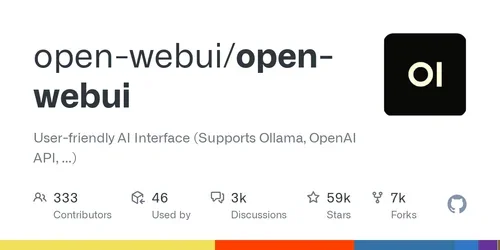
Description
🖼️ Tool Name:
Open WebUI
🔖 Tool Category:
Open-source AI chat interface; it falls under the category of local LLM user interfaces and privacy-focused AI chat environments.
✏️ What does this tool offer?
Open WebUI is a free, open-source chat interface designed to work with models running on [Open WebUI-compatible] backends such as Ollama. It provides a user-friendly chat experience for interacting with local LLMs (large language models) without relying on the cloud. It supports features like multi-model sessions, conversation history, persona creation, file uploads (PDFs, TXT), and real-time response streaming.
⭐ What does the tool actually deliver based on user experience?
• Clean and fast chat UI for local LLMs
• Multi-model support with easy switching
• Persistent conversation history
• Ability to upload and query files (PDFs, DOCX, TXT)
• Persona customization and prompt templates
• Dark/light mode support
• Works seamlessly with Ollama, LM Studio, and other backends
• Excellent performance and no vendor lock-in
🤖 Does it include automation?
Yes — Open WebUI automates several processes for an improved AI chat experience:
• Automatically connects to and manages local models
• Handles prompt formatting and persona loading
• Stores chat sessions for continuity
• Parses and processes uploaded documents for direct querying
• Provides streaming responses with markdown rendering
💰 Pricing Model:
Free and open-source under the Apache 2.0 license.
🆓 Free Plan Details:
• Completely free with no usage limits
• No sign-up or subscription required
• All features available out of the box
• Self-hosted or run locally
• Active open-source community
💳 Paid Plan Details:
• None — Open WebUI is 100% free and has no paid tier
• No enterprise license or premium add-ons announced
🧭 Access Method:
• Run locally via Docker or from source
• Compatible with Windows, Mac, and Linux
• Can be deployed on a server for multi-user access
🔗 Experience Link: