Forge Code: AI Shell
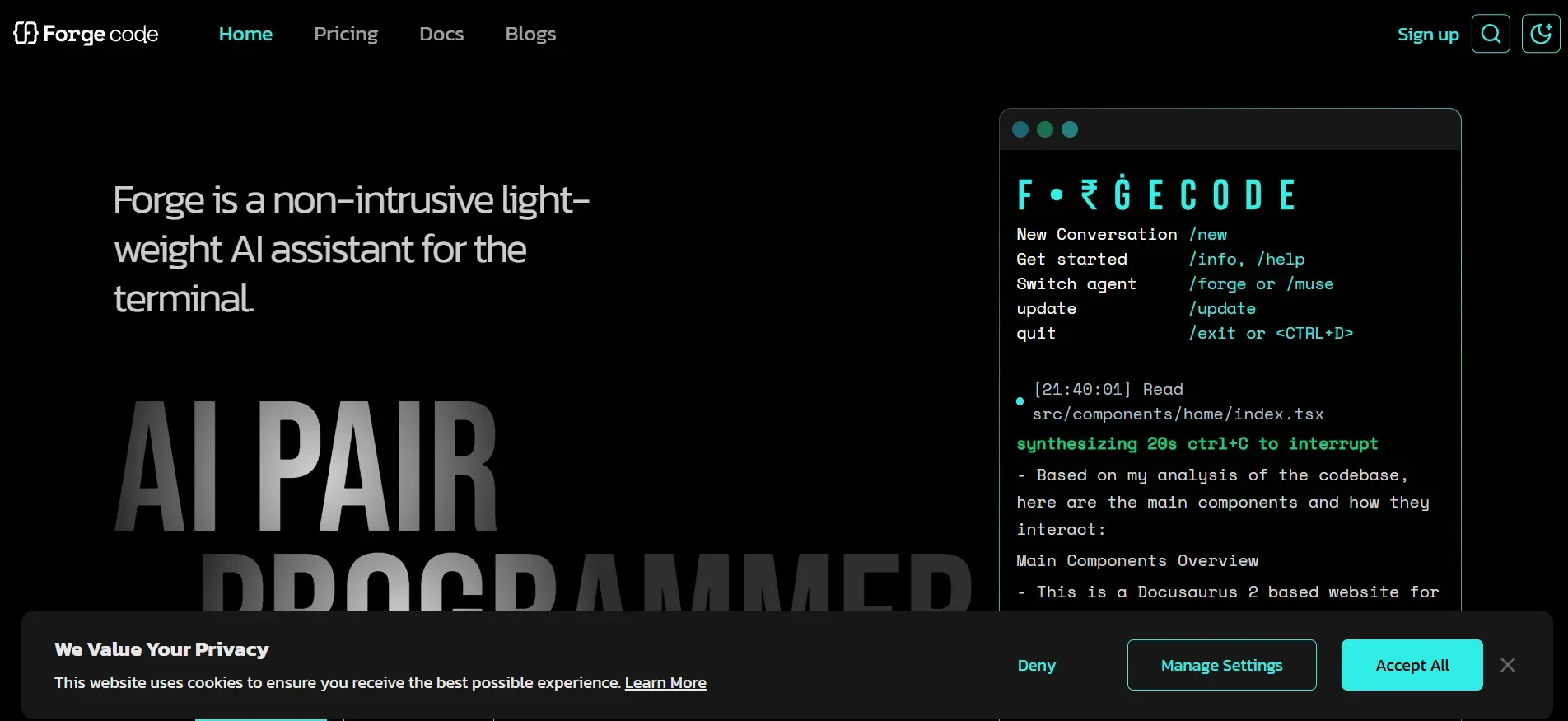
Description
️ 🖼Tool Name:
Forge Code .
🔖 Tool Category:
AI coding assistant integrated with Shell, providing a complete understanding of your project without having to leave your environment.
️ ✏What does this tool offer?
Forge enables you to manage your project directly from Terminal via natural commands: Write code, review architecture, fix bugs, help with Git.
There are two types of agents:
Forge Agent: for direct execution.
Muse Agent: for analyzing and planning without modification.
Supports all development environments (VS Code, Neovim, IntelliJ...).
Provides multiple models to choose the balance between speed and accuracy.
Supports BYOK (Bring Your Own Keys), to run your own models (OpenAI, Claude, Groq...) without counting against the usage limit.
You can also build custom agents (Frontend, DevOps...) and share them with the team.
⭐ What does the tool actually deliver based on user experience?
The experience is like a Pair Programming session with an expert developer: You type "fix bug in X file" or "explain the architecture", and he responds right away within a minute.
Users have found it to be very powerful for refactoring and refactoring code, with the ability to absorb the entire project and implement extensive changes with high quality.
It provides a Dashboard interface to track your daily consumption.
Experiments sometimes indicated that it "overreacts" in refactoring, but the result is often organized and useful.
🤖 Does it include automation?
Yes, the tool is fully automated:
Understand the project automatically.
Natural command execution.
Automated analysis and planning.
Task management via Multi-Agent Workflows.
Run favorite templates via your own private keys.
Privacy preserved: Code stays local and is not sent to the cloud.
💰 Pricing Model:
Forge is based on a Freemium model with three plans: Free, Pro, and Max.
🆓 Free Plan Details:
Price: $0/month.
10-50 requests per day (dynamic depending on pressure).
Community support.
BYOK requests do not count against the limit.
💳 Paid Plan Details:
Pro - $20/month:
- Up to 1,000 orders per day.
- Ability to use Premium models such as GPT-4, Claude-4, and Gemini-2.5.Max - $100/month:
- Up to 5,000 orders per day.
- Ideal for heavy usage and large projects.
🧭 Access Method:
Forge can be installed via:
and then run it inside the project folder.
On the first run, the account (Google or GitHub) is linked to the Dashboard.
Commands such as:
analyze the architectureadd a unit test for function Xcommit my changes
🔗 Experience Link:
https://forgecode.dev