Runware
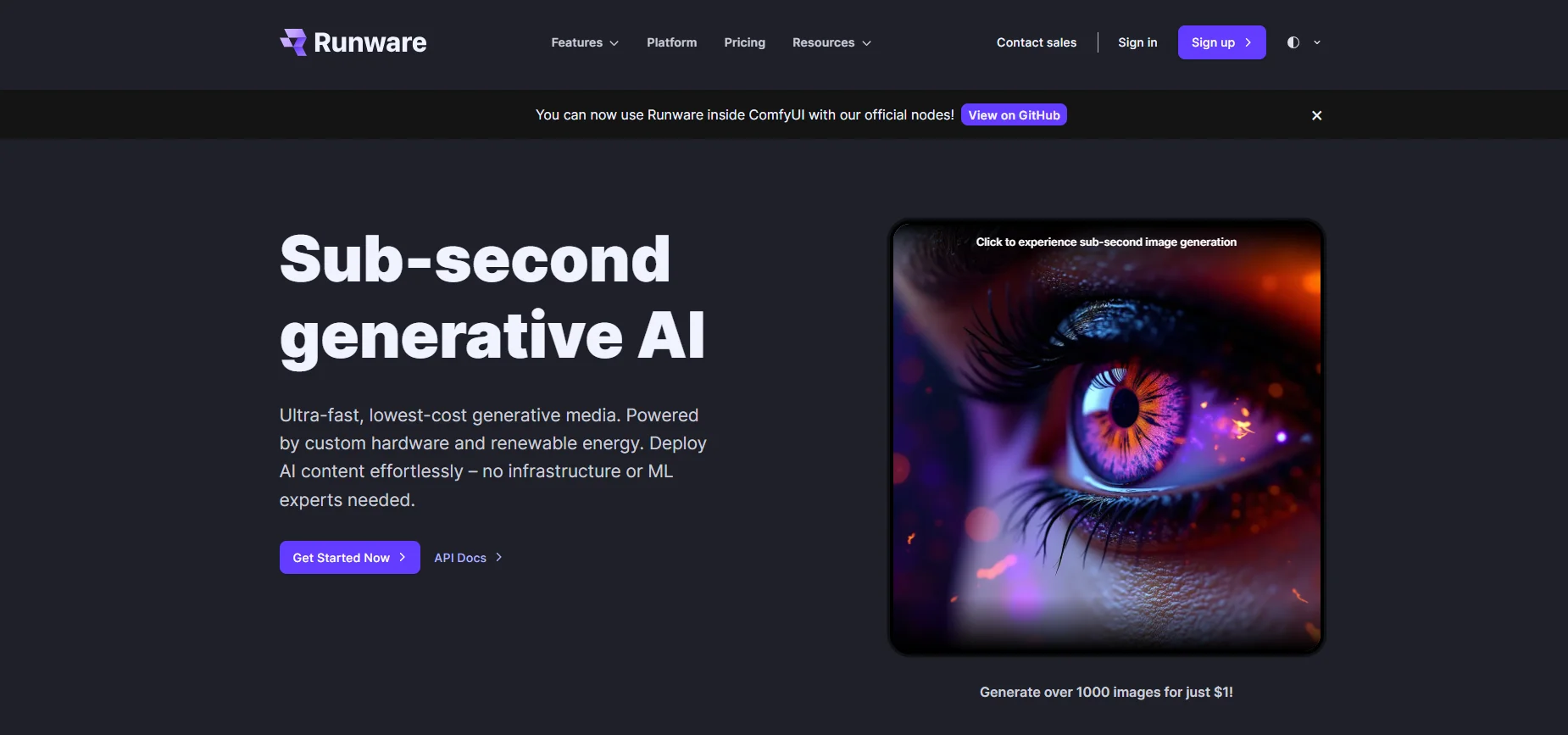
Runware.ai is an ultra-fast cloud platform dedicated to image generation and processing via API. It allows developers and companies to integrate the capabilities of Stable Diffusion, FLUX, and ControlNet models into their own applications. The tool provides end-to-end solutions including image generation from text, upscaling, background removal, and partial image editing, with a focus on minimizing latency.
- Image Design and Creation
- Text to Image Generation
- Editing, Enhancement & Upscaling
- Object & Background Editing
- Integrations & APIs
- Programming & Development
Last updated
Features
- Generates images from text through an API
- Integrates Stable Diffusion, FLUX and ControlNet models
- Upscales images and removes backgrounds
- Edits parts of images
- Generates images in as little as 0.6 seconds
- Supports WebSockets for instant results
- Gives access to thousands of custom CivitAI models
Pricing Details
This tool is based on a Freemium model for the initial trial, with Pay-as-you-go for paid plans, where each model is priced based on its quality and speed.
The free plan provides free credits upon registration sufficient to generate a large number of images, up to about 1000 simple images, full access to the API Documentation, and the ability to try most of the models available in the library, allowing the user to familiarize and test the tool's capabilities at no cost.
Paid plans are divided by speed and quality:
FLUX Schnell, priced at around $10 per 16,700 images, is characterized by very fast image generation.
FLUX Dev at around $10 per 2,600 images, with high quality and professionalism suitable for delicate projects.
SDXL & SD 1.5 offer economy packages that allow the generation of thousands of images for a small amount of money, catering to users who need high volume production at a low cost.
All paid plans include advanced technical support, stable Rate Limits, and access to the latest custom templates, making the tool suitable for individual users, developers, and businesses that rely on frequent and reliable AI image generation.
Related Tips
- How to Use the Pokecut Tool to Easily Extract Images · Image Design and Creation, Editing, Enhancement & Upscaling…
- A professional prompt for turning a meal name into a full recipe infographic · Image Design and Creation, Text to Image Generation…
- Bosala Brand Studio Explains: How to Create a Complete Visual Identity from a Logo in Minutes? · Image Design and Creation, Text to Image Generation…
- An Explanation of GeminiGen AI for Creating Videos and Images for Children · Video Generation & Editing, Text and Images to Video…
- A Comparison of VisualGPT and NoteGPT for Creating Free Images and Designs on GPT Image 2 · Image Design and Creation, Text to Image Generation