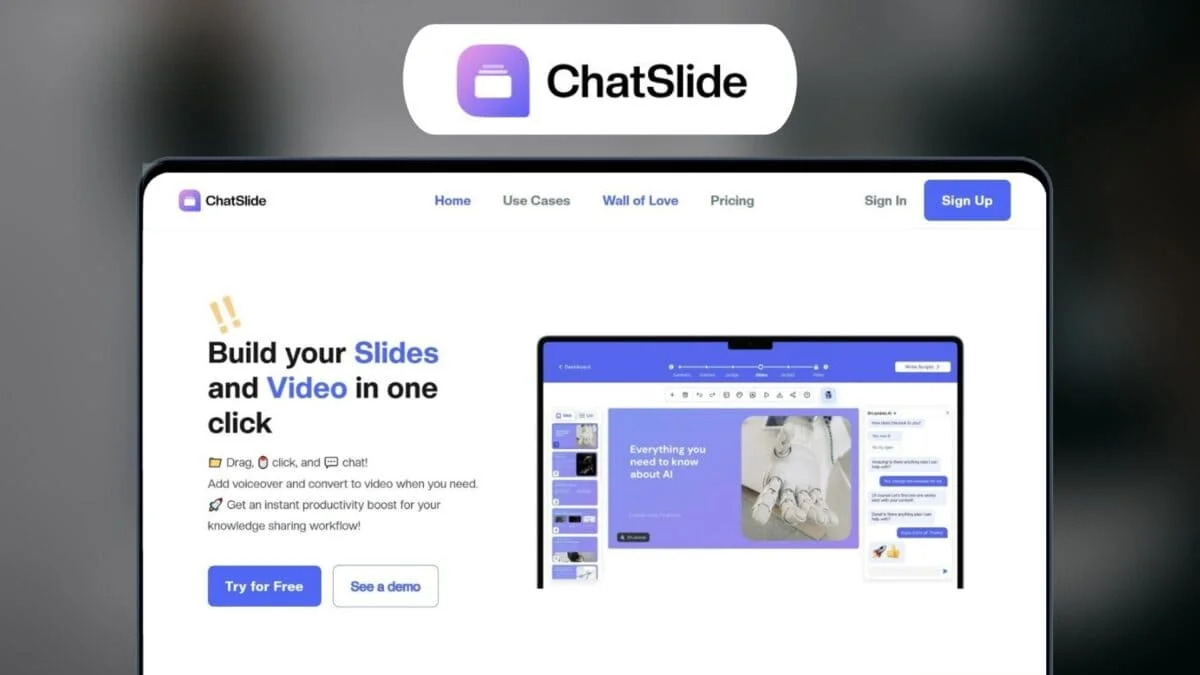
Description
️ 🖼Tool name: ChatSlide
🔖 Tool category:
Summaries, headlines, and ideas
Education and research
Brand assurance templates
Image design and creation
Study aids and smart notes.
️ ✏What does this tool offer?
Convert documents, research, data, or raw ideas into organized and easy-to-understand presentations.
Create a smart outline and divide content into slides that can be customized by field and audience.
Extract important points, key ideas, and core messages from content.
Create automatic charts and analyses to transform data into clear visualizations.
Suitable for trainers, professionals, teams, and content creators, with support for content modification at any time.
Use multiple language models (LLM Models) to produce intelligent, context-aware content.
⭐ What do you actually offer based on user experience?
Simplify the creation of presentations quickly without the need for design experience.
Transform complex information into clear and visually compelling presentations.
Improve the productivity of teams and content creators with smart tools for extracting ideas and graphics.
Support for design customization and continuous modification to ensure the presentation is tailored to the target audience.
🤖 Does it include automation?
Yes, the tool uses artificial intelligence to automate the conversion of content into slides, analyze data, create charts, and design presentations in a smart and contextually relevant way.
💰 Pricing model:
🆓 Free plan details:
Free Start option for initial trial, to see how the tool works and create limited content.
💳 Paid plan details:
Plus – $8.94/month (after a 40% annual discount)
500 credits per month
Limited number of pages per project
Suitable for individual users or first-time users
Pro – $11.94/month (most popular)
2,500 credits per month
More pages
Support for advanced templates
Suitable for small teams or average users
Ultimate – $35.94/month
Unlimited credits
More powerful templates
Higher page count
For heavy users and large teams
🧭 How to access the tool:
Through the official website, with the option to start with a Free Start trial or subscribe to one of the paid plans.
🔗 Trial link or official website:
ChatSlide – Pricing
I