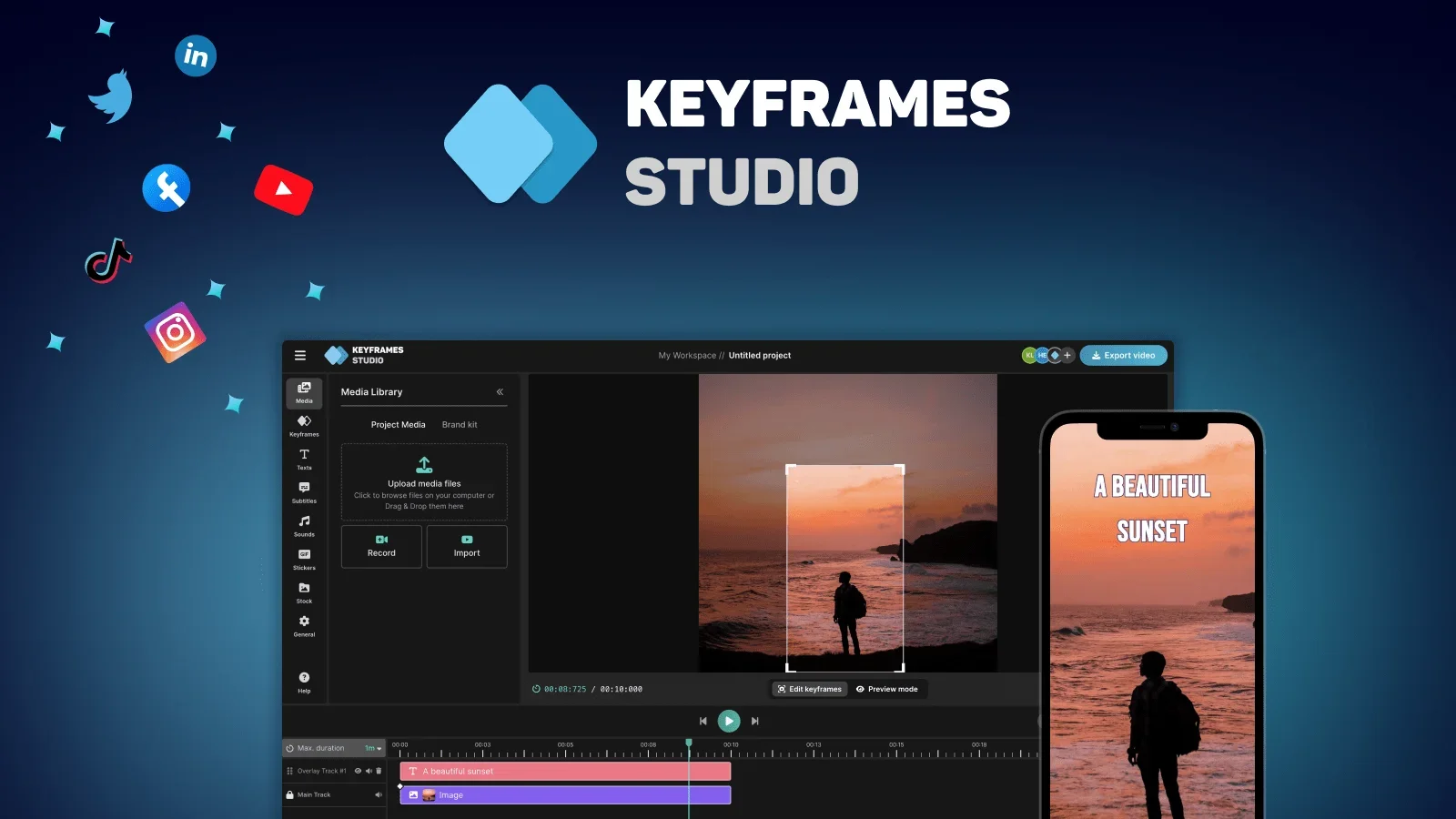
Keyframes Studio
An all-in-one video editing platform for creating, editing, and sharing videos on social media
Last updated
Features
- Suggests optimal keyframe placement for zooming and panning camera movements
- Generates automatic subtitles in multiple languages with highlight or karaoke-style effects
- Converts videos to platform-ready aspect ratios
- Libraries of stock images, GIFs and viral sounds
- Team collaboration with unlimited projects
- Applies brand logos, fonts and colors across brand collections
- Browser-based with no installation
Pricing Details
💰 Pricing Model:
Subscription-based, with multiple tiers tailored to different user needs. Offers both free usage and paid plans
🆓 Free Plan Details:
Includes a free tier allowing a limited number of video exports per month and basic collaborative functionality
💳 Paid Plan Details:
Starter (~$12/month): Includes unlimited projects, 60 min/month of AI generation, subtitle limits, and up to 5 seats with 20 GB storage
Professional (~$20/month): Offers brand kits, 20 seats, 120 min/month of subtitles, 60 min/month of AI generation, and 50 GB storage
Enterprise: Custom pricing, scalable storage, seats, and AI capabilities
Tips for Keyframes Studio
Related Tips
- How to Make a Movie Using Artificial Intelligence (Free Trial) · Video Generation & Editing, Text and Images to Video…
- Claude and Kling have teamed up to create fun educational videos for children to teach English letters in Arabic · Video Generation & Editing, Text and Images to Video…
- Videos of historical figures talking about themselves in an entertaining anime style for kids on Krea · Video Generation & Editing, Text and Images to Video…
- Advivi: An AI-powered tool for creating professional video and image ads from a single product photo · Video Generation & Editing, Text and Images to Video…
- Integrating ChatGPT with digen.ai/veo to create fun science videos for kids · Video Generation & Editing, Text and Images to Video…