WritingMate
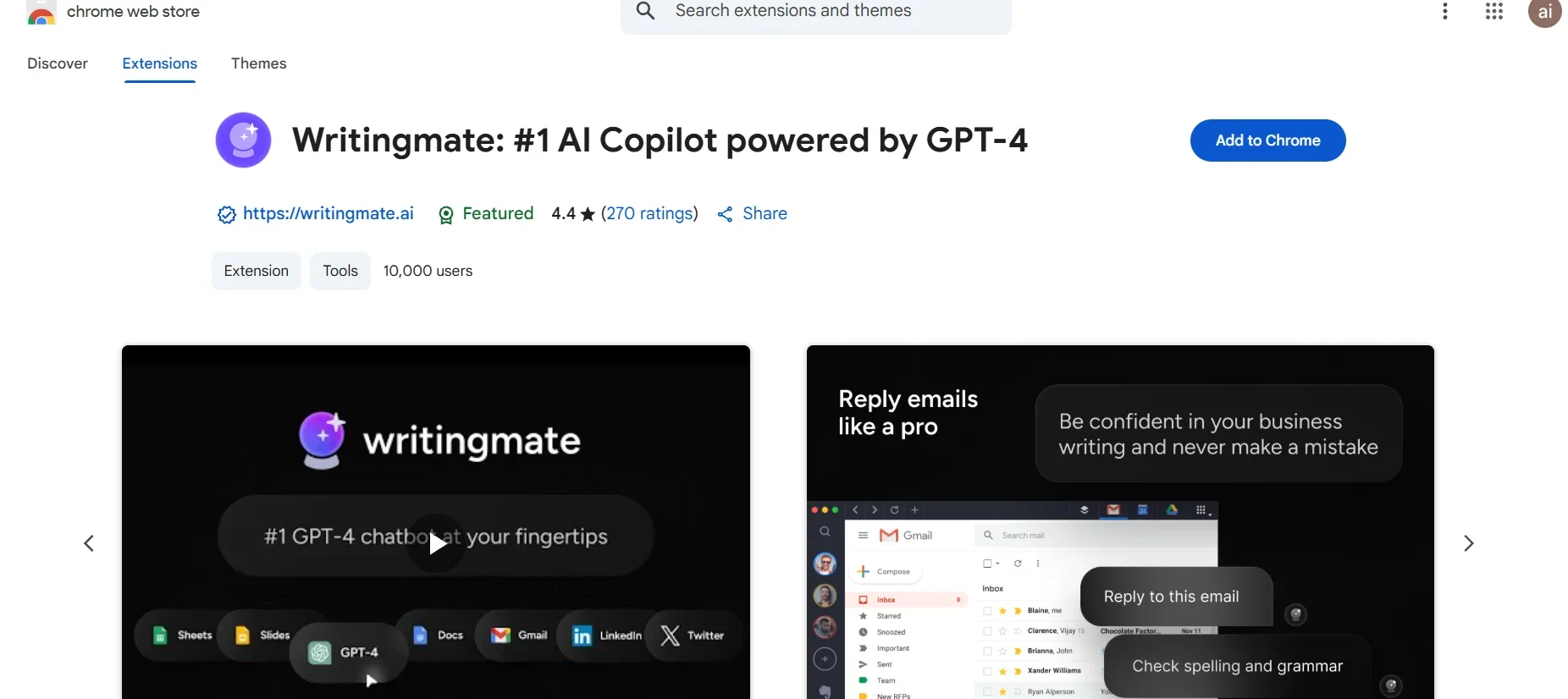
Description
️ 🖼Tool Name:
WritingMate AI Copilot
🔖 Tool Category:
Chrome Extension - AI Writing & Productivity Assistant
An intelligent writing and productivity assistant, integrated into the browser, suitable for writing, translation, coding, and research.
️ ✏What does this tool offer?
Sidebar chat with GPT-3.5 or GPT-4 on any web page.
Automatic text generation: Emails, letters, articles, marketing content, with direct export to Google Docs or Gmail.
Annotate and debug code and support interview questions like LeetCode, with GitHub/GitLab integration.
Translate, paraphrase, and annotate text directly from pages without copy/paste.
Prompts Library.
Additional features: ChatPDF to interact with PDFs, AI Painting, live search with intelligence.
High privacy: Can be used without an OpenAI or ChatGPT account.
⭐ What does the tool actually deliver based on user experience?
Reddit: "Speeds up drafting and the feedback on clarity is actually useful."
Product Hunt: Users say it saves a lot of time and its integration with Google Workspace makes daily work easier.
Overall: A seamless, user-friendly experience with tangible benefits for everyday tasks.
🤖 Does it include automation?
Yes ✅
Highlight any text → choose "Explain" or "Translate" → intelligence is automated.
Generate texts and correct codes without technical intervention.
Automatic export of texts to Gmail or Docs.
💰 Pricing Model:
Freemium: Limited free version.
Premium Plans: For extended use, with additional features and higher limits (exact price not announced).
🆓 Free Plan Details:
Free limited use upon registration.
Enough to try out and familiarize yourself with the features.
💳 Paid Plan Details:
Premium Plans: Gives you more messages, additional templates (expanded GPT-4), and an advanced Prompts library.
Exact pricing details have not been officially announced yet.
🧭 Access Method:
From the Chrome Web Store: Search for "Writingmate: #1 AI Copilot powered by GPT-4" and add it to your browser.
After installation: Open any page → press Ctrl+M (Windows) or Cmd+M (Mac) to launch the assistant.
🔗 Experience Link:
https://chromewebstore.google.com/detail/writingmate-1-ai-copilot/iihamopomflffiecicbgelncanmfionp?ref=