Draw3D
Description
️ 🖼Tool Name:
Draw3D
🔖 Categories:
- 3D Design, Architecture, and Interior Design
- 3D Modeling and Rendering
- Smart Interior Design
- Architecture and Interior Design
- Product Presentation and AR/VR
- Text and Images to Video
- Video, Editing, and Motion Graphics
- Game Asset Creation
- Image Design and Creation
- Editing/Optimization/Resolution Enhancement
- Video Concepts and Scripts
️ ✏What does this tool offer?
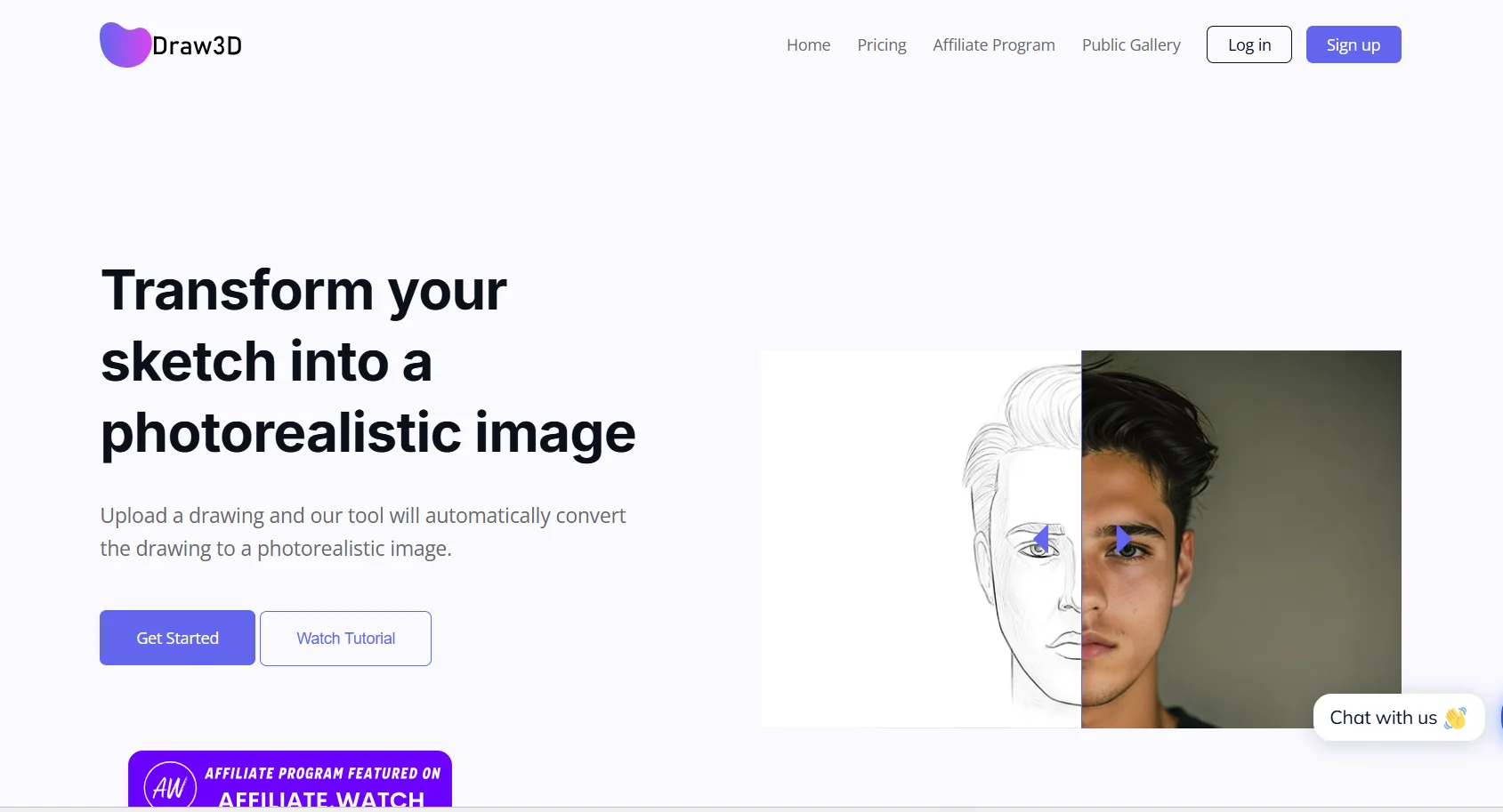
Draw3D is an AI-powered creative platform focused on transforming sketches and visual compositions into 3D images, scenes, and animated visual outputs.
The platform differs from traditional generation tools that rely primarily on textual descriptions; it allows the user to first draw and define the composition visually,and then use AI to transform this sketch into more realistic outputs, while preserving the composition elements and perspective specified by the user.
The platform includes a range of tools and features, most notably:
- Creative Canvas for drawing and composition.
- Sketch to Image for converting sketches into images.
- 3D Composition for creating and defining compositions using 3D elements.
- AI 3D Render for creating 3D outputs using artificial intelligence.
- Tools for editing images using artificial intelligence.
- Convert still images into videos and animated cinematic scenes.
- Create animated storyboards.
- Character design.
- Create architectural and interior designs.
- Design product presentations and prototypes.
- Create cinematic scenes.
- Export results with up to 8x precision.
The basic workflow consists of three stages:
Sketching or composition → AI-generated modeling → Animating or exporting the scene.
Draw3D is specifically aimed at architects, interior designers, product designers, engineers, content creators, directors, and filmmakers.
According to information on the website, the platform has more than 80,000 active content creators,and more than 7.2 million images have been created through it, with a satisfaction rating of 4.9/5.
⭐ What does it actually offer based on user experience?
Based on the information provided, Draw3D allows users to:
- Convert a hand-drawn sketch or visual layout into an AI-generated image.
- Preserve the perspective, composition, and elements specified by the user during the generation process.
- Create 3D scenes based on a user-defined composition.
- Create architectural and interior designs.
- Create visualizations and presentations of products and prototypes.
- Create and design characters.
- Create cinematic scenes.
- Convert still images into animated videos.
- Create animated storyboards.
- Use artificial intelligence to edit images.
- Export images at up to 8x resolution within plans that support this feature.
- Use the platform during the conceptualization, design, and visual production phases.
The information presented indicates the platform’s popularity among users, with over 80,000 active content creators, more than 7.2 million images created, and a satisfaction rating of 4.9/5.
🤖 Does it include automation?
Yes, Draw3D includes AI-powered automated processes.
Instead of creating the final scene entirely by hand, the user selects the desired drawing or composition, and then the AI takes over the process of transforming it into a more realistic image or scene.
Automation primarily includes:
- Converting drawings into images.
- Converting 3D compositions into visual outputs.
- Creating 3D renders using AI.
- Editing images using AI.
- Converting images into animated videos.
- Generate visual outputs based on user-defined configurations.
💰 Pricing Model:
Paid subscription — Draw3D operates on a monthly subscription basis, with the option to subscribe annually and receive a 20% discount. Subscriptions can be canceled at any time.
🆓 Free Plan Details:
| Feature | Details |
|---|---|
| Free Plan | No permanent free plan is mentioned in the information provided |
| Free Trial | Unconfirmed based on the available information |
| Subscription | Paid plans start at $9 per month |
💳 Paid plan details:
| Plan | Monthly Price | Monthly Credits | Key Features |
| Starter | $9 | 120 credits | Create high-resolution 2D images, Pro 3D Composition, video animation, commercial license, standard support |
| Basic | $15 | 200 credits | High-resolution 2D image creation, advanced 3D compositing tools, video animation, commercial license, priority support |
| Professional | $39 | 1,000 credits | Ultra-high-resolution image generation (up to 8x), Pro 3D Composition, video animation, commercial license, 24/7 priority support |
Starter:
Designed for hobbyists and users who create content infrequently. Provides 120 credits per month,plus high-resolution 2D image generation, Pro 3D Compositiontools, video animation, commercial licensing, and standard support.
Basic:
Priced at $15 per month, this is our most popular plan. It provides 200 credits per month,along with high-resolution 2D image generation, advanced 3D composition tools, video animation, commercial licensing, and priority support.
Professional:
Priced at $39 per month, this plan is designed for professional users, studios, and agencies. It provides 1,000 credits per month, image generation at up to 8xresolution, Pro 3D Compositiontools, video animation, commercial licensing, and 24/7 priority support.
According to the information provided, video animation consumes 20 credits.
Annual Subscription:
An annual subscription is available with a 20% discount, and you can cancel at any time.
🧭 How to Access the Tool:
| Access Method | Status |
| Web | Available and Confirmed |
| Mobile app | Unconfirmed |
| Desktop app | Unconfirmed |
| API | Unconfirmed |
| Browser extension | Unconfirmed |
🔗 Demo link or official website: