Podsqueeze
Description
️ 🖼Tool Name:
Podsqueeze
🔖 Categories:
- Content Management and Publishing
- Content and Copywriting
- Article and Post Generation
- Text-to-Speech / Speech-to-Text
- Summaries, Headlines, and Ideas
- Video Summarization and Excerpts
- Social Media Templates and Automation Editing
- Video, Editing, and Motion Graphics
- Editing/Optimization/Resolution Enhancement
- SEO/ASO and Keyword Research
- Content Calendars and Scheduling
- Automation and Smart Agents
️ ✏What does this tool offer?
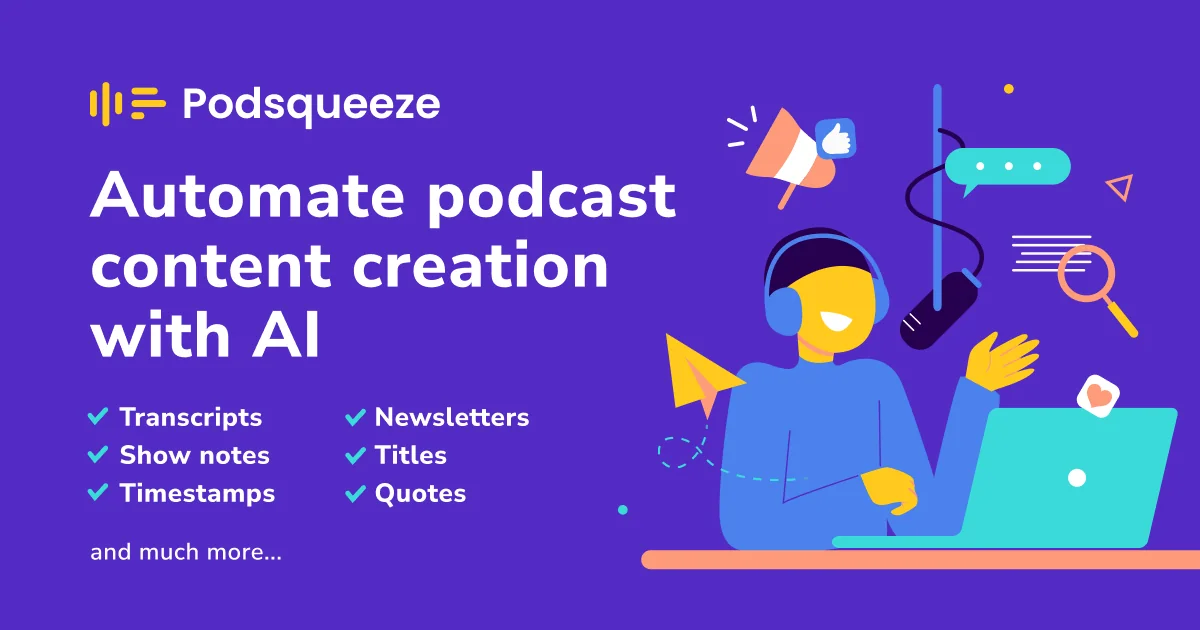
Podsqueeze is an AI-powered platform designed to automate podcast production and marketing, enabling you to transform audio or video podcast episodes into a comprehensive set of content through an automated process.
The platform offers the ability to create:
- Transcripts with speaker identification.
- Summaries and notes for episodes with timestamps.
- Articles and blog posts.
- Newsletters.
- Social media posts.
- Quotes and headlines.
- Marketing content that aligns with the podcast’s brand identity.
It also supports repurposing podcast episodes into short videos and Audiograms tailored for platforms like TikTok, Instagram, and YouTube Shorts.
It offers a text-based editor for editing subtitles and trimming videos, along with a feature for automatically generating short clips.
It also includes tools to automatically improve audio quality and remove silence and filler words like “uhm.”
The platform also allows you to create a professional podcast website that includes an audio player, episode pages, and search engine-optimized descriptions—all without any coding required.
Podsqueeze supports managing multiple podcasts through folders, sharing content pages with clients and team members, and the ability to customize the AI style for each show to maintain a consistent identity and tone.
According to the information provided, Podsqueeze is used by more than 70,000 content creators and podcast professionals worldwide.
⭐ What does it actually offer based on user experience?
Based on the information provided, Podsqueeze allows users to:
- Transcribe podcast episodes from audio.
- Highlight speakers within the transcribed text.
- Create summaries and notes for episodes.
- Add timestamps to episode notes.
- Create articles and blog posts from podcast episodes.
- Create newsletters.
- Create social media posts.
- Create quotes and headlines.
- Create marketing content in a style that aligns with the podcast’s identity.
- Convert episodes into short videos.
- Create audiograms.
- Prepare content suitable for TikTok, Instagram, and YouTube Shorts.
- Edit videos based on the script.
- Edit subtitles and trim videos.
- Automatically create short clips.
- Improve audio quality.
- Automatically remove silences and filler words.
- Create podcast websites without coding.
- Create episode pages and search engine-optimized descriptions.
- Manage multiple podcasts using folders.
- Share content pages with clients and team members.
- Customize the AI style for each podcast.
- Save video templates for later use.
The platform lets you get started for free without having to enter a credit card.
🤖 Does it include automation?
Yes, automation is a core feature of Podsqueeze.
The platform can convert a single podcast episode into a variety of content formats, including transcriptions, summaries, articles, email newsletters, social media posts, quotes, and marketing content.
It also automates certain audio and video editing processes, such as removing silence and filler words,creating short clips, and converting podcast episodes into Audiograms and clips optimized for social media platforms.
It also allows you to customize the AI’s style for each podcast, ensuring a consistent identity and tone throughout content production.
💰 Pricing Model:
Freemium / Paid Subscription — Podsqueeze operates on a monthly subscription model, with the option to pay annually and receive a 30% discount. It also offers the option to start for free without providing a credit card.
🆓 Free Plan Details:
| Feature | Details |
|---|---|
| Free Access | Available |
| Credit Card | Not required to get started |
| Free Trial Period | Not specified in the information provided |
| Content Minutes | Not specified in the information provided |
| Features | The limits of the free plan are not specified in detail |
💳 Paid plan details:
| Plan | Monthly Price | Monthly Content Minutes | Video/Audiograms | File Upload Size | Key Features |
| Starter | £8.99 | 120 minutes | 8 | Up to 4GB | Carry over minutes, unlimited uploads, unlimited YouTube conversions, podcast site, audio enhancement, audio editor, chat with transcribed text, customize results, save video templates |
| Pro | £49 | 320 minutes | 20 | Up to 10GB | Minute carryover, unlimited YouTube uploads and conversions, podcast landing pages, audio enhancement and editing, chat with transcribed text, customize results, save video templates, 7-day trial |
| Agency Lite | £89 | 600 minutes | 40 | Up to 10GB | Minute carryover, unlimited YouTube uploads and conversions, podcast landing pages, audio optimization and editing tools, chat with transcribed text, result customization, save video templates, 7-day trial |
| Enterprise | Custom | Custom | Custom | Unspecified | All Pro features, custom minutes, custom number of clips, priority support, ability to request custom features |
🧭 How to access the tool:
| Access Method | Status |
| Web | Available and confirmed |
| Mobile app | Unconfirmed |
| Desktop app | Unconfirmed |
| API | Unconfirmed |
| Add-on | Unconfirmed |
🔗 Link to the demo or official website: