Description
️ Tool Name: 🖼
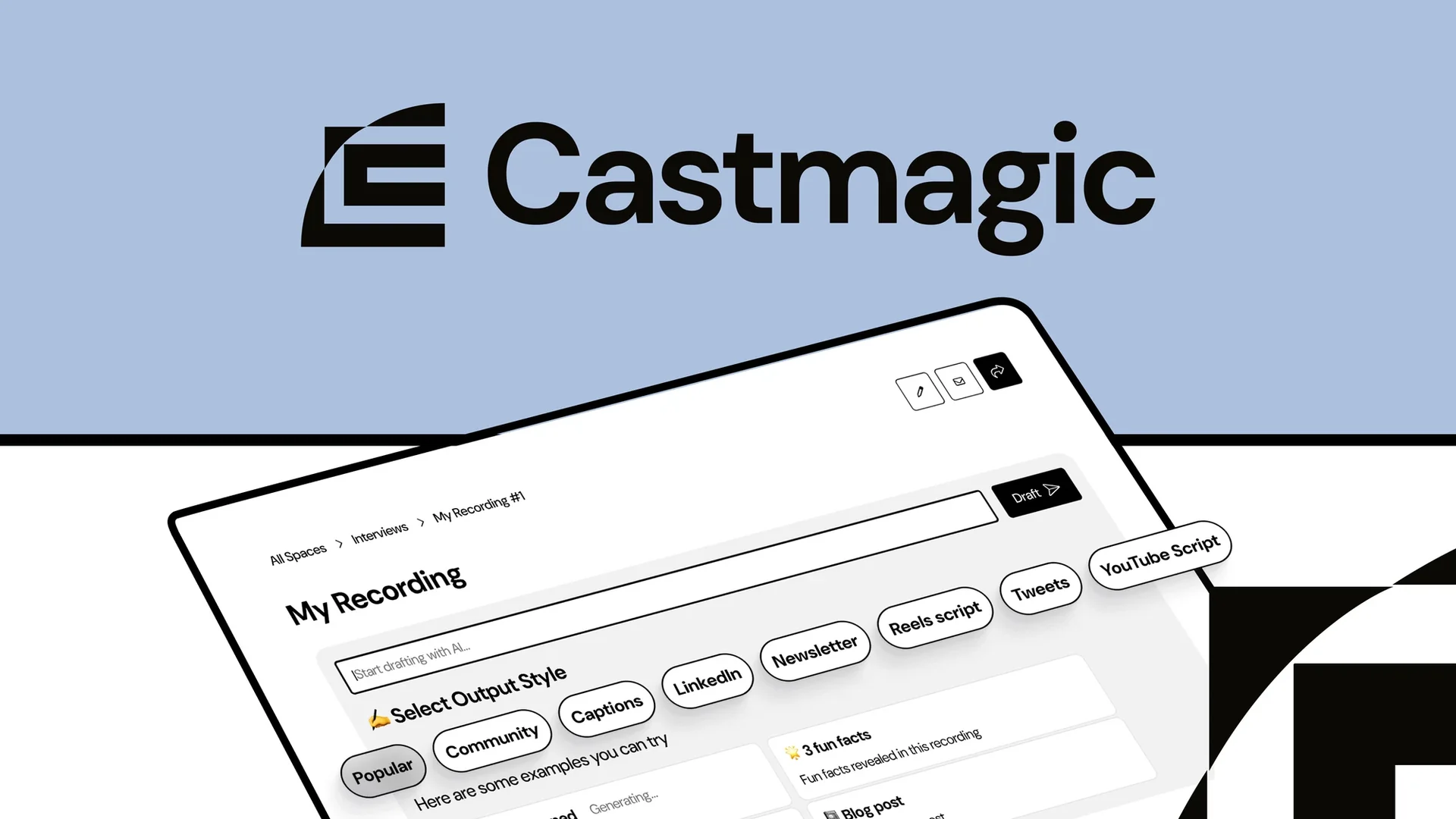
Castmagic
Categories: 🔖
Text-to-Speech / Speech-to-Text
Article and Post Generation
Content and Text Writing
Summaries, Headlines, and Ideas
Content Management and Publishing
Content Calendars and Scheduling
Marketing and Sales
Rewriting and Style Improvement
Motion Graphics, Headlines, and Translation
Integrations and APIs
Tasks and Projects
️ What does this tool offer? ✏
Castmagic is an integrated, AI-powered platform designed to transform audio and video files into a wide range of ready-to-use content. It is aimed at content creators, marketing teams, agencies, podcast networks, production teams, and media outlets. The company currently describes it as an AI-powered content operating system that helps content and marketing teams and agencies get more out of their audio and video files. (Confirmed)
Users can import content via links or upload files directly. The platform supports MP3, WAV, M4A, and MP4files, with the ability to upload files directly; Castmagic also notes that it works with more than 1,800 platforms. (Confirmed)
Using a single audio or video recording, the platform can generate a wide range of assets and outputs, including:
Transcripts.
Summaries and key points.
Overviews with timestamps and episode notes.
Long-form articles.
Newsletters.
LinkedIn posts.
Blog content.
Social media posts.
Tweets and thread posts.
Quotes and highlights.
Video transcripts.
YouTube descriptions.
Emails and email threads.
Marketing content.
Audio and video clips.
Complete content campaigns from a single recording. (Confirmed)
Castmagic offers content management capabilities across multiple workspaces for brands and clients,with user permissions, folders, and custom workflows. It also enables training AI on the brand’s voice and the creation of customizable templates. (Confirmed)
The platform includes semantic search within the content library to find quotes, stories, and key moments, as well as capabilities for comments, tasks, and internal review and approval workflows. (Confirmed)
Castmagic also supports multiple sources and imports, including YouTube, Spotify, Apple Podcasts, TikTok, Reels, X, Google Drive, Vimeo, Twitch, Reddit, Loom, Wistia, and RSS,as well as direct file uploads and Zapier. (Confirmed)
The platform currently offers MCP with Claude,allowing users to link their media library to Claude so they can search within transcripts and quotes and create content based on recordings, with the ability to reference specific moments within a recording. (Confirmed)
Castmagic reports that it is used bymore than 100,000 podcasters and content creators,and cites results including a threefold increase in content production, a 97% reduction in content creation time, and an average time savings of more than 16 hours per customer. (Confirmed)
What does it actually offer based on user experience? ⭐
Converting a single recording into a large collection of content assets.
Transcribing audio and video recordings.
Create summaries, key takeaways, and episode notes.
Create articles, newsletters, LinkedIn posts, and blog posts.
Generate video transcripts and YouTube descriptions.
Extract quotes and key moments from recordings.
Create multiple content campaigns from a single recording.
Train AI to match your brand’s style.
Use customizable templates to produce content.
Manage multiple brands or clients through separate workspaces.
Organize content using folders, permissions, and workflows.
Perform semantic searches within the recording library to find specific moments.
Add comments, tasks, and review and approval workflows.
Connect the content library to Claude via MCP.
Import content from a wide range of sources and platforms.
Create publish-ready content from audio and video files in minutes instead of through time-consuming manual processes. (Confirmed)
Castmagic features user testimonials, including mentions that the platform has helped teams streamline the reuse of video and podcast content and reduce manual work. (Verified)
Does it include automation? 🤖
Yes. Castmagic relies primarily on artificial intelligence to automate the conversion of recordings into transcripts, summaries, and various content assets.
It also offers Campaign Builder to create a content campaign from a single recording, allows you to train the AI on your brand’s voice and create reusable templates, and provides semantic search within the content library. (Confirmed)
The platform also supports integration with Claude via MCP,so the recording library can be used as a searchable and referenceable source when creating new content. (Confirmed)
Pricing Model: 💰
Paid subscription — Castmagic operates on a paid subscription model, with options for monthly or annual payment based on the information provided. Paid plans start at $19 per month when paying annually for the Hobby plan, then $48 per month for the Starter plan, and **$139 per month** for the Team plan, while the Business & Scale plan starts at $699 per month with custom pricing based on the organization’s needs.
The information provided indicates a 30% discount when paying annually.
🆓 Free Plan Details:
| Feature | Details |
|---|---|
| Permanent Free Plan | Not listed among the plans offered |
| Free Trial | Details not specified in the information provided |
| Price | No permanent free plan listed |
Paid plan details: 💳
| Plan | Price | Features |
| Hobby | $19 per month when billed annually, for a total of $239 per year | 30 hours of transcription, over 60 languages, timestamps, audio and video playback, editing and collaboration, AI and content creation tools, audio and video clip creation, 50GB of storage, up to 3 workspaces, up to 3 seats, integration with Zoom, Google Drive, Zapier, RSS, YouTube, TikTok, and Instagram, and standard support |
| Starter | $48 per month when billed annually, for a total of $579 per year | 100 hours of transcription, over 60 languages, up to 10 workspaces, 250GB of storage, up to 5 seats, all AI, Studio, and integration features, API access, and an initial setup session |
| Team | $139 per month when billed annually, totaling $1,669 per year | 400 transcription hours, up to 25 workspaces, 1TB of storage, 5 seats included, option to add additional seats for $159 per year per seat, access to an unlimited number of seats, and priority support, in addition to the benefits of the previous plans |
| Business & Scale | Starting at $699 per month | All Team benefits, custom upload quotas, increased seat and storage capacity, custom implementations and use cases, volume-based discounts, service level agreements (SLAs), and dedicated support |
The information provided indicates that paid plans allow for unlimited file uploads, with a maximum file size of 10GB and up to 50 concurrent uploads, in addition to an integrated media library and the ability to create audio, video, and image content using artificial intelligence.
How to access the tool: 🧭
| How to Access | Availability |
| Web | Available |
| Upload files | Available |
| Content Links | Available |
| YouTube | Available |
| Vimeo | Available |
| RSS | Available |
| Available | |
| Zapier | Available |
| API | Available |
| MCP with Claude | Available |
Demo link or official website: 🔗