ImgCreator (ZMO.AI)
Description
️ 🖼Tool Name:
ImgCreator (ZMO.AI)
🔖 Tool Category:
Text-to-Image & AI Image Editing.
️ ✏What does this tool offer?
Generate images from text (Text-to-Image).
Edit existing images: Remove or add elements, change backgrounds, recolor.
Customization support via Negative Prompt to remove what the user doesn't want.
Multiple filters and different artistic styles.
Ability to produce high-resolution images (up to 2K).
Create multiple images at once.
⭐ What does the tool actually deliver based on user experience?
Creative results suitable for design, marketing, and digital content.
The interface is easy to use, even for non-designers.
Flexibility in choosing artistic styles makes the tool suitable for a wide range of uses.
Performance is stable when generating high-quality images, but results may vary depending on the complexity of the input text.
🤖 Does it include automation?
Yes - the tool relies on automation to:
Generate images in real-time from text commands.
Optimize images and change backgrounds automatically.
Apply filters and artistic styles automatically.
💰 Pricing Model:
Freemium + paid plans (monthly or yearly with significant discounts).
🆓 Free Plan Details:
There are no exact details on a standalone free plan, but limited free points are often provided for the initial trial.
💳 Paid Plan Details:
Starter Plan: $14.9 per month or $4.9 when paying annually.
- 300 points per month
- Up to 1K resolution
- 4 photos at once
- Daily limit removedPro Plan: $29.9 per month or $14.9 per year.
- 3000 dots
- Resolution up to 2K
- 6 images at once
- Multiple filters + Negative Prompt supportBoss Plan: $59.9 per month or $24.9 per year.
- Unlimited points
- Up to 2K resolution
- 8 images at once
- All advanced features
🧭 Access Method:
Via the official website (ZMO.AI ImgCreator).
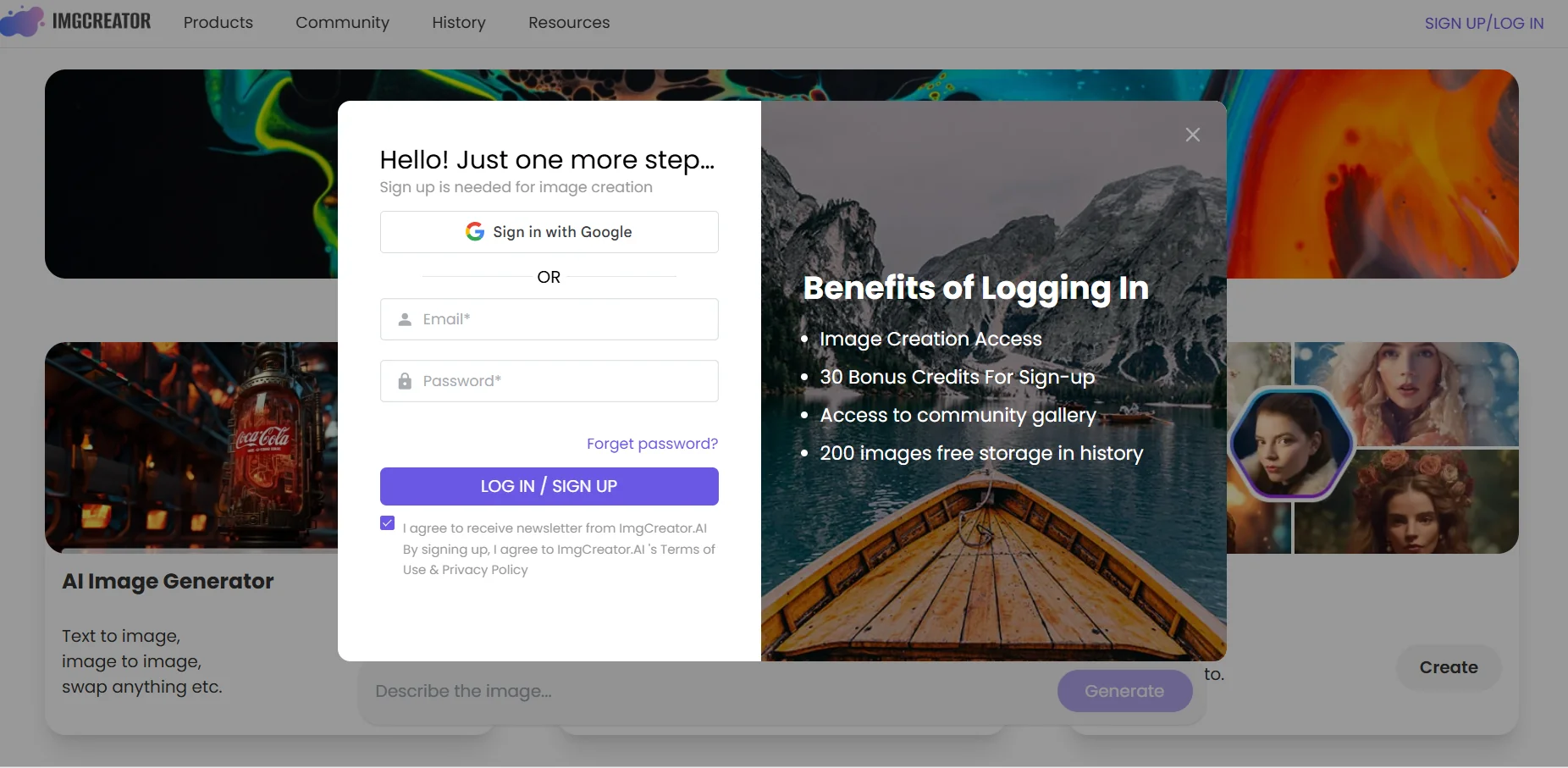
Requires login to use all tools.
🔗 Experience Link:
https://www.zmo.ai/imgcreator?login