كروتي ايه اي
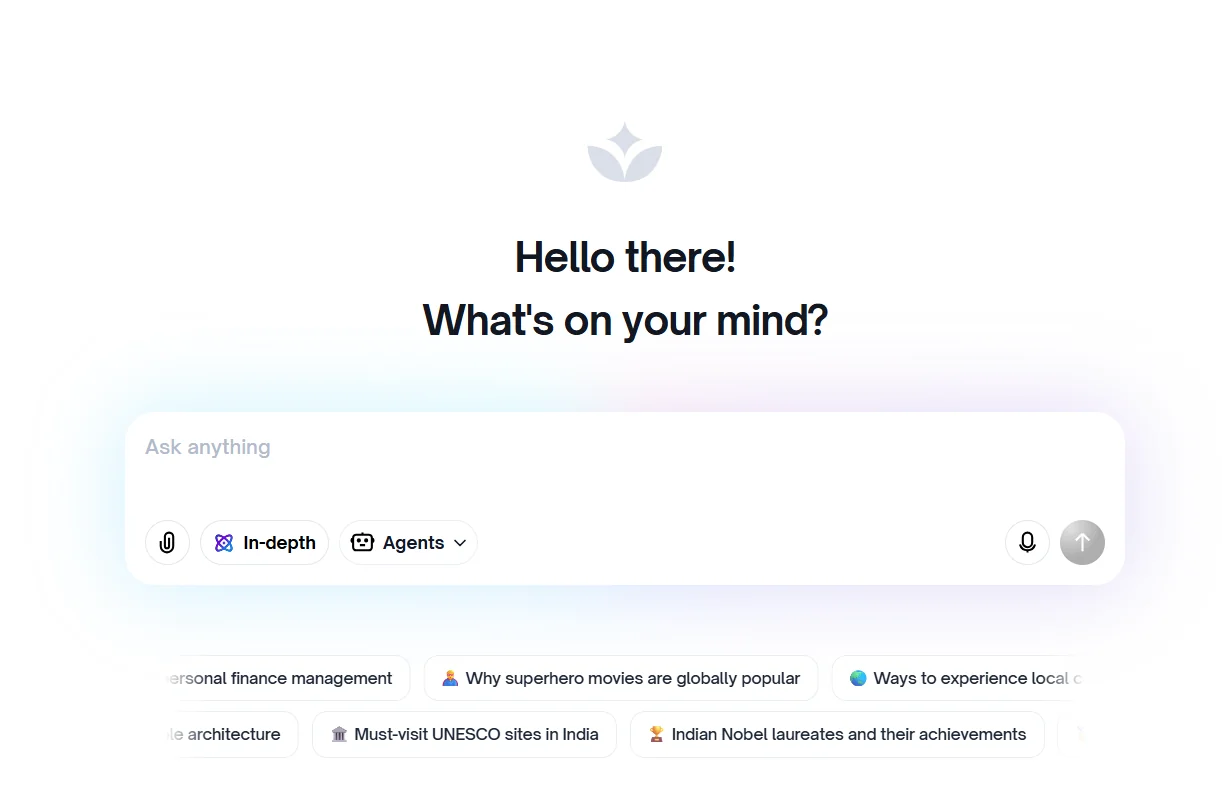
Description
️ 🖼Tool name:
Crotty AE
🔖 Tool Category:
Artificial Intelligence Proxy Assistant (Multilingual Intelligent Agent)
️ ✏What does this tool offer?
An intelligent assistant that not only talks but also performs tasks on behalf of the user.
It supports text and voice commands to perform actions such as: Booking cars, ordering food, paying bills.
Works in several local Indian languages in addition to English.
Built on the large language model of Crotrim v2 with open source modeling to support flexibility.
Provides functions such as: Deep search, visual generation (images), and multi-contextual analysis.
Includes conversational memory to personalize recommendations and remember previous interactions.
Supports developers via SDK to integrate its services into other applications.
⭐ What does it actually offer in terms of user experience?
Allows users to perform daily life tasks efficiently without having to switch between multiple apps.
It received a good rating for its ease of use and support for multiple local languages.
The app is available on the Google Play Store with features such as voice input, advanced search, and image generation.
May have challenges with accuracy of responses in less supported languages or in very complex tasks.
🤖 Does it include automation?
Yes.
Perform tasks by proxy for the user.
Integrate with external services (e.g. booking or payment) via APIs.
Automatically update context and memory to personalize the experience.
Manage multiple commands in a single flow.
💰 Pricing model:
Pricing details have not been precisely announced.
Some functions (such as search or images) are available for free.
Future paid plans are expected for advanced users or organizations.
🆓 F ree plan details:
Basic functionality available for free (chat, search, visual generation, some daily tasks).
There are no officially announced exact limits yet.
💳 Paid plan details:
Not clearly announced.
Possibly subscription plans or fees for organizations, especially when using the development package or high-consumption tasks.
🧭 Methods of access:
Via the official website: kruti.ai
Through the Kruti app on the Google Play Store.
Via SDK for integrating features into third-party apps.
🔗 Trial link:
https://www.kruti.ai/