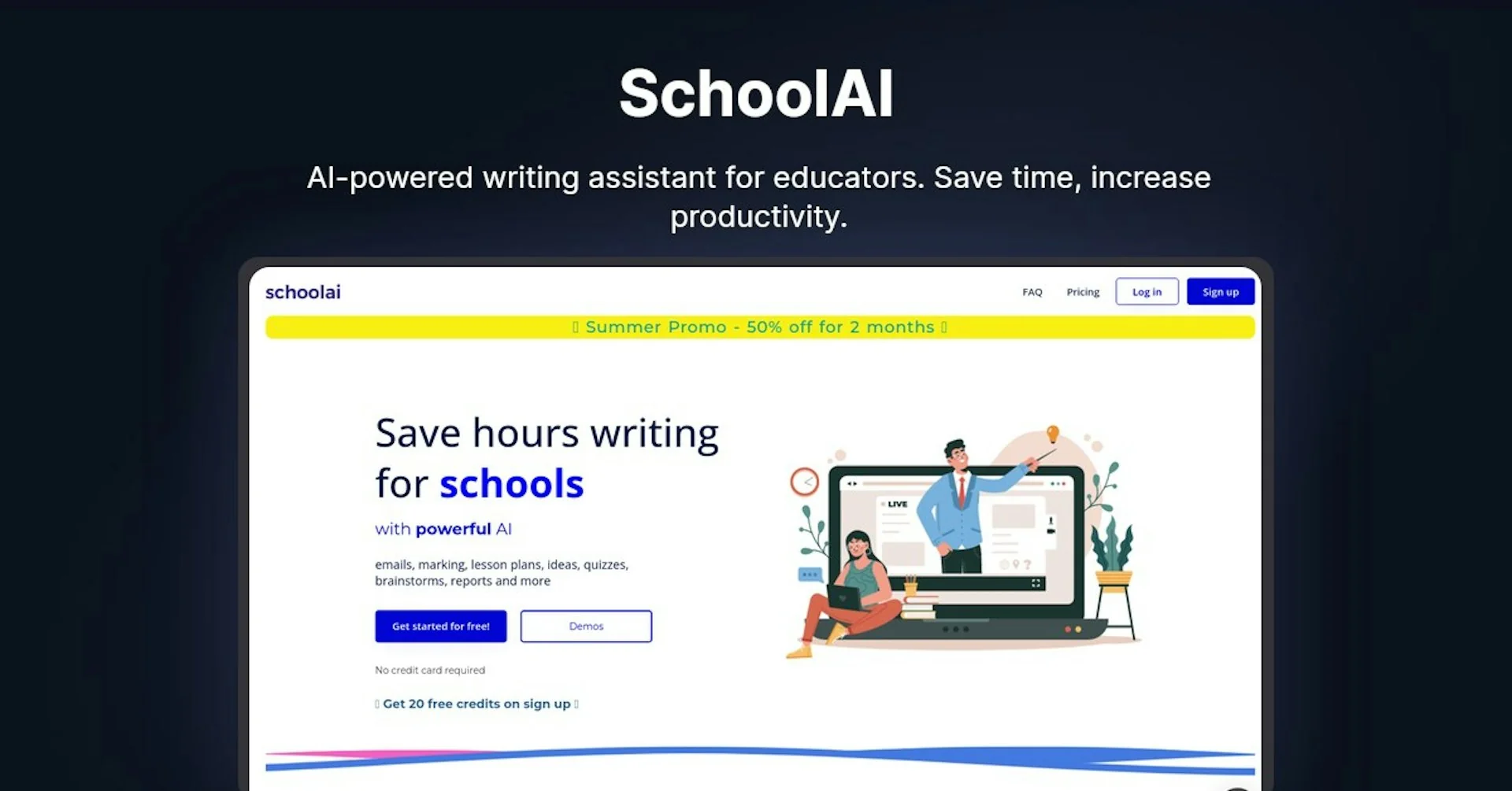
Description
🖼️ Tool Name:
SchoolAI
🔖 Tool Category:
AI classroom platform; it falls under education tools for lesson creation, student tutoring (“Spaces”), classroom insights, and governance.
✏️ What does this tool offer?
SchoolAI helps teachers create interactive, standards-aligned lessons and student activities (“Spaces”), monitor understanding in real time, and personalize support. It includes a growing library of 200,000+ Spaces shared by educators, a Chrome extension, and admin/IT controls for districts.
⭐ What does the tool actually deliver based on user experience?
• Spaces: teacher-defined AI experiences (tutors, games, activities) that give tailored feedback based on student interactions.
• Ready-made library: discover, adapt, and share classroom-tested Spaces (200k+).
• Teacher workflow: lesson/worksheet/quiz generation, insight dashboards, and end-of-session summaries.
• Chrome extension to generate materials and assist students anywhere on the web (some pages show a waitlist).
• Integrations: Google Classroom, Canvas (LTI), Schoology setup guides.
🤖 Does it include automation?
Yes — automated lesson/material generation, retrieval-augmented responses (RAG), student progress insights/alerts, and LMS-integrated student Spaces with guardrails.
💰 Pricing Model:
Tiered plans (Free, Pro, Scale). Public page focuses on features; specific Pro/Scale pricing is sales-assisted.
🆓 Free Plan Details:
• Access to 200k+ premade Spaces and resources
• 1 PowerUp per Space, teacher insight dashboard
• Chrome extension access, RAG, and listed compliance/certifications (FERPA/COPPA, SOC2, 1EdTech).
💳 Paid Plan Details:
• Pro (schools): unlimited PowerUps per Space; school/PLC insights & outcome reports; learner profiles & advanced memory; PD hub/certifications; LMS-integrated student Spaces; usage/outcome analytics.
• Scale (districts): adds SIS-powered rostering, SSO/LMS integrations, priority support & SLA, granular collection permissions, custom DPAs.
🧭 Access Method:
• Web app for teachers/students (create Spaces, run sessions, see insights)
• Chrome extension for in-browser creation/support
• Help Center guides for Google Classroom, Canvas (LTI), and Schoology.
🔗 Experience Link:
https://schoolai.com