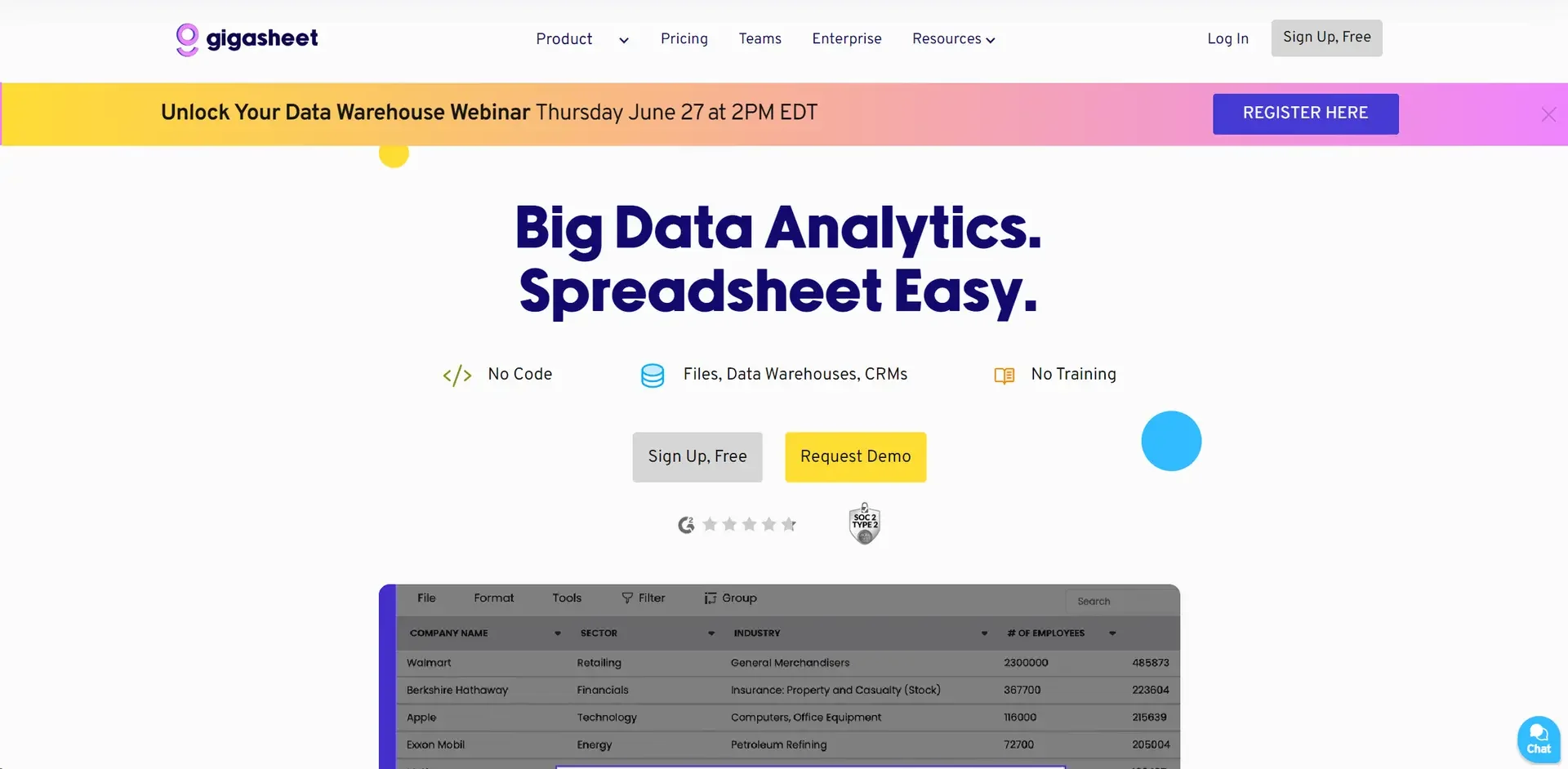
Description
️ 🖼Tool Name:
Gigasheet
🔖 Categories:
- Data and Analytics
- Analytics and Dashboards
- Finance, Forecasting, and Dashboards
- Forecasting and Applied Machine Learning
- Integrations and APIs
- Health and Wellness
️ ✏What does this tool offer?
Gigasheet is a platform specializing in healthcare pricing data analysis and price transparency on a very large scale.It collects and processes billions of data points related to prices, contracts, and payment rates from insurance companies and healthcare providers, It then transforms this massive and complex data into clear, actionable insights for analysis and decision-making.
The platform enables healthcare providers, insurance companies, self-insured plan owners, MedTech companies, and life sciences firms to compare prices for medical services and measure reimbursement rates, identify trends and anomalous price discrepancies, pinpoint high-value providers, analyze competitor pricing, support contract negotiations, build provider networks, and improve market access.
Gigasheet AI uses artificial intelligence to analyze price transparency data and generate interactive reports that include insights, comparisons, and benchmarks, so that users can get immediate answers instead of manually processing massive data files or conducting lengthy market studies.
The platform also allows users to track information back to its original sources and machine-readable data files, with the aim of promoting transparency and verifying the data used in analyses.
Gigasheet provides a high-performance analytics engine capable of performing complex analyses on national healthcare pricing data without the need to download, upload, or manually manage the data. These capabilities can be accessed via a web interface, API, or AI agent.
In practice, the platform helps insurance companies develop their networks and compare competitors’ contracts, MedTech companies to understand actual reimbursement rates to support pricing, forecasting, and product adoption strategies, and healthcare providers to analyze competitors’ prices and payment trends and negotiate stronger contracts, and it helps self-funded plan owners and benefits partners evaluate plans and analyze networks.
⭐ What does it actually offer based on user experience?
- Analysis of massive amounts of healthcare pricing data and price transparency.
- Processing billions of data points related to prices, contracts, and payment rates.
- Comparing prices for medical services across providers.
- Measuring and analyzing reimbursement rates.
- Identifying trends and abnormal price discrepancies.
- Identifying high-value providers.
- Analyzing competitors’ prices.
- Support contract negotiations.
- Assist in building service provider networks.
- Support market entry decisions.
- Create interactive reports using Gigasheet AI.
- Derive insights, comparisons, and benchmarks from pricing data.
- Trace information back to its original source.
- Provide machine-readable data files.
- Perform complex analyses on national healthcare pricing data.
- Make analyses available without the need to download, upload, or manually manage data.
- Support insurance companies in comparing contracts and developing provider networks.
- Supporting MedTech and life sciences companies in analyzing reimbursement rates and pricing.
- Help healthcare providers understand competitors’ prices and payment trends.
- Help self-funded plan owners and benefits partners evaluate plans and analyze networks.
🤖 Does it include automation?
Yes, Gigasheet includes AI-powered capabilities to automate data analysis and extract insights from large datasets.
Gigasheet uses AI to analyze price transparency data and generate interactive reports that include insights, comparisons, and benchmarks, reducing the need for manual analysis of large datasets.
These analytics capabilities are accessible via an AI agent and an API,in addition to the web interface.
💰 Pricing Model:
Monthly or annual paid subscription.
Gigasheet offers a Premium plan for users who need to handle large amounts of data, priced at $95 per month,with the option to choose monthly or annual billing, and a 21% discount for annual subscriptions.
🆓 Free Plan Details:
| Plan | Price | Details |
|---|---|---|
| No free plan listed | — | The information provided covers only the paid Premium plan; no confirmed details about a free plan are mentioned. (Unconfirmed) |
💳 Paid plan details:
| Plan | Price | Features |
|---|---|---|
| Premium | $95 per month | Handle large amounts of data, with the option of 25 million rows per sheet and 25 GB of storage. Choose between monthly or annual billing. |
| Premium – Get More | $95 per month based on the information provided | 75 million rows per sheet and 75 GB of storage with the Get More option. |
| Annual Subscription | 21% discount | Option to subscribe annually and save 21% compared to monthly payments. |
🧭 How to access the tool:
| How to Access | Details |
|---|---|
| Web | You can access Gigasheet and use its data analysis capabilities through the web interface. |
| API | The platform provides access to its analytics capabilities via an API. |
| AI Agent | The analytics capabilities can be accessed through the AI agent. |
🔗 Demo link or official website:
Gigasheet Official Website