Pollo AI
Description
️ 🖼Tool name:
Pollo AI
Of 🌐ficial website:
https://pollo.ai/image-to-video
🧠 What does it do?
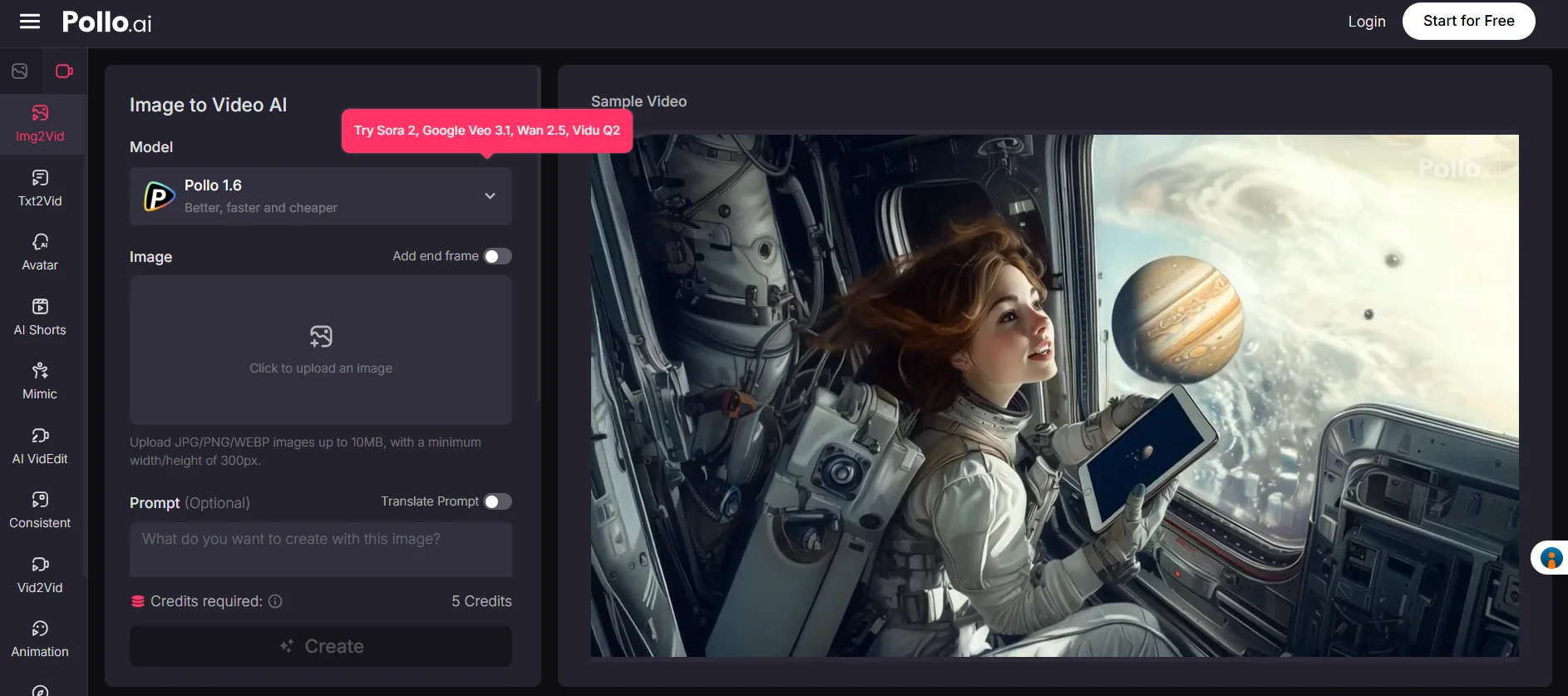
Convert photos into dynamic videos: Using AI, you can turn a still image into a short video with high quality.
Support multiple formats: It accepts images in JPG, PNG, and WEBP formats.
Video customization options: The tool allows you to tweak the video duration, frame rate, and video resolution.
Export without watermarks: You can upload videos without watermarks, even in the free version.
Ready-made templates: The tool provides more than 100 video templates that you can use to speed up the creation process.
Simple user interface: The user-friendly design allows users to create videos quickly and without the need for advanced editing skills.
💰 Pricing model:
Pollo AI offers a credit-based pricing model:
Free plan:
20 credits per month.
Create up to 2 videos and 20 photos per month.
One task at a time.
Access to basic templates.
Watermarked output.
Standard community support.
Lite Plan:
$15 per month (50% off with annual billing).
300 credits per month.
Create up to 30 videos and 300 photos per month.
Two tasks at a time.
Support for all advanced templates.
Watermark-free output.
Faster generation speed.
Additional camera movement options.
Ability to make videos private.
Priority customer support.
🎯 Who is the target audience?
Marketers: Create promotional videos for their products or services.
Photographers: Turning their photos into videos to showcase their work.
Designers: Add motion effects to their designs.
Social media influencers: Create engaging visual content for their followers.
Key ✅features:
Ease of use: No advanced editing skills needed.
Flexible customization: Multiple options to edit the video as desired.
High-quality export: High-resolution videos with no watermarks.
Support for multiple formats: Accept multiple image formats.
Ready-made templates: Speed up the creation process by using the available templates.
️ ⚠Possible disadvantages:
Credit system: May be limited for users who need to create a large number of videos per day.
Internet dependency: Requires a stable internet connection to create videos.
Link: Free Image to Video AI Generator: Turn Photos to Videos | Pollo AI