Description
️ 🖼Tool Name:
quso.ai
🔖 Categories:
Social Media Templates and Post-Production Automation
Content Management and Publishing
Calendars and Content Scheduling
Video, Editing, and Motion Graphics
Video Summaries and Clips
Motion Graphics, Titles, and Subtitles
Marketing and Sales
Content and Copywriting
️ ✏What does this tool offer?
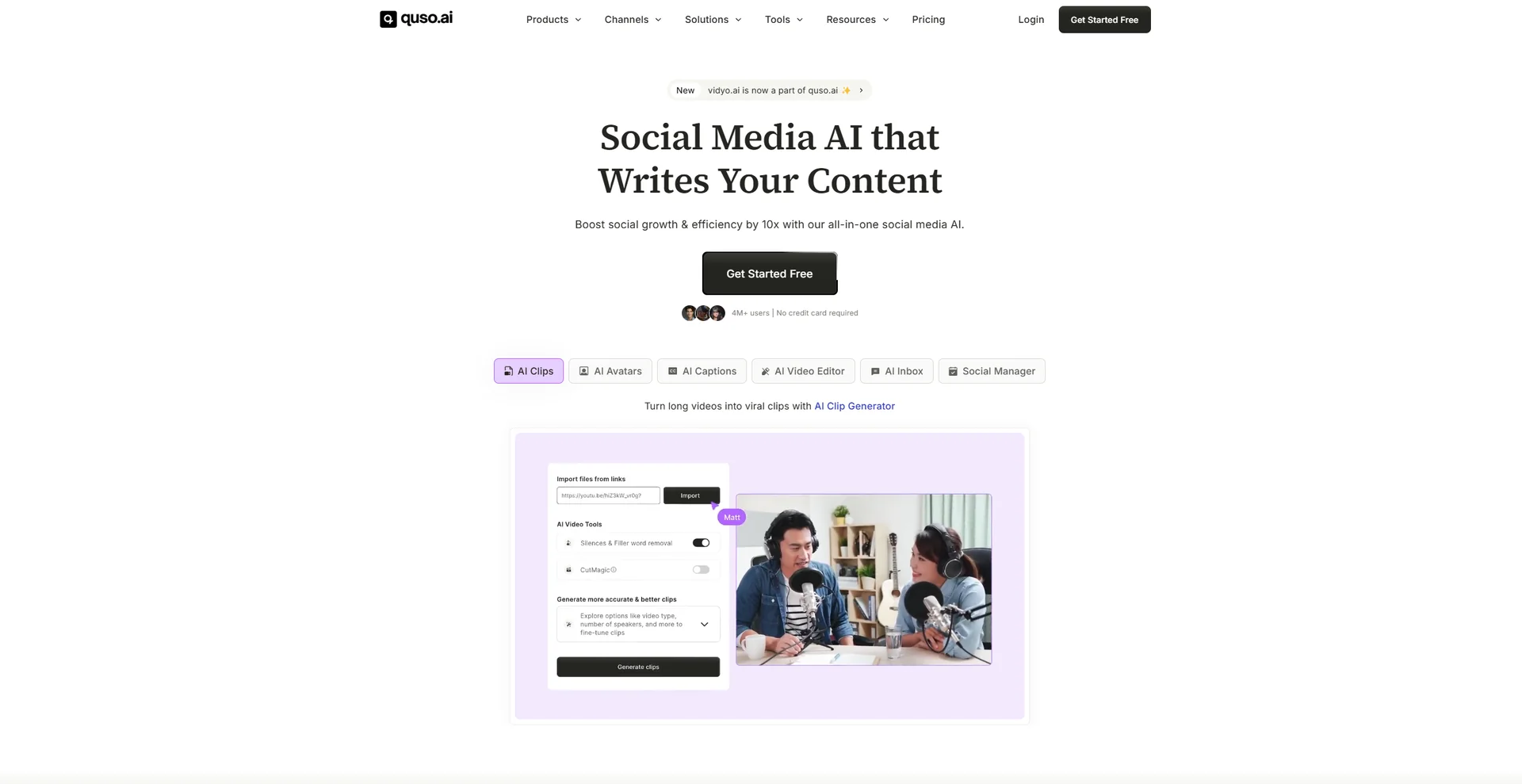
quso.ai is an AI-powered platform for repurposing video content and converting long videos into short clips ready for posting on social media platforms. The platform allows you to upload a single long video and automatically analyze it to identify the best moments and most engaging clips, then converting it into up to 10 short, shareable clips, complete with captions and formatted to meet social media platform requirements.
quso.ai isn’t limited to video trimming; it brings together a suite of tools for content repurposing and management, including AI-powered clip generation, generating subtitles and captions, removing filler words and silences, editing videos, resizing them to different aspect ratios, as well as AI-generated video creation, a B-roll library, and the CutMagic tool.
The platform also provides tools for content management and publishing, such as social media scheduling, content planning, performance analytics, and social captioning. It integrates with platforms such as Facebook, Instagram, LinkedIn, Pinterest, TikTok, X, and YouTube, allowing it to be used within a seamless workflow for producing, publishing, and managing short-form content.
quso.ai targets a wide range of users, including content creators, businesses, podcasters, and agencies, as well as fields such as psychology, entertainment, car reviews, sports, news, gaming, real estate, music, fitness, education, photography, business management, and health. The platform reports that it is used by more than 4 million content creators and companies.
quso.ai also offers a range of standalone free tools, including AI Clip Maker, Long Video to Short Video, Resize Video, TikTok Clip Maker, YouTube Clip Maker, Highlight Video Maker, AI Twitch Clip Generator, and Video Transcript Generator.
⭐ What does it actually offer based on user experience?
- Automatically convert a single long video into up to 10 short clips.
- Identifies important and reusable moments from a long video.
- Add captions to the clips and prepare them for posting.
- Repurpose long-form content to create short-form content for social media platforms.
- Removes filler words and silences using AI in plans that include this feature.
- Resize videos to 16:9, 9:16, and 1:1 aspect ratios in paid plans.
- Edit videos using an advanced desktop editor in plans that include this feature.
- Create branded video templates and add logos, colors, and fonts in the Growth plan.
- Schedule and publish content across multiple social media platforms.
- Analyze social media content performance on the Growth plan.
- Access additional tools such as CutMagic, Content Planner, Viddy AI, and the B-Roll library, depending on your plan.
🤖 Does it include automation?
Yes, quso.ai includes AI-powered automation capabilities, particularly for video analysis, clip selection and trimming, content repurposing, and adding captions. It also offers automation related to content management through scheduling posts and publishing to multiple platforms.
Some plans include additional tools such as Viddy AI to assist with content creation,Content Planner for content planning, and tools to automatically remove filler words and silence. This allows you to automate a large part of the process of converting long-form video into short-form content and publishing it without having to perform every step manually.
💰 Pricing Model:
Freemium + monthly or annual subscription based on credits.
quso.ai lets you get started for free, while paid plans are based on a credit system that increases depending on the package. The platform also offers the option of monthly or annual payment, and the annual subscription provides a savings of approximately 33% while doubling the number of credits compared to monthly billing.
🆓 Free Plan Details:
| Feature | Details |
|---|---|
| Price | $0 per month |
| Credits | 75 credits per month |
| Export Quality | 720p |
| Episodes | Available |
| Create short videos | Available |
| Post to TikTok | Available |
| CutMagic | Available |
| Data retention | 7 days |
| Get Started | Free |
💳 Paid plan details:
| Plan | Monthly Price | Annual Price | Credits | Key Features |
|---|---|---|---|---|
| Lite | $29/month | $19/month | 100 per month or 200 per year | Unlimited 1080p clips, advanced desktop video editor, publishing and scheduling on 6 platforms, 16:9, 9:16, and 1:1 aspect ratios, 10 GB of storage |
| Essential | $39/month | $26/month | 300 per month or 600 per year | All Lite features, AI-powered removal of filler words and silence, external content support, Content Planner, 25GB of storage |
| Growth | $49/month | $33/month | $600 per month or $1,200 per year | All Essential features, Brand Kit, custom templates, Viddy AI, priority access to new AI features, unlimited branded video templates, logos, colors, and fonts, social media analytics, priority support, 75GB of storage |
🧭 How to access the tool:
| How to access | Details |
|---|---|
| Web | Available via the quso.ai platform |
| Desktop App | An advanced desktop video editor is available as part of paid plans |
| Social Media Platforms | Integrates with Facebook, Instagram, LinkedIn, Pinterest, TikTok, X, and YouTube |
| API | Not mentioned in the provided information |
| Browser extension | Not mentioned in the provided information |
🔗 Demo link or official website: