Conch Video
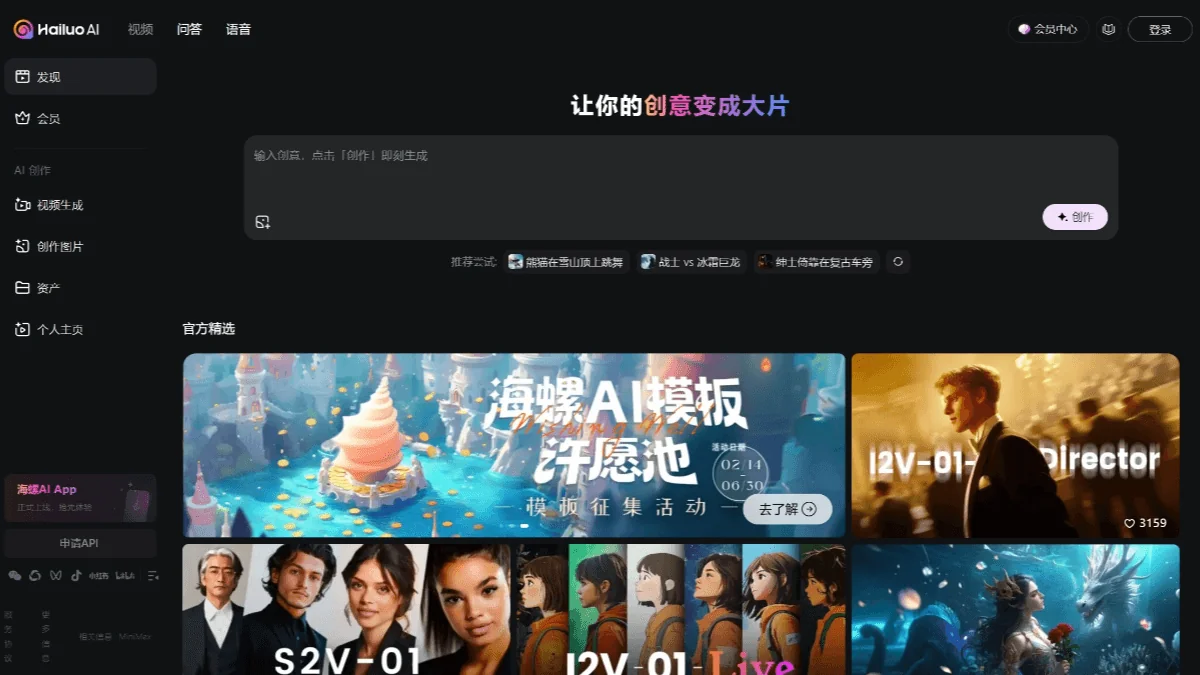
Description
🖼️ Tool Name:
Conch Video
🔖 Tool Category:
AI-powered video creation & editing tool; it falls under the category of Text and Images to Video (with some overlap into video editing for marketing)
✏️ What does this tool offer?
Conch Video (by MiniMax / its “Hailuo” platform) enables users (creators, marketers, storytellers) to generate videos from text prompts, images or templates.
It offers:
Text-to-video: input a descriptive prompt, get a short video clip.
Image-to-video: upload images and turn them into animated video sequences.
Template library: customizable templates suitable for marketing, social media, etc.
Voice-over / audio features and multi-scene support in some versions.
⭐ What does the tool actually deliver based on user experience?
Allows non-technical users to create short videos quickly, reducing traditional editing effort.
Generates HD or near-HD (e.g., 720p) video outputs from prompts; though may have limitations in longer format or ultra-high complexity.
Useful for social clips, product videos, ads, educational visuals.
Some users note initial learning curve with prompt crafting/design.
🤖 Does it include automation?
Yes — Conch Video integrates automation:
Automatically parses the text prompt (or uploaded image) to determine video scenes and motion.
Automatically builds video with templates and applies edits without manual timeline work.
Some voice-over/music/scene generation might be automatic (depending on version).
💰 Pricing Model:
Freemium model.
🆓 Free Plan Details:
Free tier allows limited video generations.
💳 Paid Plan Details:
Paid usage unlocks more features, higher quality output, more customization (exact pricing may vary).
🧭 Access Method:
Web-based via official site of Conch Video/ Hailuo.
🔗 Experience Link:
https://www.getconch.ai