️ 🖼Tool Name:
FaceHub
🔖 Categories:
- Photo Design and Editing
- Removing and Replacing Elements and Backgrounds
- Batch and Style Conversion
- Editing/Enhancing/Up-scaling
- Video, Editing, and Motion
️ ✏What does this tool offer?
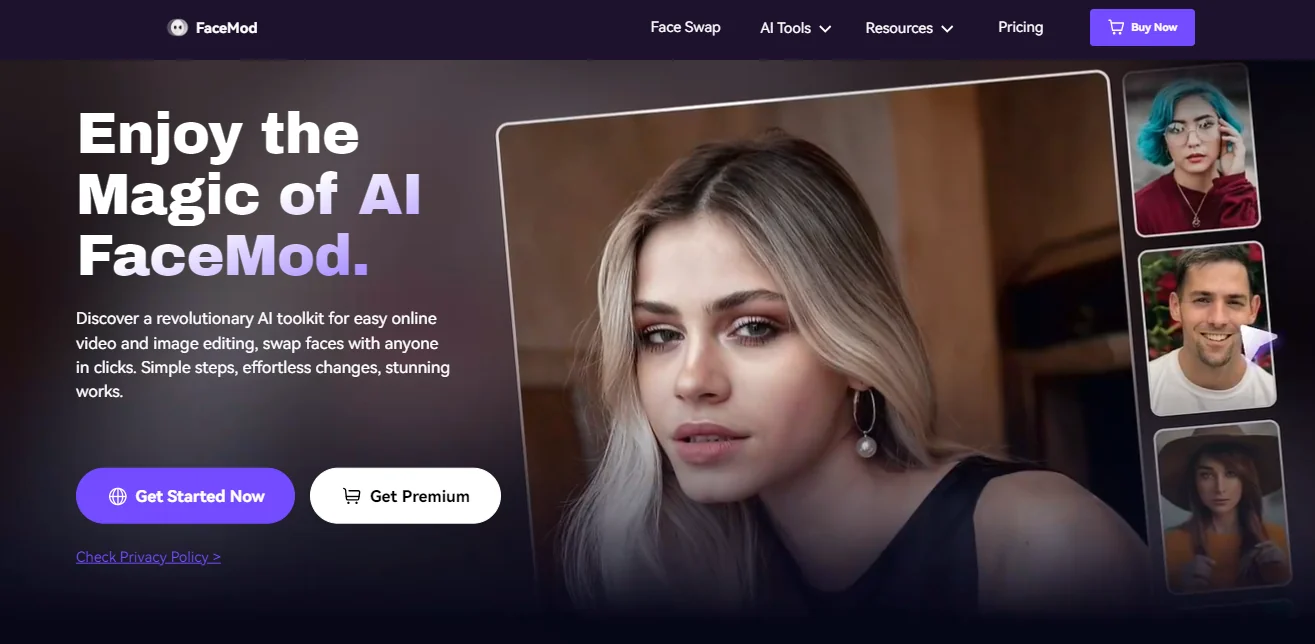
FaceHub is an AI-powered online platform for editing photos and videos and swapping faces, allowing you to easily upload a photo or video and swap faces. The platform supports swapping one or multiple faces at the same time, as well as creating virtual character transformations and cosplay projects, and customizing greetings and messages, with over 1,000 video templates available, according to the information provided.
FaceHub also allows users to swap faces in photos, create multiple AI-generated images of models, virtually try on different outfits, hairstyles, and styles, create interactive photos with celebrities, and design and customize memes. It also offers tools for creating images in various styles, including converting photos into 2D and 3D anime characters, as well as styles inspired by Pixar, Street Fighter, and pixel art.
The platform includes the AI Portrait tool for creating portraits in multiple styles, such as regular photos, ID photos, yearbook photos, and magazine spreads, as well as styles inspired by different eras, such as the 1930s and 1980s.
The face-swapping technology relies on a framework comprising 106 key facial points,along with algorithms for facial shape correction, image blending, and facial preprocessing. The platform states that it can process 20 photos in 3.1 secondsand notes that video creation takes about two seconds, with face recognition accuracy reaching 95%.
FaceHub also offers tools for swapping animal faces, swapping multiple faces, changing gender, restoring old photos using artificial intelligence, and creating composite photos and videos. The platform can be used directly online by uploading photos or videos or selecting ready-made templates.
⭐ What does it actually offer based on user experience?
- Easily swap faces in photos and videos.
- Support for swapping one or multiple faces.
- Provides ready-made templates for photos and videos.
- Create avatars in various styles using artificial intelligence.
- Create 2D and 3D anime characters and styles.
- Create and customize meme images.
- Try on clothes, hairstyles, and styles virtually.
- Restore old photos using artificial intelligence.
- Process multiple images in parallel according to the selected plan.
- The platform boasts a face recognition accuracy of up to 95% and a processing time of 3.1 seconds for 20 images.
🤖 Does it include automation?
Yes. FaceHub relies on artificial intelligence to automate face swapping and image and video processing, including face recognition, face shape correction, image merging, and preprocessing. It also supports parallel processing of multiple tasks, allowing for the execution of several operations simultaneously.
💰 Pricing Model:
Freemium / Paid subscription based on subscription duration and credits.
🆓 Free Plan Details:
| Feature | Details |
|---|
| Free Credits | 20 credits per week |
| Photo Face Swap | Free and unlimited |
| Face Swap in Videos | 1,200 seconds of AI-powered video face swapping for free with the monthly plan |
| Task Processing | Parallel processing of multiple tasks |
| Templates | Over 2,000 templates included in the annual plan, according to the information provided |
| Usage | You can try FaceHub’s tools using the free credits and features available |
💳 Paid plan details:
| Plan | Price | Features and Differences |
|---|
| Monthly | $2.47 per week, billed monthly at $9.99 | 1,200 seconds of free AI-powered video face swapping, unlimited photo face swapping, over 2,000 templates, parallel processing for multiple tasks, and 20 free credits per week |
| Annual | $0.77 per week, billed annually at $39.99 | 15,600 seconds of free AI video face swapping, unlimited AI photo face swapping, free AI Anime and AI Portrait creation, access to all professional templates, parallel processing of multiple tasks, support for simultaneous login from multiple devices, and 20 free credits per week |
| Account Type | Premium Users | Video | Photo |
|---|
| Upload | 1 credit per 15 seconds | — | Free |
| Swap | Free | Free | Free |
🧭 How to access the tool:
| How to Access | Details |
|---|
| Web | Available online by uploading photos and videos or using templates |
| App | Not mentioned in the provided information |
| API | Not mentioned in the provided information |
| Add-on | Not mentioned in the information provided |
🔗 Link to the demo or official website:
https://www.facengine.ai/app/pc/main/pricing