Shuffll
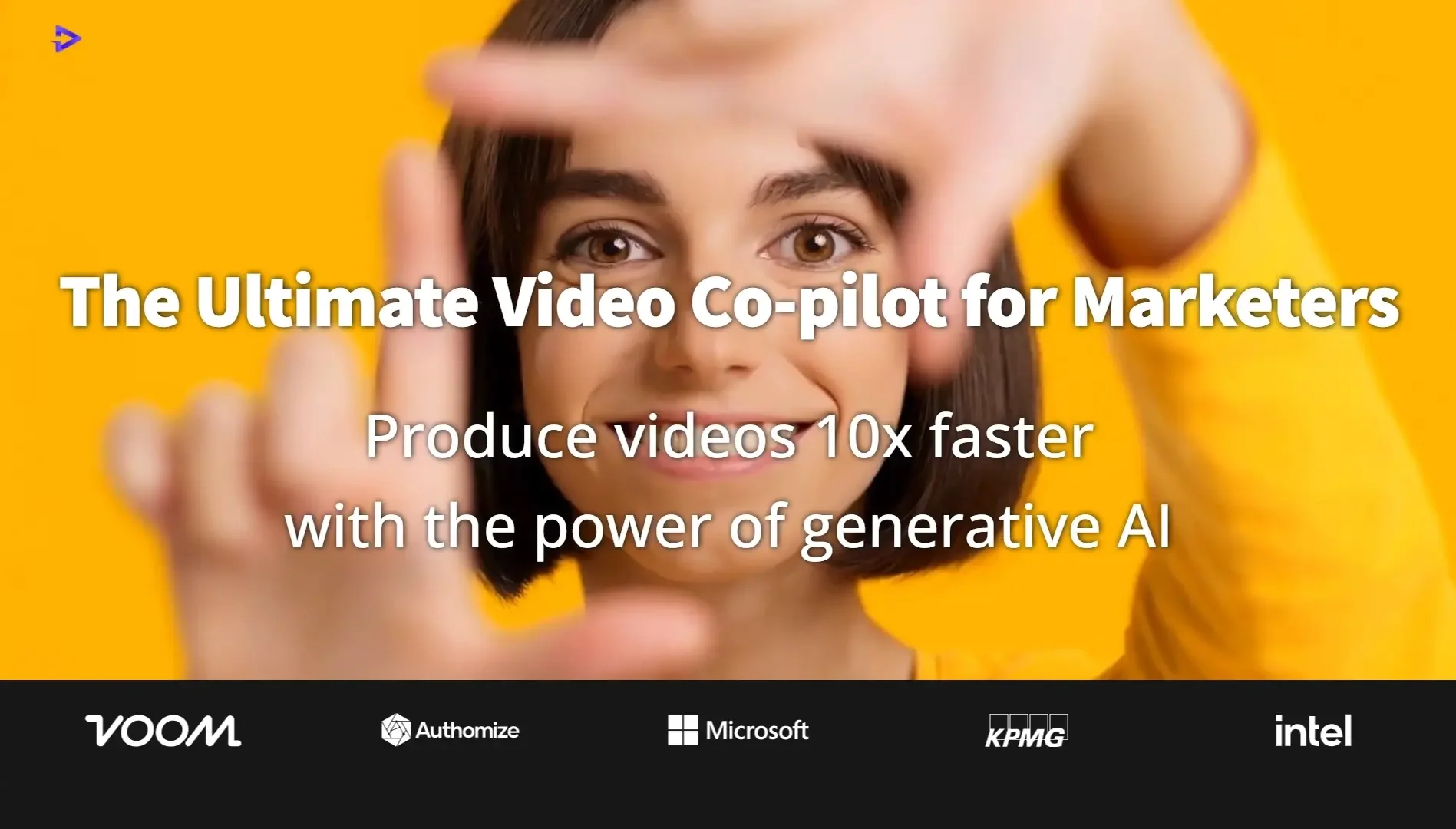
Shuffll is an AI-powered personalized video platform, designed to transform customer data already held by organizations into personalized videos that are automatically generated and delivered, with the goal of boosting engagement, customer retention, and conversion rates. The platform reports a +32% increase in conversion rates and a threefold increase in engagement, in addition to automating the video creation process and maintaining brand identity, with support for more than 40 AI models, and having generated more than 530,000 personalized videos to date, according to the information provided.
- Content Management
- Video Generation & Editing
- Text and Images to Video
- Product Descriptions & Copy
- Automation & Agents
- Integrations & APIs
- Business Operations
- Marketing & Sales
- Brand Guidelines
- Brand Collateral Templates
- CRM & Deal Tracking
Last updated
Features
- Generates personalized videos automatically from existing customer data
- Configures brand templates, approval logic, permissions and triggers once, then applies them to every video
- Connects via API to CRM, core banking and loyalty platforms
- Triggers video creation and delivery from workflow events
- Integrates 40+ AI models including GPT, Claude, Veo-3, Sora 2, ElevenLabs and HeyGen in one system
- Built-in governance for brand, compliance and localization
- Scales from thousands to tens of thousands of videos per month
- Dedicated success team, SLA and performance monitoring
Pricing Details
Shuffll's pricing is based on usage volume; each implementation is tailored to the organization's technical infrastructure, workflows, and usage volume, with custom pricing available through "Get Custom Pricing." The platform integrates with over 40 AI models and supports over 100,000 videos generated monthly, with a “No Human in the Loop” rate of 99%. Each plan includes Full API Integration, which enables connection to the organization’s CRM system, e-marketplace, or proprietary platform, along with full initial setup and technical support. It also includes Brand Governance—which covers template setup, approval logic, and compliance rules in accordance with brand standards— and Workflow Configuration, which involves building triggers, sequences, and output logic tailored to the organization’s specific use case and data model, along with Dedicated Support, which provides a dedicated success team, a Service Level Agreement (SLA), performance monitoring, and continuous improvement. The pricing model is volume-based, meaning the price scales according to the volume of output—whether the organization creates hundreds or tens of thousands of videos per month—allowing it to grow with the organization rather than acting as a barrier, The platform is also “Platform-Ready” and integrates with existing technical infrastructure without requiring a complete overhaul, with full integration support included in every plan. Furthermore, it is “Enterprise-Grade,” It provides SLAs, security, compliance, and localization within the platform and is designed for platforms that cannot tolerate downtime. There are no hidden fees or separate per-unit pricing; each plan includes everything an organization needs to run video at an enterprise scale. Organizations wishing to determine the cost based on their usage can provide information about their platform to receive a customized quote tailored to their exact needs, and they can schedule a demo by clicking “Book a Demo.” The platform includes sections for Home, Real Estate, ReelForReal, Membership & Rewards, Loyalty & Rewards, API, and Pricing. Copyright © 2026 · Shuffll Inc. The company also has channels on LinkedIn and YouTube.
Related Tips
- A video prompt that gives you the feel of GTA with an Arabic twist · Video Generation & Editing, Text and Images to Video
- 2 million free tokens to create videos! on Seedance · Video Generation & Editing, Text and Images to Video
- Wafeq Overview: An Arabic accounting software program suitable for business owners and accountants · Business Operations, Invoicing, Contracts & Proposals…
- Bosala Brand Studio Explains: How to Create a Complete Visual Identity from a Logo in Minutes? · Image Design and Creation, Text to Image Generation…
- How to Create a Series of Educational Videos Using ChatGPT, PixVerse, and Nabat? · Audio & Voice, Text-to-Speech / Speech-to-Text…