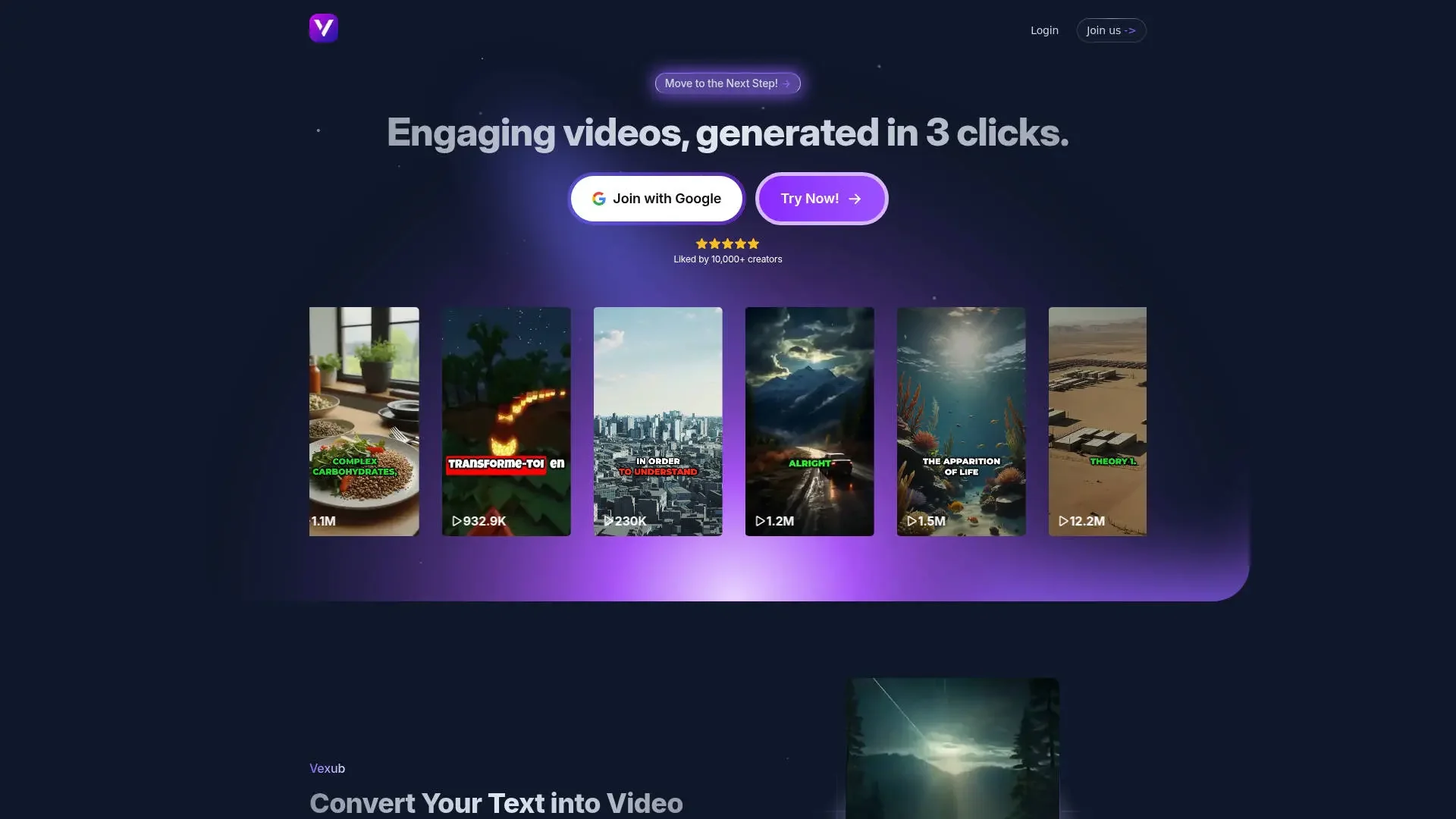
Description
️ Tool Name: 🖼
Vexub
Categories: 🔖
Text and Images to Video
Video, Editing, and Motion Graphics
Audio, Voice, and Music
Motion Graphics, Titles, and Subtitles
Social Media Templates and Editing Automation
Video Concepts and Scripts
Content Management and Publishing
Marketing and Sales
️ What does this tool offer? ✏
Vexub is an AI-powered video creation platform designed to help users automatically produce visual content without having to manually complete all stages of preparation and editing. The platform offers a range of tools, including automatic video generation, selection of voices and visual styles, addition of automatic subtitles, content customization, creation of video descriptions and tags, and downloading videos, as well as the use of personalized AI voices.
Vexub supports more than 70 languages and offers a variety of voices and visual styles to create content suitable for various uses. Some paid plans include advanced features such as professional narrators, premium human support, and a 30-day money-back guarantee. The platform offers monthly and annual plans, with a limited-time annual offer that provides savings of up to 60% compared to the monthly subscription.
️ What does it actually offer based on user experience? 🖼
- Automatically create videos using artificial intelligence.
- Produces a specific number of videos based on the subscription plan.
- A variety of voiceovers and visual styles.
- Adding automatic subtitles to videos.
- Customizing video content to meet user needs.
- Automatically generate video descriptions and tags.
- Download videos after they are created.
- Use personalized AI voices.
- Support for more than 70 languages.
- Offer advanced features in certain plans, such as professional narrators and premium human support.
- Offer a free trial before subscribing to a paid plan.
Does it include automation? 🤖
Yes, Vexub relies on automation to create videos and prepare their core elements, such as voices, automatic translation, descriptions, tags, and visual styles. Users can create and download videos through the platform without having to perform all production steps manually. Usage limits and available features vary depending on the subscription plan.
Pricing Model: 💰
Paid subscription, with the option to try the service for free before subscribing. The platform offers monthly and annual plans, with a limited-time annual offer that provides savings of up to 60% compared to the monthly subscription.
🆓 Free Plan Details:
| Item | Details |
|---|---|
| Type of Use | Initial free trial before subscribing |
| Price | $0 during the free trial |
| Goal | To learn about the service and explore its capabilities before subscribing |
| Continued Use | Requires a paid plan subscription |
Paid plan details: 💳
| Plan | Monthly Price | Usage and Features |
|---|---|---|
| Basic | $30 per month | Ideal for beginners in content creation, includes up to 30 videos, automatic video generation, a variety of voices and visual styles, automatic translation, content customization, description and tag generation, video downloads, and support for over 70 languages |
| Plus | Approximately $50 per month | More geared toward agencies and users working with multiple clients; includes up to 55 videos, along with video creation, customization, and download features |
| Pro | $100 per month | Designed for users who want to expand their content production and retain their clients, and includes up to 120 videos and more advanced features |
| Additional Features | Vary by plan | Personalized AI voices, professional narrators, premium human support, and a 30-day money-back guarantee |
| Annual billing | Varies by plan | Limited-time annual offer with savings of up to 60% compared to a monthly subscription |
How to access the tool: 🧭
| Access | Details |
|---|---|
| Web | Available via the platform’s official website |
| App | Not mentioned in the provided information |
| API | Not mentioned in the provided information |
| Add-on | Not mentioned in the provided information |
Link to the demo or official website: 🔗