️ 🖼Tool Name:
mnml.ai
🔖 Categories:
3D and Architectural/Interior Design; 3D Modeling and Rendering; Smart Interior Design; Image Design and Creation; Object and Background Removal and Replacement; Product Visualization and AR/VR; Text and Images to Video; Video, Editing, and Motion Graphics; Architecture and Interior Design; Automation and Smart Agents.
️ ✏What does this tool offer?
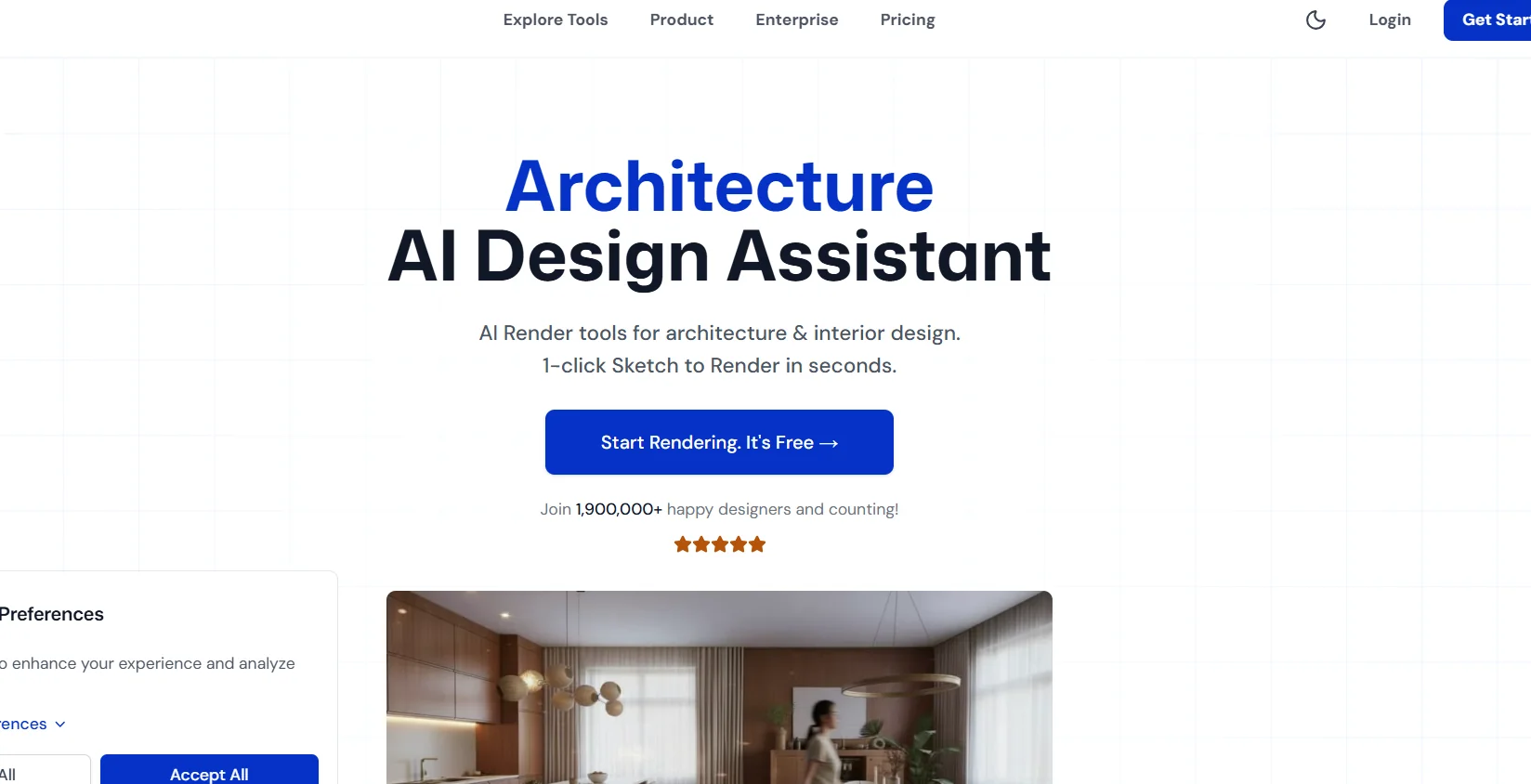
mnml.ai is an AI-powered workspace for architectural visualization and interior design that allows users to transform preliminary sketches, 3D models, and ideas into realistic visualizations ready for presentation to clients. The platform clarifies that users retain ownership of their work and offers free credits upon registration without requiring a credit card. It notes that it is used by more than 2.5 million architects and designers, including teams at Gensler, SOM, HOK, OMA, and Nikken, as well as universities such as Harvard, Yale, Columbia, UCLA, and Pratt.
The platform offers The Studio,an integrated architectural visualization editor powered by the ArchDiffusion engine and ARX technology, which can convert SketchUp, Revit, and Blender models into realistic visualizations in seconds. Studio includes two main modes: “Redesign” for redesigning interior and exterior spaces and creating design variations, and“Render” for generating AI-powered visualizations using more than six professional styles.
mnml.ai offers more than 12 AI-powered rendering tools and over 40 architectural styles, with support for workflows with SketchUp, Revit, Blender, 3ds Max, Lumion, V-Ray, Twinmotion, and hand-drawn sketches.
Among the most notable tools are:
Sketch to Image AI: Convert hand-drawn or digital sketches into realistic visualizations and generate multiple variations of the same sketch.
Exterior AI: Convert SketchUp, Blender, 3ds Max, and Revit models into realistic exterior renderings.
Interior AI: Reimagine interior spaces using more than 20 professional interior styles with control over finishes.
Video Animate AI: Converts architectural visualizations into 10-second cinematic videos in 1080p resolution.
Render Enhancer AI: Enhance and upscaling renderings, with the ability to reach resolutions up to 8K.
Style Transfer Render AI: Apply architectural styles and materials from reference images to renderings.
Imagine AI: Create architectural visualizations from text descriptions.
Masterplan AI: Convert 2D site plans into aerial visualizations.
Landscape AI: Visualize outdoor spaces and landscapes.
Design Assistant AI: Adjust materials, lighting, and details using natural language instructions.
Concept Generator: Generate professional texts and concepts for architectural projects.
The platform also offers Verified Workflows—structured, step-by-step design workflows created by architects and designers— as well as Project Collaborations, which allow you to invite clients, team members, and stakeholders to projects while setting access permissions—such as view-only, view and download, or full editing. It offers Enterprise solutions for team management, resource allocation, and collaboration through a centralized dashboard.
⭐ What does it actually offer based on user experience?
Transforming preliminary sketches into realistic architectural visualizations.
Create multiple design variations from a single visual input.
Convert architectural models and design software into realistic visualizations without the need for a traditional rendering engine.
Quickly redesign facades and interior spaces.
Creating interior design visualizations in over 20 styles.
Create aerial renderings of urban plans and projects.
Enhance existing visualizations and increase their resolution up to 8K.
Convert static visualizations into short architectural videos at 1080p resolution.
Adjust materials, lighting, and details using text commands.
Collaborate with clients and team members within Studio projects with different permission levels.
🤖 Does it include automation?
Yes. mnml.ai uses artificial intelligence to automate many visualization and design steps, such as converting drawings and models into visualizations, generating variations, redesigning spaces, enhancing and upscaling visualizations, and converting images into videos. Design Assistant also allows you to make adjustments to materials, lighting, and details using natural language.
💰 Pricing Model:
Freemium / Paid subscription based on credits. mnml.ai offers a free trial and free credits to get started, while paid plans are based on a set number of credits per month. Additional credits can be purchased once the monthly credit allowance is exhausted, and the subscription can be canceled at any time.
🆓 Free Plan Details:
| Feature | Details |
|---|---|
| Getting Started | Free credits upon sign-up |
| Credit Card | No card needed to get started |
| Free Trial | Available to try the platform before subscribing |
| Access to tools | Credits can be used to access available design tools |
| Credits | Each tool consumes a specific number of credits depending on the generation process |
| Purchase Additional Credits | You can purchase Top-up Credits when your balance runs out |
The current pricing page confirms the availability of a free trial and explains that credits are the currency used to generate designs and that tools consume varying amounts of them.
💳 Paid Plan Details:
| Plan | Monthly Price | Credits | Details |
|---|---|---|---|
| Lite | $39 per month, or $29 per month based on the annual pricing mentioned | 1,000 credits/month | Approximately 100 Fast renders or 30 Ultra renders, 10 video generations, 4K upgrade, commercial license, priority support, and credit carryover |
| Plus | $59 per month, or $49 per month with the annual pricing mentioned | 3,000 credits/month | Approx. 300 Fast renders or 100 Ultra renders, 30 video generation processes, 4K upgrade, commercial license, priority support, and credit carryover |
| Studio | $139 per month, or $119 per month with the annual pricing mentioned | 10,000 credits/month | A plan tailored for design workflows and customer service; details of additional benefits were not fully apparent in the provided data |
The current official pricing page confirms that unused credits are automatically carried over to the next billing cycle, up to a maximum of two months’ worth of credits: 2,000 for Lite, 6,000 for Plus, and 20,000 for Studio. Additional credits can also be purchased as needed and remain valid until the end of the current billing cycle.
mnml.ai also offers plans for teams and organizations; Team Starter starts at $179 per month for 15,000 credits,Team Growth at $349 for 30,000 credits,and Team Scale starts at $999 for 100,000 credits, while the Enterprise plan costs $2,999 per month for 300,000 credits, with benefits tailored for teams, user management, collaboration, and enterprise support.
🧭 How to access the tool:
| How to Access | Details |
|---|---|
| Web | Browser-based platform |
| Studio | Integrated web editor for architectural visualization and design |
| API | An API is available within the platform's solutions |
| Enterprise | A centralized workspace for teams and organizations |
| Design Software | Compatible with SketchUp, Revit, Blender, 3ds Max, Lumion, V-Ray, and Twinmotion, as well as other design software and platforms depending on the workflow |
The platform explains that the rendering system operates directly through the browser, without the need for a GPU, render farm, or separate plugins, and supports workflows with leading architectural design software.
🔗 Try it out or visit the official website:
mnml.ai official website
Studio Platform and Architectural Tools