Description
️ 🖼Tool Name:
Lami AI – Vocal Remover
🔖 Categories:
Audio, Speech, and Music; Music Generation and Effects; Editing/Enhancement/Up-sampling; Video, Editing, and Motion
️ ✏What does this tool offer?
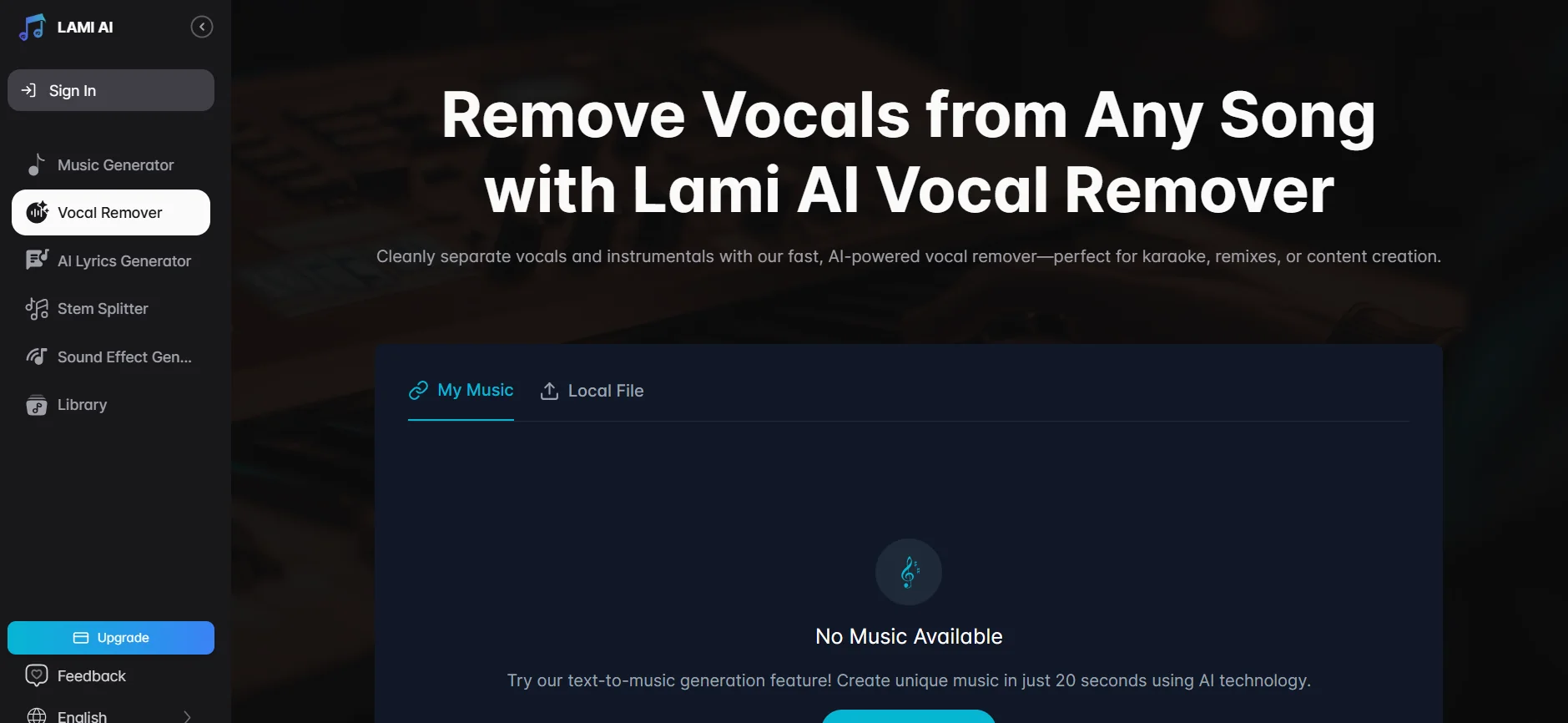
Lami AI offers the Vocal Remover tool to remove vocals from songs and separate the vocals from the music using artificial intelligence, allowing you to extract the vocal track or instrumental track for use in karaoke, remixing, audio editing, and content creation. The platform also offers Stem Splitter to separate audio components andAI Music Generator to create music based on text descriptions or lyrics.
The tools can be used directly from the browser, and the platform allows users to upload files and process audio using artificial intelligence. It also provides a library of music created on the platform, along with tools such as a lyric generator, a sound effect generator, and a music looper.
Processing an audio file using Vocal Removercosts five credits,according to the official credit consumption guide. The platform also supports downloading files in MP3 format, while WAV format is available with paid plans.
⭐ What does it actually offer based on user experience?
Jordan M., a DJ and music producer, notes that the tool is fast and accurate, allowing him to obtain clean instrumental tracks in a short amount of time, which is why he uses it for remixing.
Chloe T., a vocal coach, says the tool delivers clean results while preserving the clarity of the background music without noticeable distortion.
Emily K., a music teacher, says she uses it to extract vocals for educational purposes and describes it as simple, reliable, and time-saving.
Leo R., a content creator, notes that he can create a song and remove vocals all in one place, and finds it suitable for creating karaoke tracks.
Nina S., a video editor, says that the results from Lami AI’s Vocal Remover were cleaner than some of the other tools she’s tried, and that it’s useful for audio editing.
🤖 Does it include automation?
Yes. Vocal Remover relies on automated AI processing to separate vocals from the music after the file is processed, eliminating the need to perform the separation manually. The platform also includes other automated tools such as generating music from text, separating vocal tracks, and creating sound effects. The platform automatically determines credit usage based on the type of operation; vocal removal consumes 5 credits per file processed.
💰 Pricing Model:
Freemium — Lami AI offers a free plan at $0 with daily credits, along with two paid plans: Pro andUltra. The official pricing page currently lists the Pro plan at $7.99 per month and the Ultra plan at $23.99 per month, with discounts available for annual billing.
🆓 Free Plan Details:
| Feature | Free Plan |
|---|---|
| Price | $0 per month |
| Credits | 20 credits per day |
| Templates | Prime and Core |
| Concurrent tasks | One task |
| Vocal Remover | Available |
| Stem Splitter | Available |
| Lyrics Video | Available |
| Sound Effect Generator | Available |
| AI Cover Image | Available |
| Music Extension | Available |
| Lyrics Generator | Available |
| Download MP3 | Available |
| Download WAV | Available |
| Storage | 7 days |
| Commercial License | The current official page lists it as a feature of the free plan |
| Vocal Remover Cost | 5 credits per audio file processed |
💳 Paid Plan Details:
| Plan | Price | Credits | Key Features |
|---|---|---|---|
| Pro | $7.99 per month | 1,500 credits/month | Latest v5.5 Soul model, up to 4 simultaneous tasks, custom generation, Vocal Remover, Stem Splitter, Music Extension, Effect Generator, AI Cover Image, MP3 and WAV downloads, unlimited storage |
| Ultra | $23.99 per month | 10,000 credits/month | Latest v5.5 Soul model, up to 10 concurrent tasks, custom generation, Vocal Remover, Stem Splitter, music extension, effect generator, AI Cover Image, MP3 and WAV downloads, unlimited storage |
The pricing page notes that the annual plan offers a discount of up to 40%, and that the Pro and Ultra plans include priority processing over the free plan. Additionally, unused credits do not carry over to the next billing cycle.
| Tool Usage | Cost |
|---|---|
| AI Song Creation | 5 credits per song |
| Vocal Remover | 5 credits per audio file |
| Sound Effect Generator | 2 credits per sound effect |
| AI Cover Image | 2 credits per image |
| Music Extension | 3 credits per request |
| Lyrics Video | Free |
| Lyrics Generator | Free |
🧭 How to access the tool:
| How to Access | Status |
|---|---|
| Browser / Web | Available |
| Vocal Remover | Available via the Lami AI platform |
| Stem Splitter | Available |
| AI Music Generator | Available |
| Library | Available |
| Standalone app | Not listed in verified official sources |
| API | Not listed on the official pricing page |
The Lami AI library officially provides direct links to Music Generator, Vocal Remover, AI Lyrics Generator, Stem Splitter, Sound Effect Generator, and Library.
🔗 Demo link or official website: