️ 🖼Tool Name:
Gaudio Studio
🔖 Categories:
Audio, Speech, and Music; Editing/Enhancement/Up-sampling; Music and Effects Generation; Video, Editing, and Motion; Integrations and APIs
️ ✏What does this tool offer?
Gaudio Studio offers a suite of AI-powered audio processing tools, most notably Vocal Remover for removing vocals and separating the vocal track from the music,Stem Splitter to split a song into separate musical tracks,and Noise Reduction to remove background noise and improve speech and audio clarity. The platform is based on the GSEP (Gaudio Source SEParation) model, developed by Gaudio Lab to process and separate audio elements.
The Vocal Remover tool allows users to upload audio files such as MP3, WAV, and FLAC, as well as MP4 video files, and to use public links from YouTube, Dropbox, and Google Drive. Users can then choose between Standard Quality andHigh Quality for separation and review the results before downloading them. It is used to create karaoke tracks, extract vocals, and obtain instrumental tracks or tracks that can be used for remixing.
Stem Splitter, on the other hand, allows you to extract vocals, drums, bass, electric guitar, and piano, with the ability to select only the desired instruments, then preview the results and make simple adjustments such as muting or isolating tracks and adjusting the volume before downloading the tracks or the final mix.
Noise Reduction removes background noise and improves speech clarity; it can be used with both audio and video, and you can adjust the speech and noise levels while previewing. You can also use audio and video files as well as public links from certain cloud platforms.
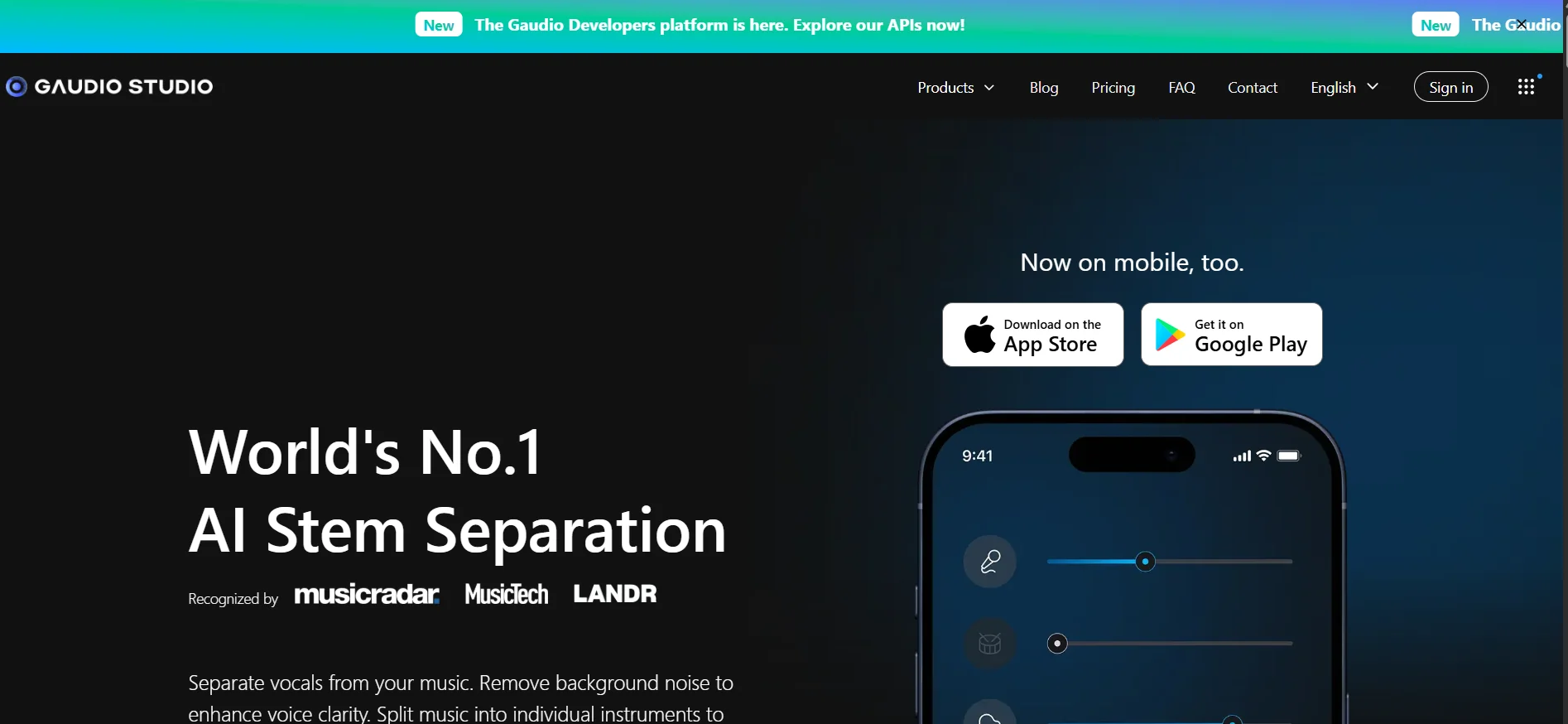
Gaudio Studio operates via the web and is also available on mobile devices through the Gaudio Studio: AI Separator app for iOS and Android. The platform also provides a developer track via REST APIs and SDKs to integrate audio separation and processing technologies into other applications and services.
⭐ What does it actually offer based on user experience?
- Creating karaoke tracks from songs and video files.
- Isolating vocals from the music to obtain a vocal track or instrumental track.
- Extract separate tracks for drums, bass, electric guitar, piano, and vocals.
- Create custom practice tracks for instrumentalists and singers.
- Clean up audio recordings and remove noise from interviews, podcasts, and videos.
- Preview separation results before downloading and make minor adjustments to the tracks.
- Use YouTube, Dropbox, and Google Drive links instead of uploading files directly.
- Use the mobile app to separate vocals and instruments and edit recordings on the go.
🤖 Does it include automation?
Yes. Gaudio Studio uses artificial intelligence to automatically separate tracks and remove voices and noise after you upload a file or enter a link. In Studio Pro, large volumes of audio can be processed through automated workflows,with support for multi-service operations and review that combines AI with human experts. Gaudio also provides developers with APIs to programmatically process audio within their own workflows.
💰 Pricing Model:
Freemium / Pay-as-you-go. Gaudio Studio offers a 20-minutefree trial ;after the trial ends, you can purchase Studio packages based on the number of processing minutes. Studio Pro solutions and APIs are also available for projects with higher usage.
🆓 Free Plan Details:
| Feature | Free Trial |
|---|---|
| Price | Free |
| Trial Duration | 20 minutes according to the current pricing page |
| Maximum File Length | 10 minutes |
| Vocal Remover | Available |
| Maximum Vocal Remover | 10 minutes per file |
| Stem Splitter | Available |
| Noise Reduction | Available |
| Vocal Remover Output | MP3 |
| Stem Splitter Output | MP3 |
| Noise Reduction Output | MP3 and MP4 |
| Processing | Slow compared to the paid plan |
| Long-term storage | Not available |
| Shareable links | Not available |
The pricing page explains that credit usage varies by tool: Instrument Separation consumes the file duration multiplied by the number of stems required, while Standard Vocal Remover consumes the file duration ×1, High-Quality Vocal Remover consumes the file duration ×2, and Noise Reduction consumes the file duration ×1.
💳 Paid Plan Details:
| Plan | List Price | Duration | Cost per Minute | Key Features |
|---|---|---|---|---|
| STUDIO 50 | $9 — Current offer $7 | 50 minutes | $0.14/minute | WAV, fast processing, long-term storage, sharing links, long file processing |
| STUDIO 200 | $25 — Current offer $16 | 200 minutes | $0.08/minute | All the benefits of Studio, our most popular plan |
| STUDIO 1200 | $130 — Current offer $79 | 1,200 minutes | $0.06/minute | All the benefits of Studio, at a lower cost per minute |
The prices and offers above are currently displayed on the official pricing page, which shows an additional discount of 22% for STUDIO 50,36% for STUDIO 200,and 38% for STUDIO 1200. Studio plans also include WAV downloads, fast processing, long-term storage, sharing links, and the ability to process longer files.
| Service | Credit Usage |
|---|---|
| Instrument Splitter | File Duration × Number of Tracks Required |
| Vocal Remover – Standard | File Duration × 1 |
| Vocal Remover – High | File duration × 2 |
| Noise Reduction | File Duration × 1 |
Gaudio also offers Studio Pro for processing large volumes of audio through automated workflows, while Gaudio Developers has a separate pricing structure for the API that includes monthly plans starting at $20, as well as pay-as-you-go options starting at $20; The cost of processing varies depending on the model and service used.
🧭 How to Access the Tool:
| How to access | Status |
|---|---|
| Web | Available |
| iOS App | Available |
| Android app | Available |
| REST API | Available |
| SDK | Available |
| Upload audio files | MP3, WAV, FLAC, and others |
| Upload videos | MP4 |
| YouTube links | Available |
| Dropbox links | Available |
| Google Drive links | Available |
Gaudio confirms that Studio is available on desktop and mobile devices and supports uploading WAV, FLAC, M4A, and MP3 files, as well as inserting video links. The mobile app allows you to separate vocals and instruments and edit audio and video directly from your phone.
🔗 Try it out or visit the official website:
Gaudio Studio – Official Website
Gaudio Studio’s official pricing page