Description
️ 🖼Tool Name:
Snorkl
🔖 Categories:
Teacher Tools & Assessment; Education & Research; Question Banks & Test Generation; Study Aids & Smart Notes; Automation & Smart Agents; Analytics & Dashboards; Text-to-Speech / Speech-to-Text.
️ ✏What does this tool offer?
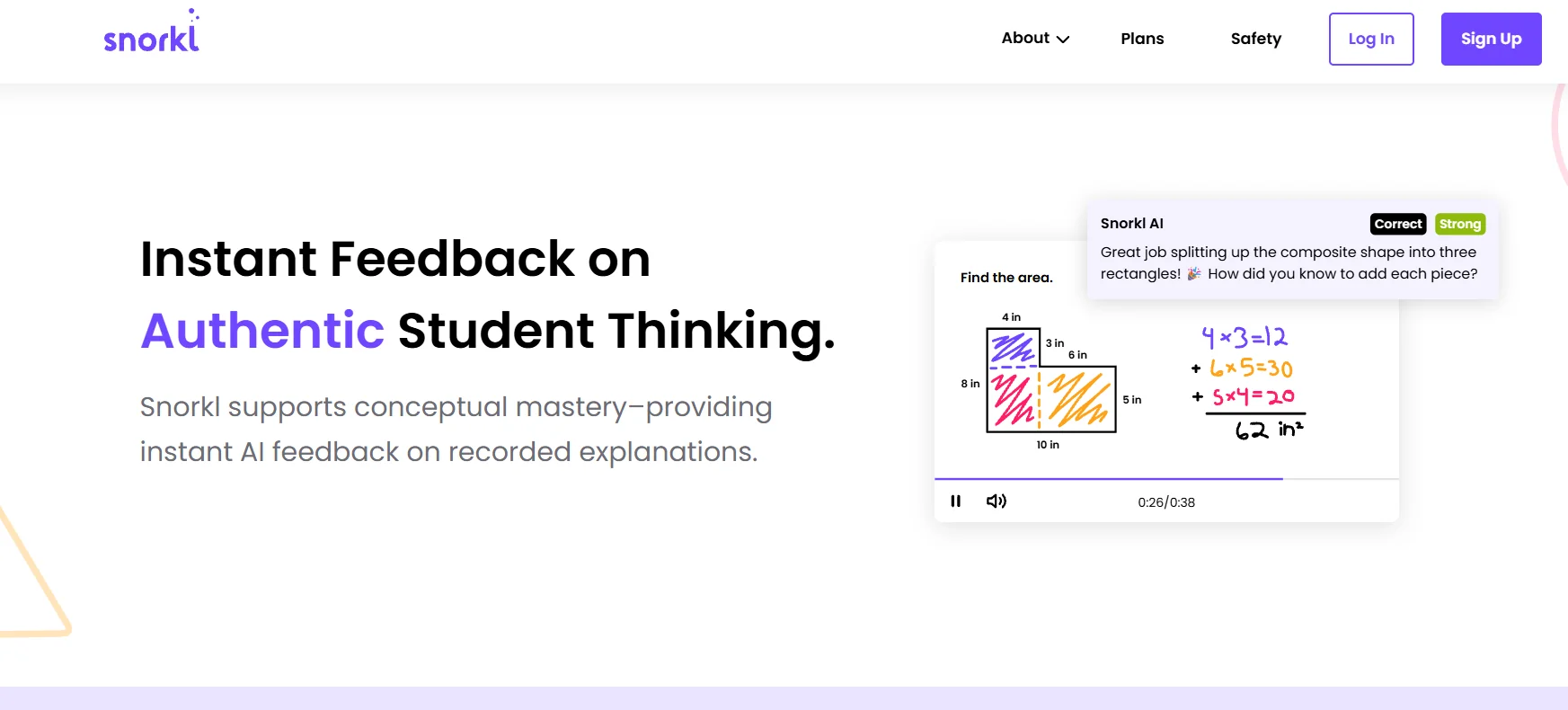
Snorkl is an AI-powered educational platform designed to help teachers understand how students think —not just whether their answers are right or wrong. It allows students to express their thinking through voice, writing, and drawing on a digital whiteboard;the AI then analyzes their responses and provides immediate, personalized feedback to help them review their answers and develop their thinking.
The platform allows teachers to create classes, add students, assign activities, and track students’ answers and progress. An unlimited number of classes and students can be created, and students can join via a link or class code, after which they are automatically added to the class roster.
Snorkl offers four main types of activities:
- Whiteboard Recording: The student draws and speaks at the same time to explain their thought process.
- Whiteboard Only: The student draws or adds comments to the whiteboard without audio recording.
- Audio Recording: The student records their answer verbally.
- Writing: The student writes their answer as text.
The platform also offers a library containing thousandsof activities aligned with educational standards. Teachers can search for a ready-made activity or create their own and assign it to students.
⭐ What does it actually offer based on user experience?
Snorkl notes that teachers use it to gain deeper insight into how students think, particularly by having students explain their thought process rather than just providing the final answer.
Based on experiences shared on the website, teachers note that immediate feedback helps students revise and improve their work, and that the platform allows teachers to hear more of students’ thought processes. These testimonials are published by Snorkl itself and are not independent third-party reviews.
The Help Center also explains that the system saves students’ attempts, allowing both the teacher and the student to observe progress over time.
🤖 Does it include automation?
Yes. Snorkl uses artificial intelligence to automate the analysis of student responses and provide immediate, personalized feedback based on what they say, write, or draw.
It also provides teachers with analytics that help them identify patterns and concepts students are struggling with, and pinpoint which students need additional support. Snorkl can also be connected to AI assistants via MCP to ask natural-language questions about classes, assignments, and student progress, as well as to find and assign activities after the teacher’s approval.
💰 Pricing Model:
Freemium; Snorkl offers free access to teachers, while a Premium plan is available for schools and school districts with additional features and unlimited access.
🆓 Free Plan Details:
| Feature | Details |
|---|---|
| Plan Name | Teachers – Free |
| Price | Free |
| Grades | Unlimited |
| Activities | Limited |
| Participating Teachers | Available |
| AI Feedback | Available |
| Snorkl Library | Available |
| Activity Insights | Available |
| Snorkl Coach | Not available |
| School Dashboard | Not available |
| School Library | Not available |
| Custom Insights | Not available |
| Custom Support | Not available |
| Professional Development | Not available |
| Privacy | DPA & SSO |
💳 Paid Plan Details:
| Plan | Price | Details |
|---|---|---|
| Schools & Districts – Premium | Pricing upon request | Unlimited access, unlimited activities, Snorkl Coach, School Dashboard, School Library, Custom Insights, dedicated support, and professional development |
The Premium plan also includes the features found in the free plan, such as unlimited classes, AI Feedback, the Snorkl Library, and Activity Insights, along with additional features for schools and school districts.
🧭 How to access the tool:
| How to access | Details |
|---|---|
| Students | Through the Snorkl platform for students |
| Teachers | Create a teacher account, then create classes and assign activities |
| Join a class | via the class link or join code |
| Google Classroom | The join link can be shared via Google Classroom |
| Activity Library | Thousands of standards-aligned activities |
| MCP | Teachers can link their accounts to an MCP-compatible AI assistant |
| Platform | Web-based |
You can create a class by going to the Classes tab, selecting " Create Class," and then sharing the link or join code with students.
🔗 Demo link or official website:
Snorkl – Classes