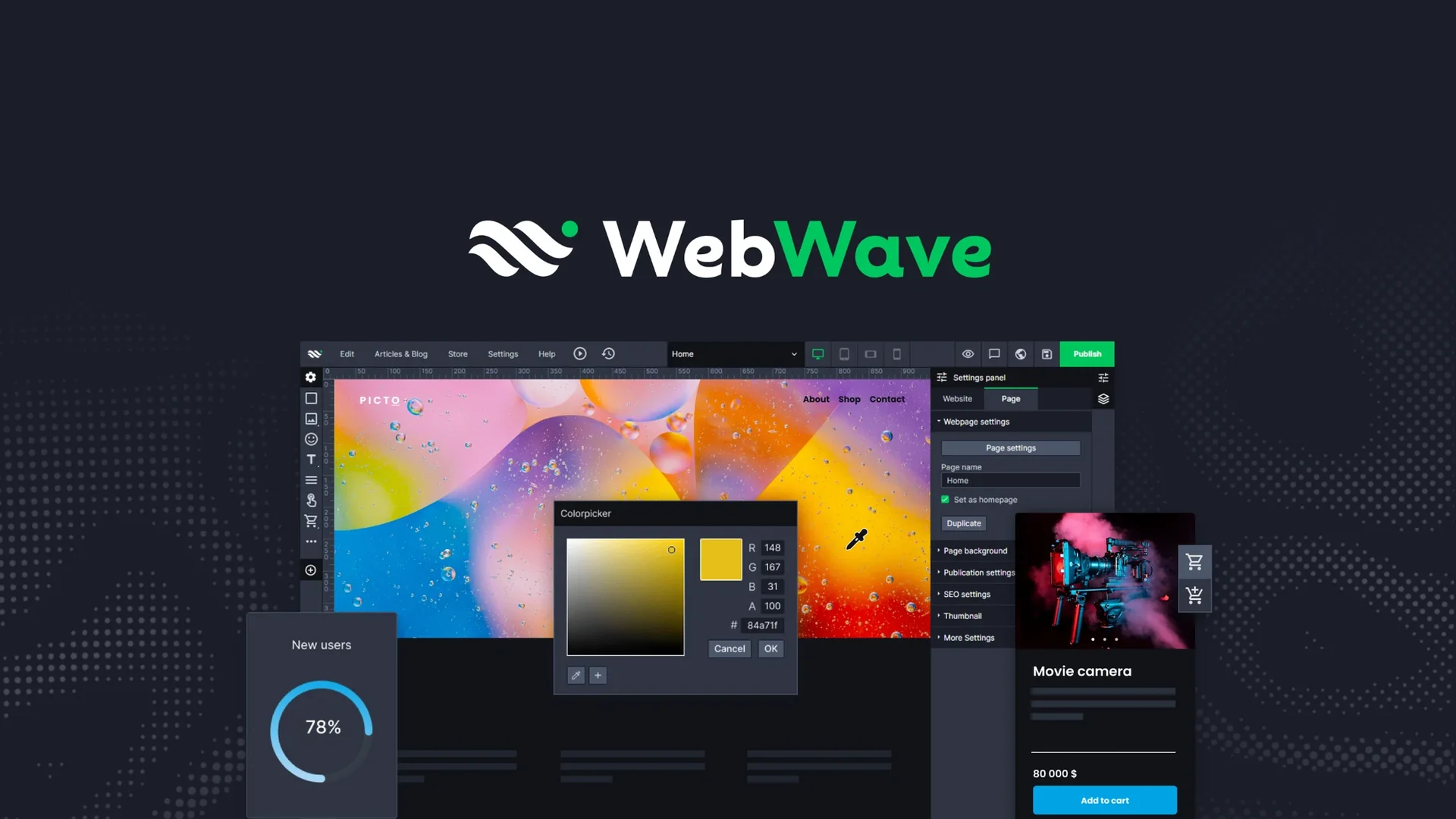
Description
Pricing Details
WebWave's pricing model is Freemium / free trial + paid plans; WebWave offers a 14-day free trial with no credit card required, including full access to the Drag-and-Drop editor, website creation features, templates, and the AI Website Builder. After the trial period ends, the website is temporarily suspended, but you can keep it live by upgrading to a paid plan. The free plan includes a 14-day free trial, requires no credit card, and provides full access to the drag-and-drop editor, the AI Website Builder, and over 100+ templates. Hosting, SSL, and publishing are also available during the trial period; however, a custom domain and Google indexing are not available during the trial, and WebWave branding will appear on the site. After the trial ends, the site will be taken down, but the project will be preserved. Paid plans include the One Pager plan at $3.50/mo for the first year, which is suitable for a landing page or business card. It includes a free .com domain for the first year, Google submission, SEO, up to 3 GB of storage, 1 GB of email storage, and one subpage; the Pro plan, priced at $5.00/mo for the first year, is suitable for multi-page websites and blogs, and includes a free .com domain for the first year, 10 GB of storage, 5 GB of email storage, unlimited subpages and articles, and one AI-powered SEO article per month; and the Business plan, priced at $7.50/mo for the first year, which is suitable for e-commerce and scaling, and includes unlimited storage, 20 GB of email storage, unlimited pages and posts, 3 AI-powered SEO articles per month, and commission-free online payments. The prices listed are for the first year of an annual subscription; they are net prices and do not include VAT. Monthly subscriptions are also available at a higher monthly rate, and the current pricing page also mentions a 30-day money-back guarantee for paid plans. In terms of feature comparisons, WebWave branding is removed in the One Pager, Pro, and Business plans; the Blog feature is not available in the One Pager plan but is included in the Pro and Business plans; the number of pages is limited to 1 in the One Pager plan but is unlimited in the Pro and Business plans; Multilingual websites are not available in the One Pager plan but are available in the Pro and Business plans. External integrations, Custom HTML, JS, and CSS, Backups, and Collaborators are available in all three plans, while Password-protected pages and Member-only pages are not available in the One Pager plan but are available in the Pro and Business plans. Bandwidth is up to 2 GB in the One Pager plan and unlimited in the Pro and Business plans; disk space is up to 3 GB in the One Pager plan, up to 10 GB in the Pro plan, and unlimited in the Business plan; SEO AI articles are provided at a rate of 1 per month on the Pro plan and 3 per month on the Business plan; they are not available on the One Pager plan. Commission-free online payments are available only on the Business plan and are not available on the One Pager or Pro plans.