KanbanFlow
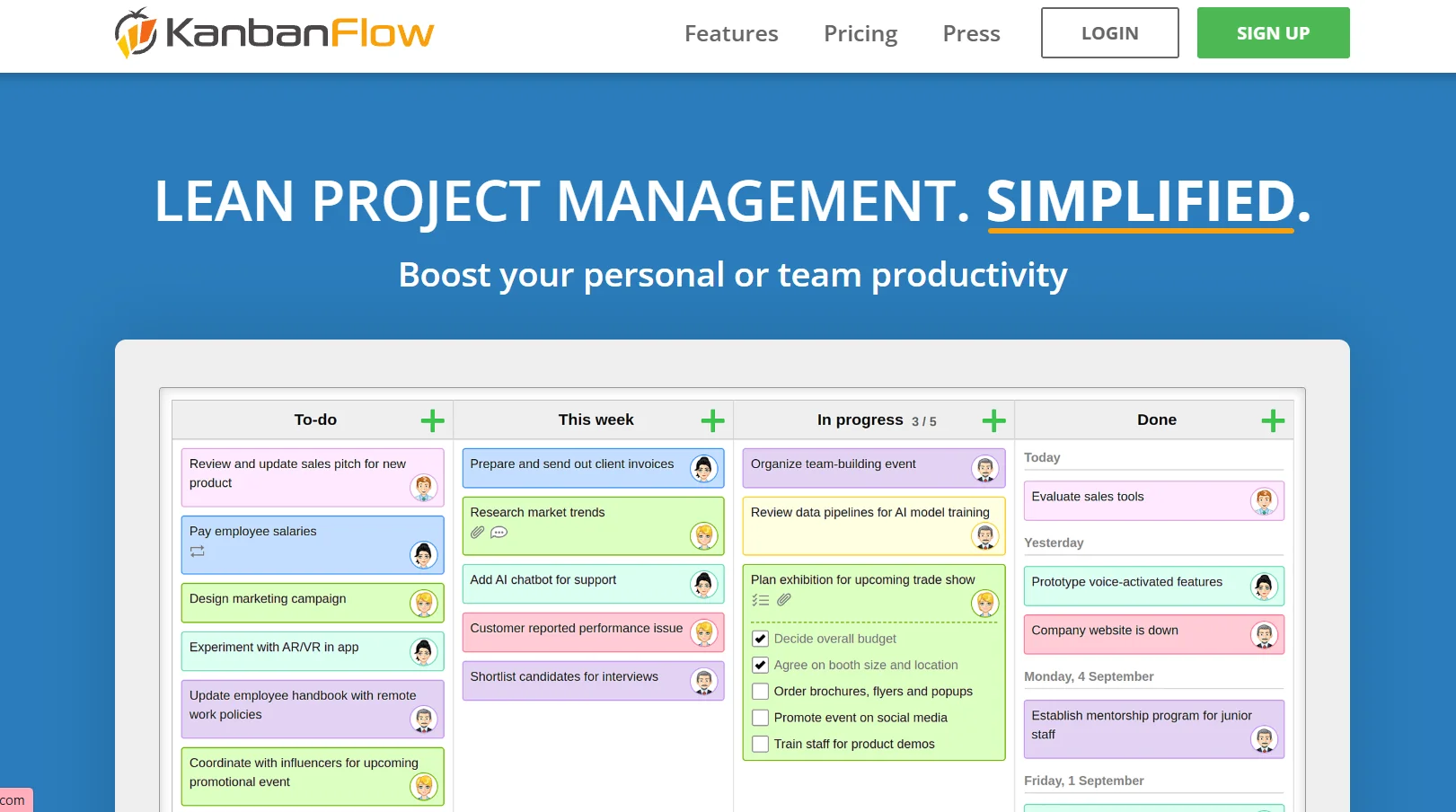
Description
️ 🖼Name of the tool: KanbanFlow
🔖 Tool categorization: Kanban board task and project management tool + time tracking + team collaboration + analytics and productivity tools
️ ✏What does this tool offer?
A visual kanban board for organizing tasks, with the ability to use multiple columns and easily move cards around.
Task management: Master tasks, sublists, recurring tasks, filter tasks by user or due date.
Time tracking: A stopwatch or Pomodoro timer for each task, with time reports to assess the time taken.
Real-time collaboration: Any update is immediately visible to all team members.
Analysis and statistics tools: Charts like Cumulative Flow, Burndown, Cycle & Lead time to assess workflow and team efficiency.
Ability to link tasks and create relationships between cards to organize interconnected projects.
Support for exporting and importing data to Excel/CSV for easy archiving or transfer.
Cloud use via browser, no need to install software.
⭐ What does it actually offer based on user experience?
Suitable for individuals and small and medium-sized teams, with a simple and easy-to-use interface.
Helps focus and productivity with WIP limits, time tracking, and Pomodoro.
Flexibility in organizing and prioritizing tasks and dividing large tasks into small parts.
Useful analytical tools to track performance and improve productivity.
🤖 Does it include automation?
Yes - it provides basic automation for task management, such as time tracking, recurring tasks, WIP limits, but not complex automation like large ERP tools.
💰 Pricing model:
🆓 F ree plan details:
Completely free with no time limit.
Includes unlimited boards and tasks, sublists, recurring tasks, WIP limits, pomodoro timer, task filtering, basic features.
💳 Paid plan details:
Premium: ~$5 per user per month.
Adds advanced features: Swimlanes, file attachments, custom fields, detailed reporting and analytics, Zapier/Google Drive/Dropbox integration, and advanced permissions and control.
Premium can only be activated on select boards, while the rest of the boards remain free.
🧭 How to access the tool:
Via browser from any device (desktop or mobile), registration is quick, then create boards and tasks and get started right away.
🔗 Trial link or official website:
kanbanflow.com