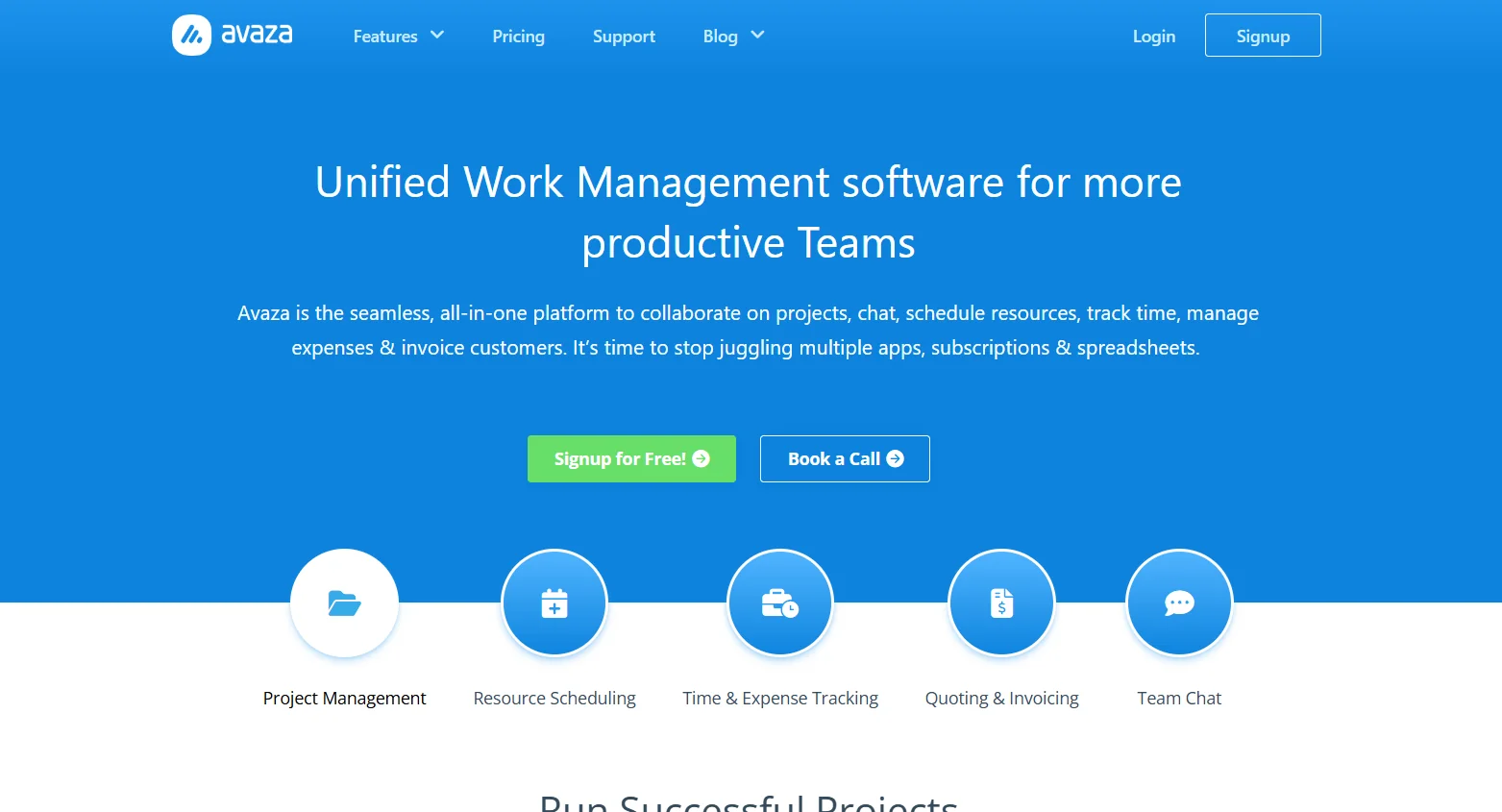
️ 🖼Tool name: Avaza - Avaza
🔖 Tool Rating: Integrated project and business management platform - task management, time and expense tracking, resource schedules, invoicing, team collaboration, and full project tracking.
️ ✏What does this tool offer?
Project and task management: Create projects, split into tasks and sub-lists, assign tasks to members, set due dates and priorities, and track completion status.
More than one view of tasks: List, Kanban board, and Gantt charts.
Time and expense tracking: Record labor hours, track expenses, merge them with invoices or accounts.
Generate quotes and invoices: Create professional invoices including labor hours and expenses, with e-payment support.
Schedule team resources: View team availability, distribute tasks by resources, manage vacations and holidays.
Team and client collaboration: Chat within the tool, share files, comment on tasks, invite clients or third parties.
Reports and analytics: Project performance reports, profitability, time and expense utilization, budget tracking, comprehensive reports for each project.
⭐ What do you actually offer based on user experience?
Avaza combines project management, time tracking, expenses, invoicing, and communication in one platform, minimizing the need for multiple tools.
Easy and intuitive interface, suitable for SMEs or client-facing project teams.
Useful for managing clients and projects in one place, with easy tracking of invoices, time, and expenses.
🤖 Does it include automation?
Yes, it offers recurring tasks and invoices, project/task templates, automatic resource scheduling, and one-click conversion of quotes to projects or invoices.
💰 Pricing model:
🆓 F ree plan details:
Free for basic use, suitable for very small businesses or for testing, includes basic project and task management features.
💳 Paid plan details:
Startup: About $11.95/month, includes project management, time and expense tracking, invoicing, a certain number of projects and jobs.
Business/Higher Plans: Includes all features with the ability to expand the number of users, additional resource management, invoicing and accounting, and expanded support depending on the size of the team.
🧭 How to access the tool:
Via browser from any computer or mobile device, quick registration, create projects, distribute tasks, track time and expenses, and issue invoices directly from the system.
🔗 Link to the demo or official website:
https://www.avaza.com/?utm_source=chatgpt.com