DocsBot AI
Description
️ 🖼Name of the tool:
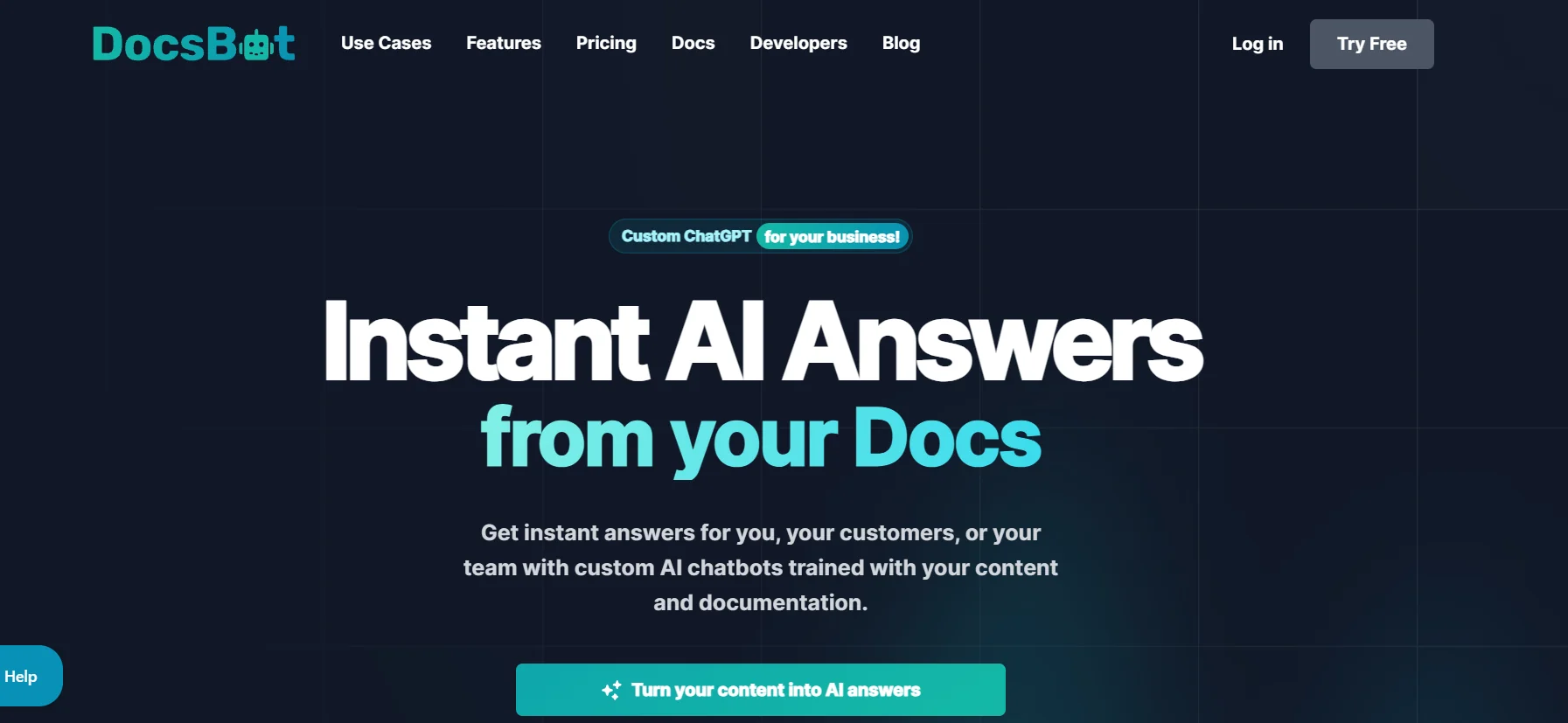
DocsBot AI is an AI tool/platform that specializes in turning documents and written content into an intelligent chatbot, so that when you provide it with content (documents, files, web pages, knowledge bases...) it builds an "AI assistant" capable of automatically answering questions based on that content.
🔖 Tool categorization:
DocsBot AI is categorized as an "AI-powered chatbot + KM/CA" tool - meaning it combines intelligent response generation (chatbot) with a knowledge management system so that companies or teams can build an AI-powered knowledge base for customer service, internal support, research, or answering questions.
️ ✏What does this tool offer?
DocsBot AI allows the user to "upload" or "merge" various content sources: Office documents, PDFs, web pages, text files, websites, knowledge bases, and even video/media content (some formats are supported), and then indexes and processes this content to train a bot that can understand and answer questions accurately and contextually. The tool allows the bot to be customized according to the company's identity (tone, style, chat interface) and supports deployment via websites, apps, or communication tools such as Slack/Microsoft Teams and others, and provides an API to integrate the bot into external systems or applications.
⭐ What does it actually do based on user experience?
In practice, DocsBot AI helps companies and teams reduce the burden of manual support or research. Many users praise how easy it is to set up the bot "without code" - that is, they can quickly build a knowledge or support system. The bot gives quick and consistent answers based on authoritative content - very useful for customer service, internal inquiries, or user support. The ability to manage multiple bots by department, product, or team, and to customize the tone or layout of the bot, increases the flexibility to use it in a variety of contexts.
🤖 Does it include automation?
Yes, DocsBot AI relies on full automation - from importing content, indexing it, analyzing context, to automatically generating responses to questions via AI models (such as GPT models). Content updates can be scheduled automatically if documents change or new sources are added.
💰 Pricing model:
DocsBot AI adopts a "Freemium/Paid" model - allowing the user to start creating a bot for free on a trial basis, then upgrade to a paid plan that offers expanded features such as managing multiple bots, large number of pages/sources, unlimited messages or queries, advanced analytics, custom interfaces, and integration/API support.
🆓 F ree plan details:
With the free version, you can start "building your bot" and try out DocsBot AI's capabilities with some content. Registration doesn't necessarily require a payment card, and you can import some sources and try out basic responses with no financial commitment during the trial. This allows you to test the suitability of the tool before subscribing to a paid plan.
💳 Details of paid plans:
The paid plan gives the ability to create multiple bots (for different departments or products), accommodate a large number of content sources, allow more queries or users, advanced analytics for bot performance, customize the chat interface, unbranded widget, and support integrations with systems like Slack, ticketing systems, or third-party apps via API.
🧭 How to access the tool:
Log in to the official DocsBot AI website, create an account, then upload or link the content you want the bot to "learn" from (documents, web pages, knowledge base...) via the dashboard. After cataloging and training, you can deploy the bot within your site, within company tools or on any platform that supports "embedded widget" or via API. All these steps do not require deep programming knowledge.
🔗 Link to the demo or the official website:
https://docsbot.ai/