Features
- Converts text and images into short videos
- Videos of 8 to 15 seconds in standard or high quality
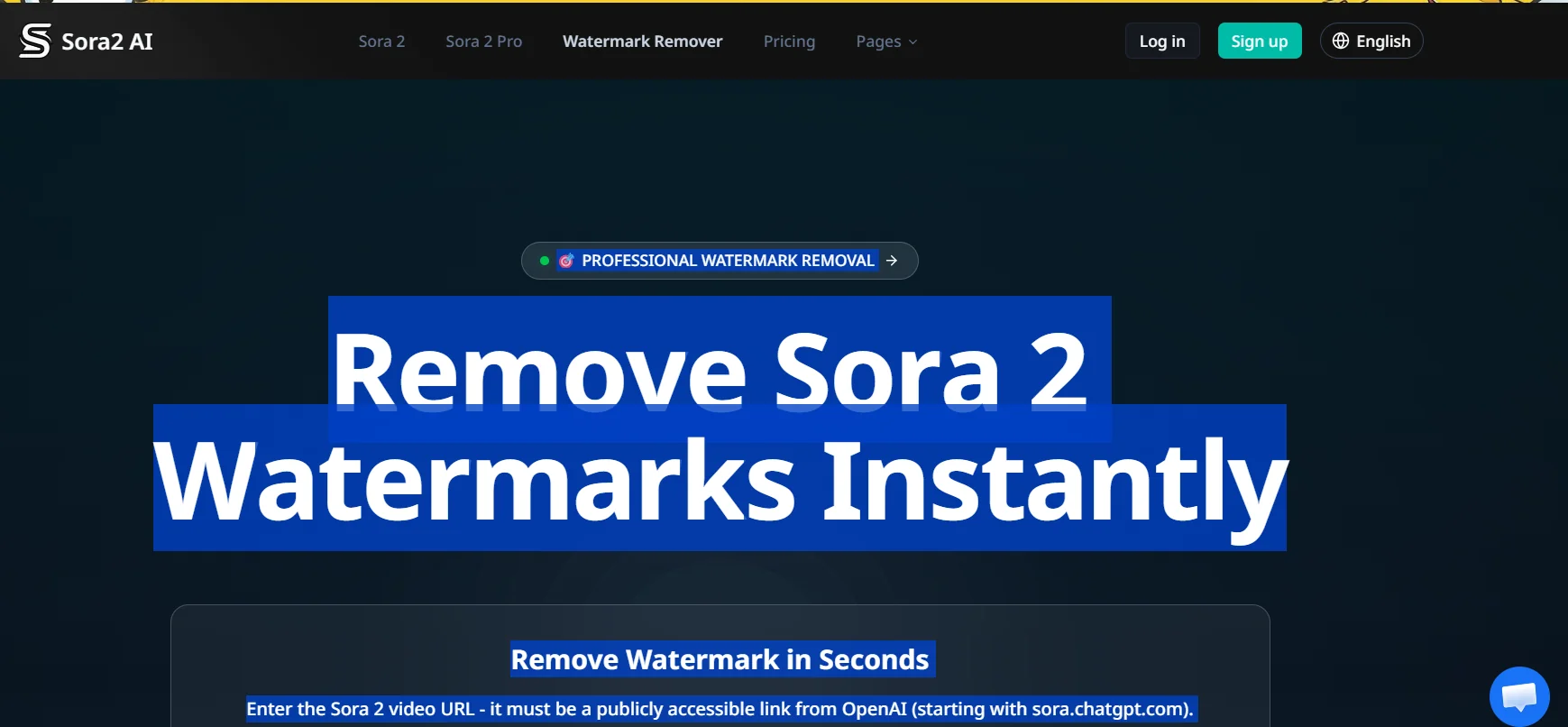
- Watermark removal
- Fast or high-quality processing modes
- Control over the number of daily videos
- Automatic motion and visual logic processing
- No advanced video editing skills needed
Pricing Details
There is no free plan, but small credit packages can be purchased for trial use. The Basic annual subscription, priced at $8.33 per month, gives you 200 credits, the ability to create 20 Sora2 videos or 13 Fast videos, with priority support and basic features. The Pro plan, priced at $24.99 per month, provides 700 credits, the ability to create 70 Sora2 videos or 46 Veo 3.1 Fast videos, plus 9 high-quality videos and advanced support. The Enterprise plan, priced at $83.33 per month, offers 3,000 credits, the ability to create 300 Sora2 videos or 200 Veo 3.1 Fast videos, with 40 high-quality videos, dedicated support, and professional features for teams. Separate credit packages are also available: Basic for $4.90 for 80 credits, Standard for $14.90 for 300 credits, and Enterprise for $59.90 for 1,500 credits.