Description

🖼️ Tool Name:

Y2Doc

✏️ What makes Y2Doc unique in 2026?

  • Massive Duration Support: While many tools struggle with videos over 20 minutes, Y2Doc is optimized for deep-dives, handling videos up to 4 hours (ideal for university lectures, technical seminars, and long podcasts).

  • Visual Context Integration: In its 2026 version, Y2Doc doesn't just transcribe audio; it uses multimodal AI to recognize visual changes, inserting "Screenshot-like" descriptions or markers where the visual context of the video shifts.

  • 10,000+ Word Documents: The tool is famous for generating extremely in-depth outputs—sometimes over 10,000 words—capturing almost every nuance of a long tutorial without losing the core message.

  • Semantic Structuring: It automatically adds Headings, Sub-headings, and Timestamps. This makes the final document feel like a textbook chapter rather than a raw transcript.

  • Content Repurposing Suite: You can toggle between different "Output Modes." For example, after converting a video, you can ask for a "Meeting Minute" style, a "Study Guide" style, or a "Social Media Thread" style.

  • Searchable Knowledge Base: Since the output is highly structured, it is perfectly suited for importing into personal knowledge management (PKM) systems like Notion, Evernote, or Obsidian.

⭐️ User Experience (2026):

  • "The Ultimate Study Buddy": Rated 4.7/5. It is particularly beloved by the academic community for making "un-searchable" video lectures as easy to study as a PDF.

💵 Pricing & Plans (February 2026 Status)

Y2Doc operates on a credit-based system where 1 minute of video = 1 credit:

PlanPrice (Approx.)Key Features
Free / Trial$0Limited free credits to test accuracy; Basic summaries; Standard speed.
Standard / Monthly~$19 / moLarge credit allowance; Priority processing; Support for 4-hour videos; Ad-free.
ProfessionalTiered PackagesBulk credits for heavy users; Integration with Notion/Zapier; Advanced formatting options.

🎁 How to Get Started:

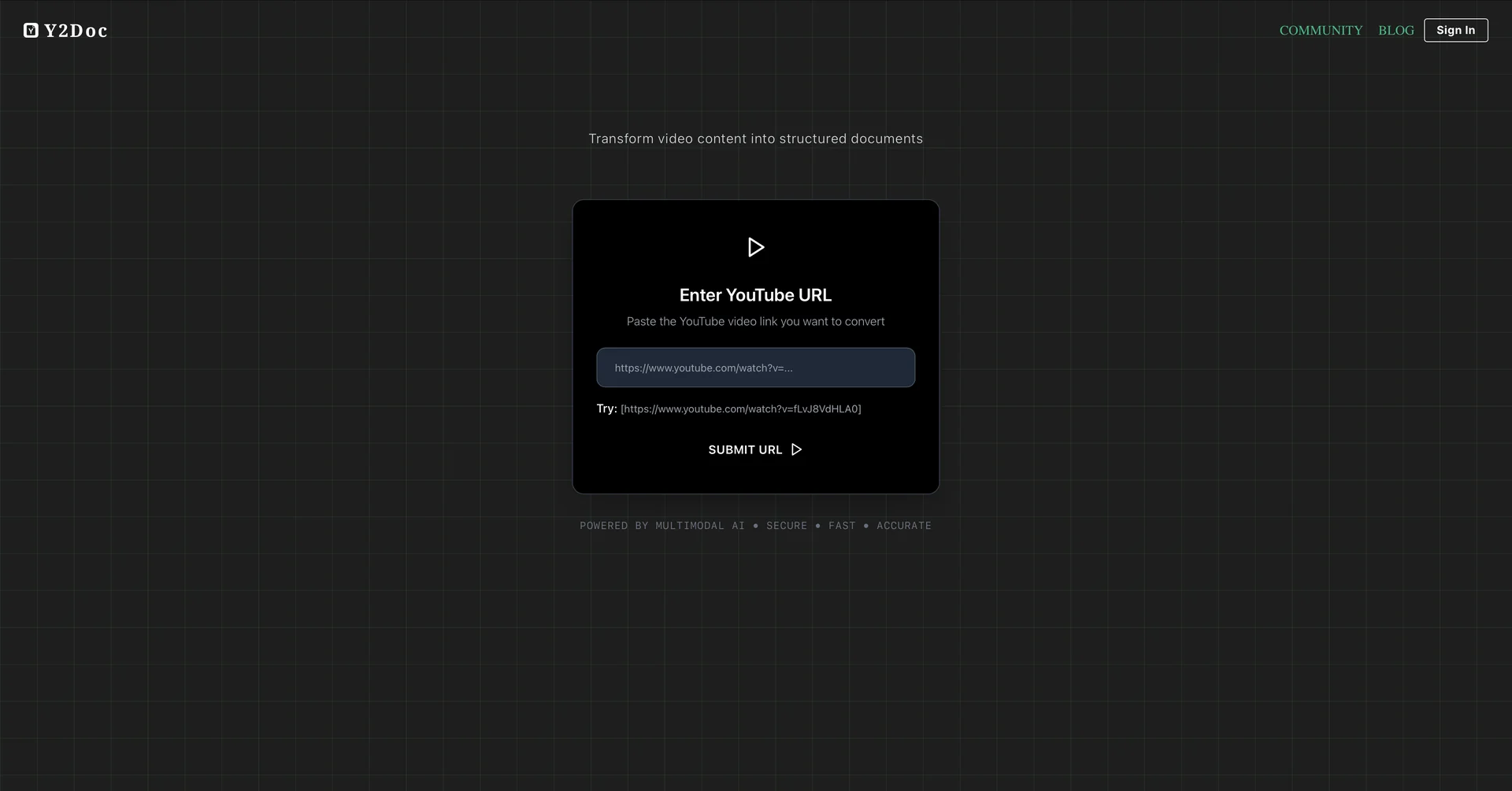
Go to and paste a link to any YouTube video (even a long one). Select your desired format (e.g., "Detailed Document" or "Quick Summary") and wait a few seconds. You can then download the result as a PDF, Markdown file, or copy it directly to your notes.

⚙️ Access or Source:

  • Official Website

  • Category: AI Transcription, Video Summarization, Knowledge Management.

  • Primary Use Case: Converting long educational or technical videos into readable, searchable documents.

🔗 Experience Link: 

https://y2doc.com/

Pricing Details

💵 Pricing & Plans (February 2026 Status) Y2Doc operates on a credit-based system where 1 minute of video = 1 credit: Plan Price (Approx.) Key Features Free / Trial $0 Limited free credits to test accuracy; Basic summaries; Standard speed. Standard / Monthly ~$19 / mo Large credit allowance; Priority processing; Support for 4-hour videos; Ad-free. Professional Tiered Packages Bulk credits for heavy users; Integration with Notion/Zapier; Advanced formatting options. 🎁 How to Get Started: Go to and paste a link to any YouTube video (even a long one). Select your desired format (e.g., "Detailed Document" or "Quick Summary") and wait a few seconds. You can then download the result as a PDF, Markdown file, or copy it directly to your notes.