Discord DiscMeet
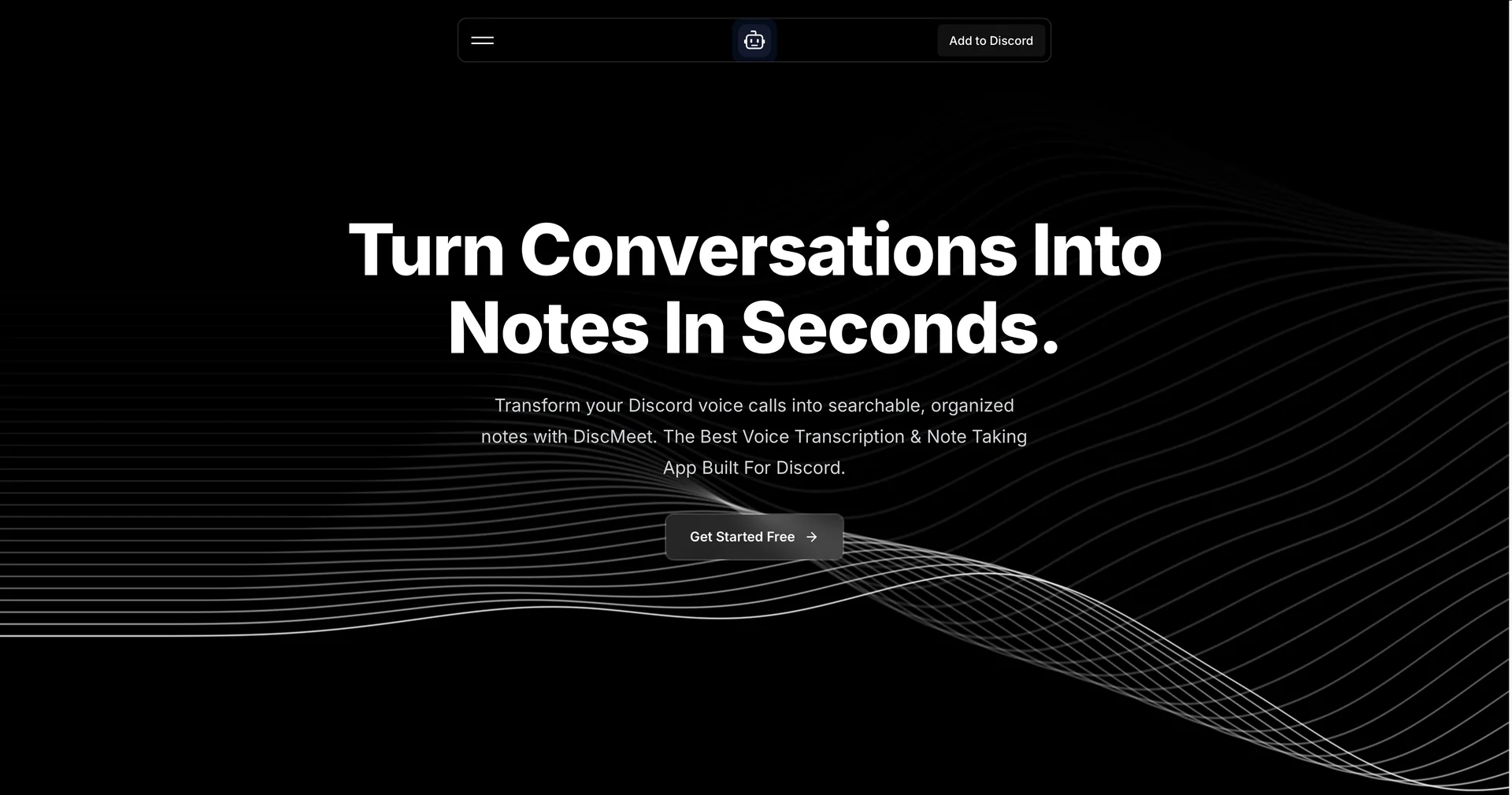
الوصف
🖼 ️اسم الأداة:
Discord DiscMeet
✏ ️نظرة عامة وميزات الذكاء الاصطناعي (إصدار 2026):
نسخ عالي السرعة: يعالج DiscMeet الصوت بسرعة تبلغ حوالي 16 ضعف سرعة مدة الاجتماع. يتم نسخ اجتماع مدته 60 دقيقة وتلخيصه في بضع دقائق فقط.
تحديد المتحدث: يميز الروبوت بذكاء بين المستخدمين المختلفين في قناة الصوت، ويحدد من قال ماذا لضمان دقة محضر الاجتماع.
تلخيص ذكي: لا يقتصر الأمر على تقديم جدار من النصوص؛ بل يُنشئ "ملخصات تنفيذية" مع نقاط تسلط الضوء على أهم الموضوعات واللحظات والاقتباسات.
دعم اللغات العالمية: مع دعم أكثر من 100 لغة، فهو الخيار المثالي لمجتمعات Discord الدولية، حيث يتعامل مع الترجمات واللهجات المحلية بدقة عالية.
الأمان والخصوصية: (سياسة 2026) تم تصميم البوت ليكون آمنًا. يقوم تلقائيًا بحذف ملفات الصوت الخام بمجرد اكتمال عملية النسخ والملخص، مما يضمن خصوصية المستخدم.
أوامر "بدون استخدام اليدين": يمكنك التحكم في البوت بالكامل عبر أوامر مائلة. ما عليك سوى كتابة
/discmeet joinلدعوته،و/discmeet stopلتلقي ملخصك على الفور في رسالة مباشرة أو قناة مخصصة.
⭐ ️تجربة المستخدم (2026):
"صوت الإنتاجية": حصل على تقييم 4.7/5. يحظى بتقدير كبير لإعداده "بدون عوائق" — حيث يستغرق أقل من 10 ثوانٍ لبدء نسخ أول اجتماع لك بعد التثبيت.
💵 الأسعار والخطط (حالة فبراير 2026)
يستخدم DiscMeet نموذجًا متدرجًا يعتمد على ساعات النسخ:
🎁 كيف تبدأ:
قم بزيارة discmeet.com أو ابحث عن "DiscMeet" في دليل تطبيقات Discord. أضف الروبوت إلى الخادم الخاص بك، ومنح الأذونات اللازمة، وانضم إلى قناة صوتية. اكتب /discmeet join لبدء أول جلسة موثقة بالذكاء الاصطناعي.
⚙ ️الوصول أو المصدر:
الموقع الرسمي
الفئة: إنتاجية الذكاء الاصطناعي، إدارة الاجتماعات، تكامل Discord.
حالة الاستخدام الأساسية: تسجيل وتلخيص الاجتماعات المهنية وجلسات الألعاب ومجموعات الدراسة التعليمية على Discord.
🔗 رابط التجربة: