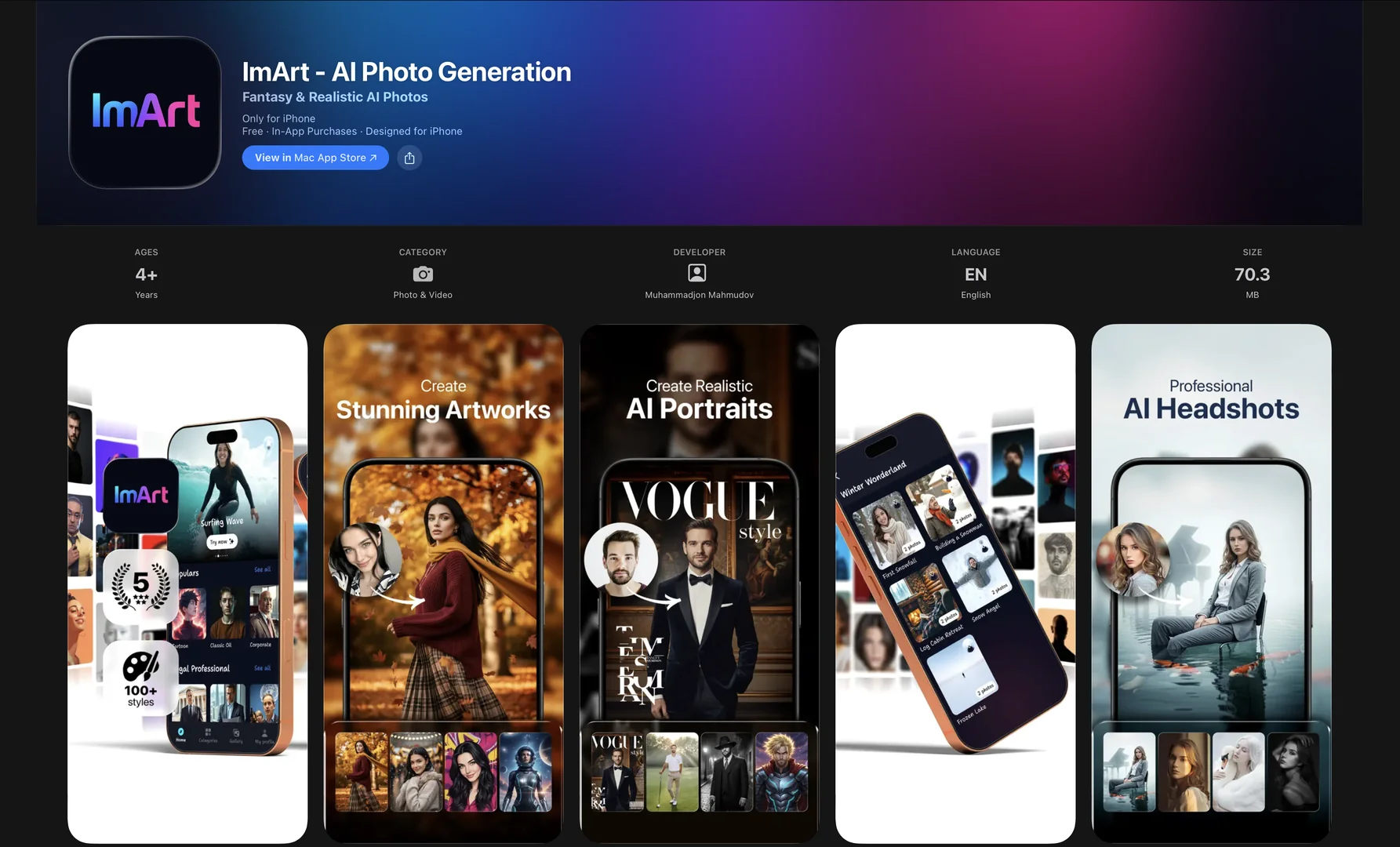
Features
- Generates images and animates them into 6-second videos with native audio
- Renders 4K images with accurate text for logos and slogans
- Keeps the same face across outfits, settings and styles with Character Lock
- Understands prompts in English and Arabic
- Remixes sketches or photos into over 50 styles
- Offers a Stealth Mode so images are not stored publicly or used for model training
- Provides preset scene templates such as Anime and Product Ad
Pricing Details
💵 Pricing & Plans (February 2026 Status): Plan Price (Approx.) Key Features Explorer (Free) $0 Daily limited credits; Standard resolution; Watermarked. Weekly Access ~$3.99 - $5.99 Full feature access for a short burst of creative work; No ads. Monthly Pro ~$9.99 - $12.99 Unlimited generations; 4K downloads; Character Lock; Commercial license. Credit Packs From $5.99 Pay-as-you-go "Coins" (e.g., 50 to 500 coins) for occasional high-res tasks. 🎁 How to Get Started: Search for "ImArt" or "AI ImageArt" in the Apple App Store or Google Play. Upon opening, you can choose a preset "Scene Template" (like "Anime" or "Product Ad") to get immediate results with a single word.