
AIPhotoEditor.ai
Features
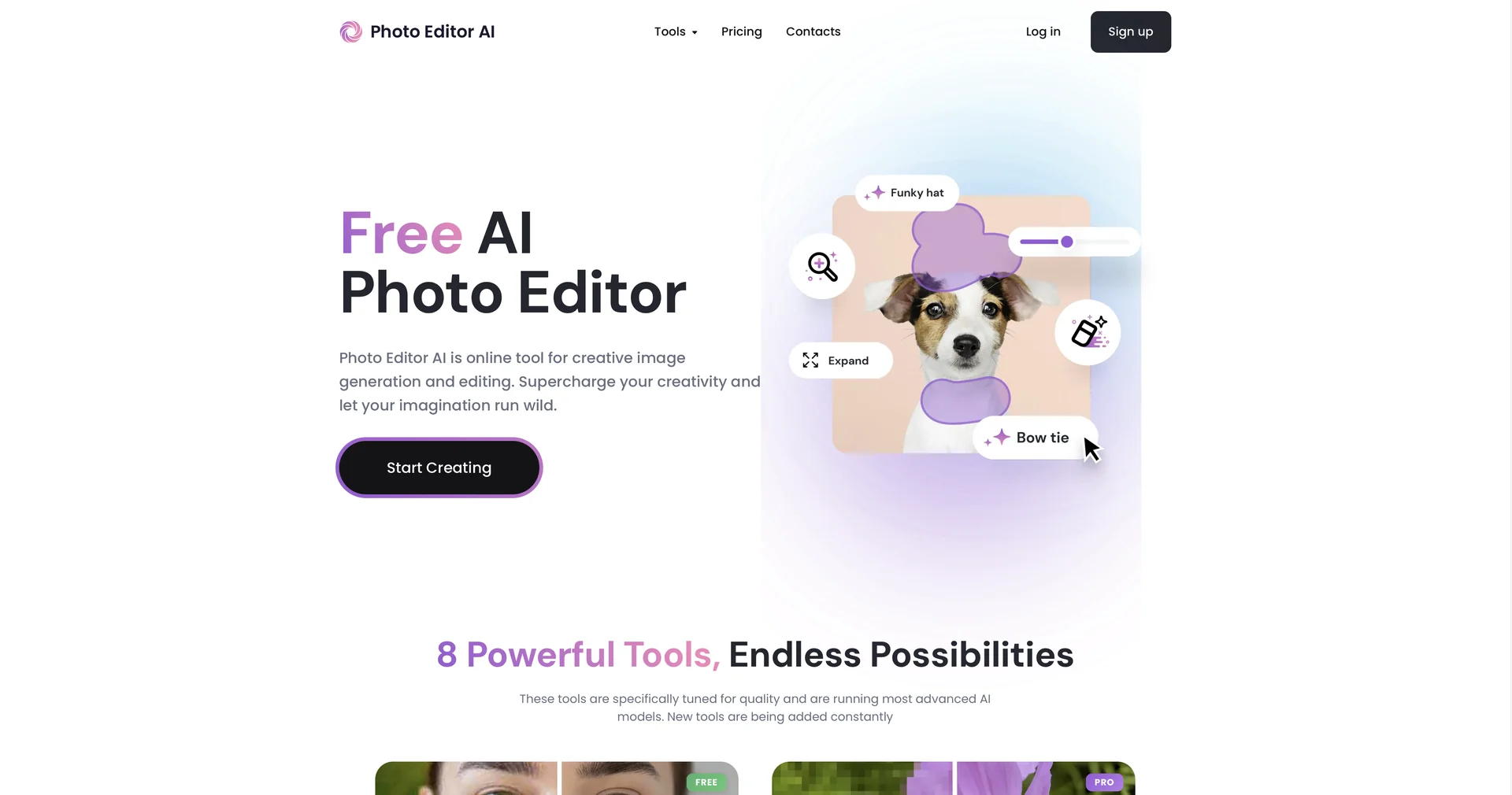
- Edits photos with typed commands instead of sliders or layers
- Expands photos beyond their frame with generative outpainting
- Removes unwanted objects, people and blemishes with Magic Eraser and inpainting
- Changes light direction and intensity after capture using AI relighting
- Restores old, blurry or scratched photos in HD or 4K
- Swaps faces realistically while preserving skin texture and lighting
- Offers batch processing and API access on business plans
Pricing Details
💵 Pricing & Plans (February 2026 Status): AIPhotoEditor.ai typically offers a "Freemium" model with a focus on ease of access: Plan Price (Approx.) Key Features Free Plan $0 Basic object removal; Standard resolution; Watermark on some advanced features. Pro / Creator ~$10.00/mo Unlimited generative edits; High-res (4K) exports; No watermarks; Commercial license. Business / API Custom Batch processing for thousands of images; API access for developers; Dedicated support. 🎁 How to Get Started: Visit aiphotoeditor.ai. Upload your image, and use the "Instruction Box" to tell the AI what to do. For example, type "Remove the person in the red shirt" and hit Enter. The AI will process the request in real-time, allowing you to download the result immediately.