DeepBrain AI
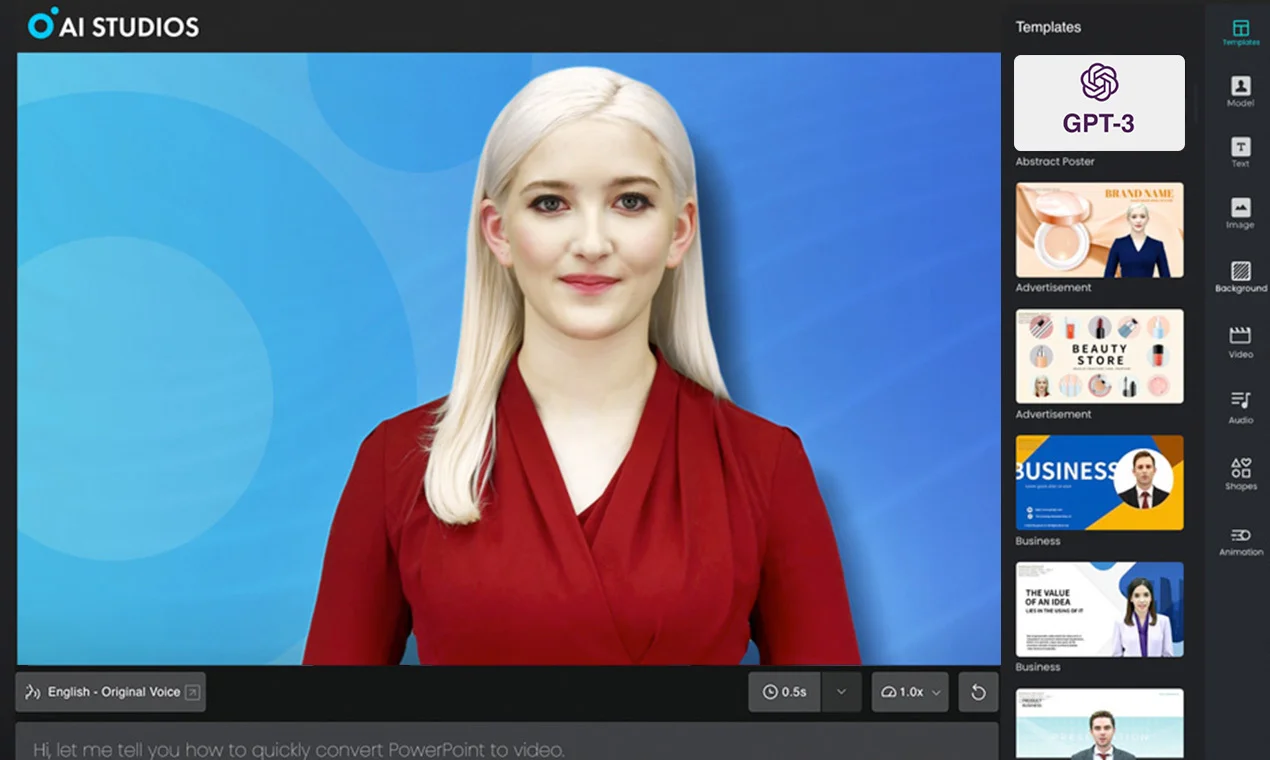
Description
️ Tool name: 🖼
AI Studios
Tool category: 🔖
Text and images to video
Video, editing, and motion
Video ideas and scripts
Motion graphics, titles, and subtitles
️ What does this tool offer? ✏
AI Studios enables users to quickly create professional videos using text, images, or short video clips. Features include creating animated virtual characters, dubbing videos in multiple languages with lip-syncing, translating content, and producing high-quality marketing or educational videos with advanced visual effects.
What does it actually offer based on user experience? ⭐
It provides a seamless user experience for creating interactive videos, with realistic virtual characters, support for multiple languages, and very fast production time compared to traditional methods. It helps content creators, companies, and educators produce educational and marketing videos and online lessons with high efficiency and low cost.
Does it include automation? 🤖
Yes, the tool relies on full automation to create videos, dubbing, subtitling, and adding virtual characters using AI models such as Sora 2.1, Veo 3.1, Nano Banana Pro, and Kling 2.6.
Pricing model: 💰
Free: $0/month, create up to 3 videos, video length up to 3 minutes, 1 virtual character, 720p export
Personal: $24/month, unlimited videos up to 30 minutes, 3 virtual characters, 1080p export, AI dubbing up to 120 minutes per month
Team: $55/seat/month, unlimited videos up to 60 minutes, 5 virtual characters, 4K export, AI dubbing up to 240 minutes per month, team collaboration and sharing features
Enterprise: Custom, unlimited videos and virtual characters, 4K export, unlimited AI dubbing, security and management features for large organizations
🆓 Free plan details:
Create up to 3 videos, each up to 3 minutes long, 1 virtual character, 720p video export, try out basic dubbing tools with 16 credits for generational use.
Paid plan details: 💳
The Personal and Team plans offer unlimited videos, multiple virtual characters, dubbing, and advanced editing features, with the option to add additional credits as needed. The Enterprise plan is designed for organizations with security, collaboration, and large-scale production tools.
How to access the tool: 🧭
The platform can be accessed via a browser or by logging in to paid plans, with support for video creation, dubbing, subtitling, and virtual characters directly from the user's control panel.
Trial link or official website: 🔗
https://aistudios.com