• Audio cleaning and mixing
• Voice, speech, and music
• Medical tools
• Performance and development
TuneLab

Description
Tool name:
TuneLab
Tool category: 🔖
️ What does this tool offer? ✏
TuneLab is a professional program designed to tune pianos and musical instruments with high precision via smartphones, tablets, and laptops. The software is used by professional and amateur piano tuners because it provides accurate tools for measuring and adjusting tones and monitoring the inharmonicity of each key on the piano. This version includes support for Android, iOS (iPhone and iPad), and Windows devices, with advanced features such as automatic tone switching, pitch lift mode, and sound spectrum display, enabling users to easily perform precise and repeated tuning despite the complexity of natural piano tuning.
What does it actually offer based on user experience? ⭐
According to the available information, TuneLab is actually used as a tool that brings the profession to a professional level, as it provides the ability to customize tuning based on the inharmonicity test of the actual piano, the ability to save tuning files for each instrument, It also supports historical tuning curves and precise piano tuning via advanced graphical interfaces that display the sound spectrum and stroboscope pattern for more accurate tuning of tonal differences. This makes the program suitable for technicians who need professional results that can be saved and retrieved at a later time.
Does it include automation? 🤖
Yes, the software includes automatic features such as automatic switching between notes as soon as the user plays the next note, as well as automatic calculation of tuning curves based on inharmonicity measurements, reducing the need for manual tuning of each key.
Pricing model: 💰
‑ TuneLab for iOS devices (iPhone and iPad): approximately $299.99 as a one-time purchase from the App Store.
‑ TuneLab for Windows: Approximately $300 for the full version of the software.
‑ Android versions: Typically, the software is downloaded and tested for free with the option to upgrade to a paid version similar to the iOS price (exact information may vary depending on the store and region).
🆓 Free plan details:
TuneLab often offers a free trial version for Windows devices to try before you buy, and users can install it to evaluate the device's compatibility with the software before paying.
Paid plan details: 💳
Paid versions of TuneLab operate on a one-time purchase basis for each platform:
‑ iOS version: Fixed price of approximately $299.99 via the App Store.
‑ Windows version: Approximately $300 to purchase the full software without a monthly subscription.
These prices reflect the user getting full capabilities without an ongoing subscription.
How to access the tool: 🧭
TuneLab software can be accessed through the official app stores for iOS and Android devices, or through the TuneLab page for Windows on the developer's website, Real-Time Specialties, to download the trial version and purchase the full license.
Trial link or official website: 🔗
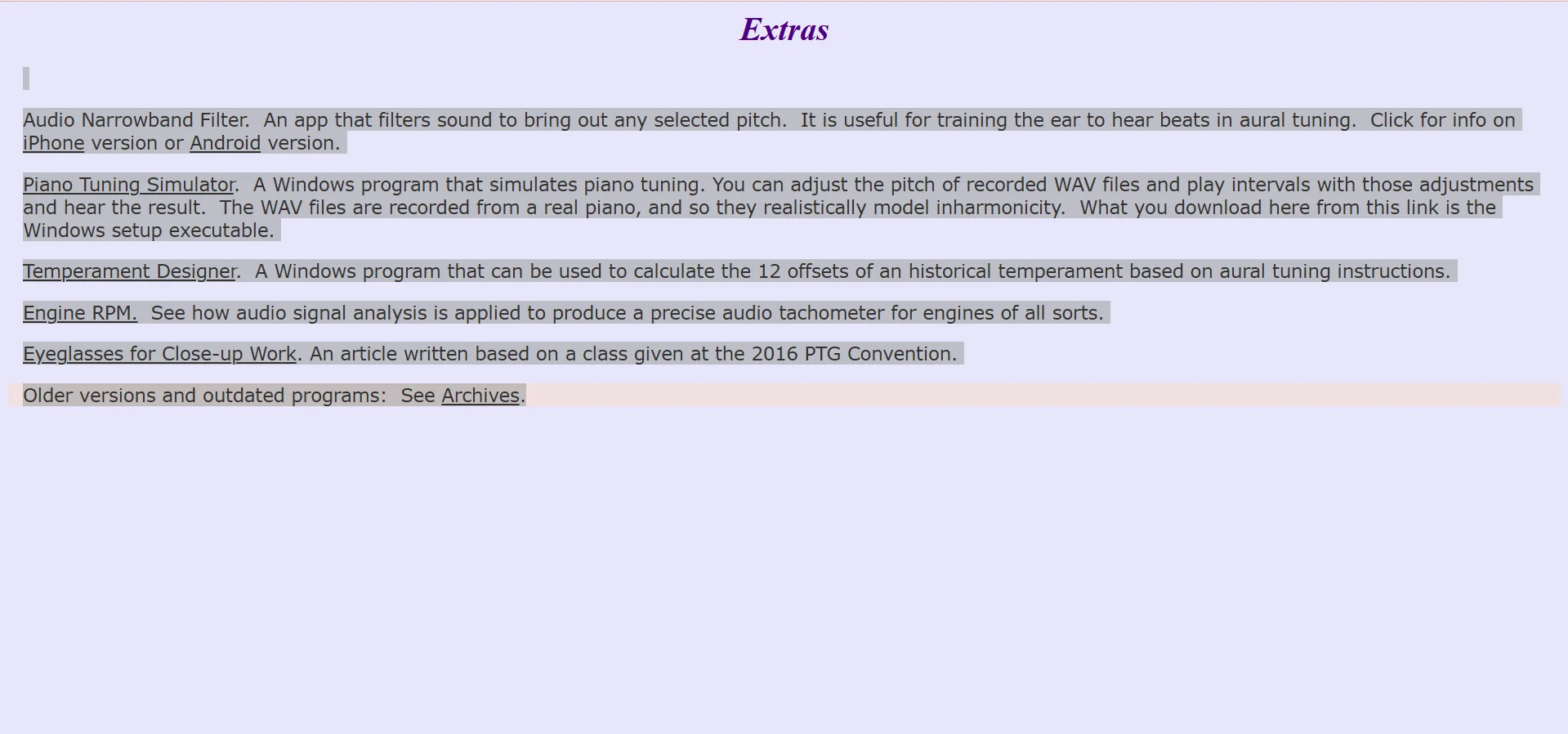
https://www.tunelab-world.com/extras.html
Pricing Details
TuneLab's pricing model is based on a one-time purchase for each platform, with no monthly subscriptions. For iOS devices (iPhone and iPad), the full version is purchased from the App Store for approximately $299.99, while the Windows version offers a similar price of approximately $300 for the full software. For Android users, the software can usually be downloaded and tested for free before upgrading to the paid version at a price similar to the iOS versions, taking into account price differences depending on the store and region. The platform offers a free trial version on Windows to evaluate the device's compatibility with the program before purchasing, giving users the opportunity to try out the basic features before committing to paying for the full capabilities.