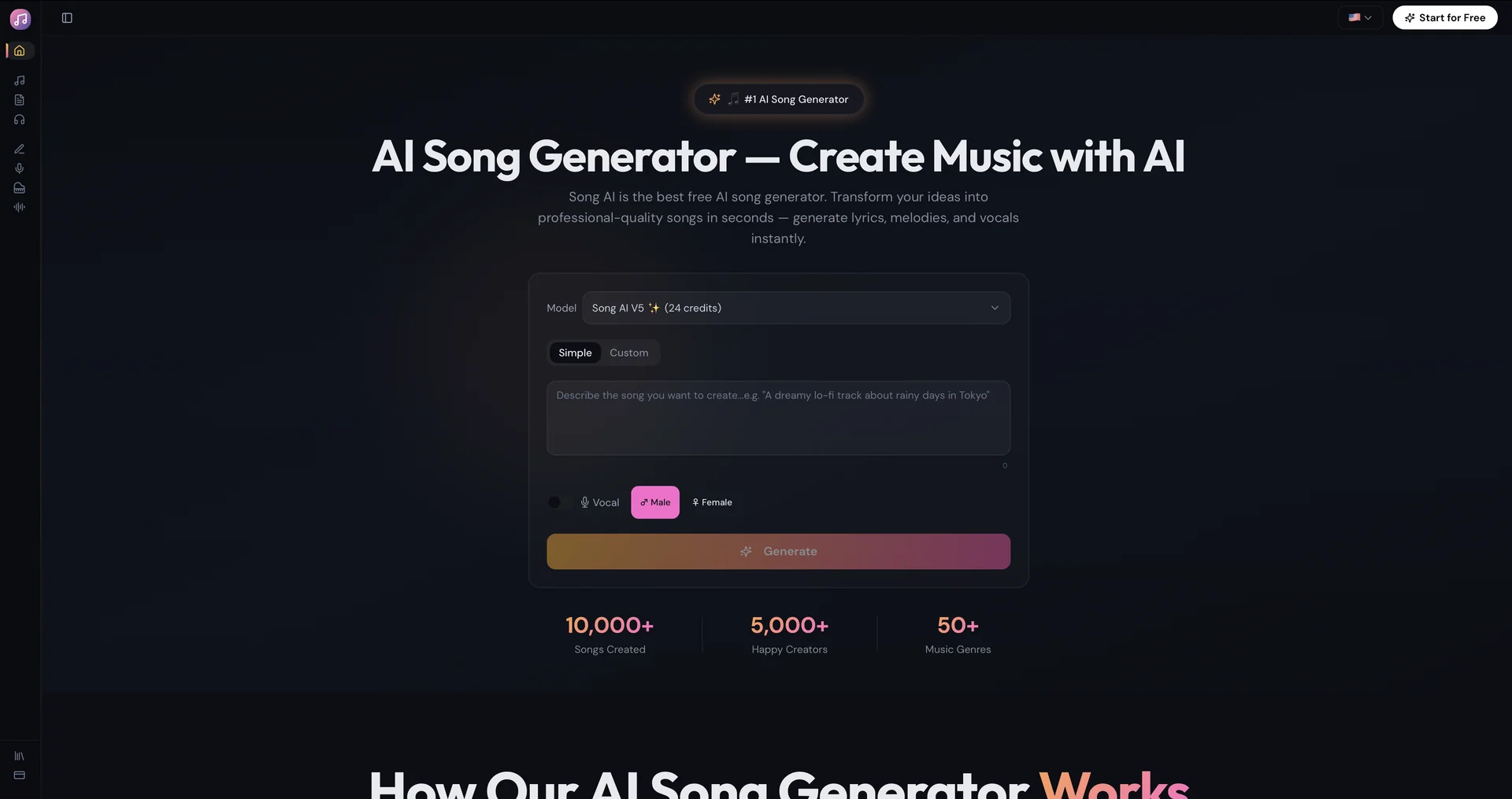
Features
- Generates 4-minute tracks and extends them to 6 minutes or longer
- Voice cloning trained on a 1-minute vocal clip
- Assigns different AI voices to verses or choruses in duets
- Creates synchronized lyric videos and visualizers in 1080p
- Karaoke-style real-time lyric highlighting
- In-painting editor to change only a selected section
- Separates vocals and stems
- Exports MP3, MP4 and MIDI
Pricing Details
💵 Pricing & Plans (March 2026 Status): SongAI offers a competitive "Pay-as-you-go" or subscription model, often running aggressive discounts for annual commitments. Plan Price (Approx.) Key Features Free Plan $0 ~2 Credits daily; 1-minute audio uploads; Standard quality; Watermarked. Monthly Pro ~$14.80 / mo 200 songs/mo; 4-minute limit; 10 concurrent jobs; 500 downloads/mo. Quarterly ~$11.60 / mo 600 songs/quarter; Commercial Use License; Permanent storage; Unlimited downloads. Annual (Best) ~$7.30 / mo 2,400 songs/yr; 6-minute extensions; 50 concurrent jobs; Unlimited MP3/MP4/MIDI. 🎁 How to Get Started: Visit or download SongAI on the App Store. We recommend the "Stems Challenge": generate a short 30-second track, then use the "Separate Vocals" tool to see how cleanly the AI can strip the voice from the instruments.