Description

️ Tool Name: 🖼
ActivTrak

Tool Category: 🔖
Analytics and Dashboards
Data and Analytics
Business and Operations Management

️ What does this tool offer? ✏
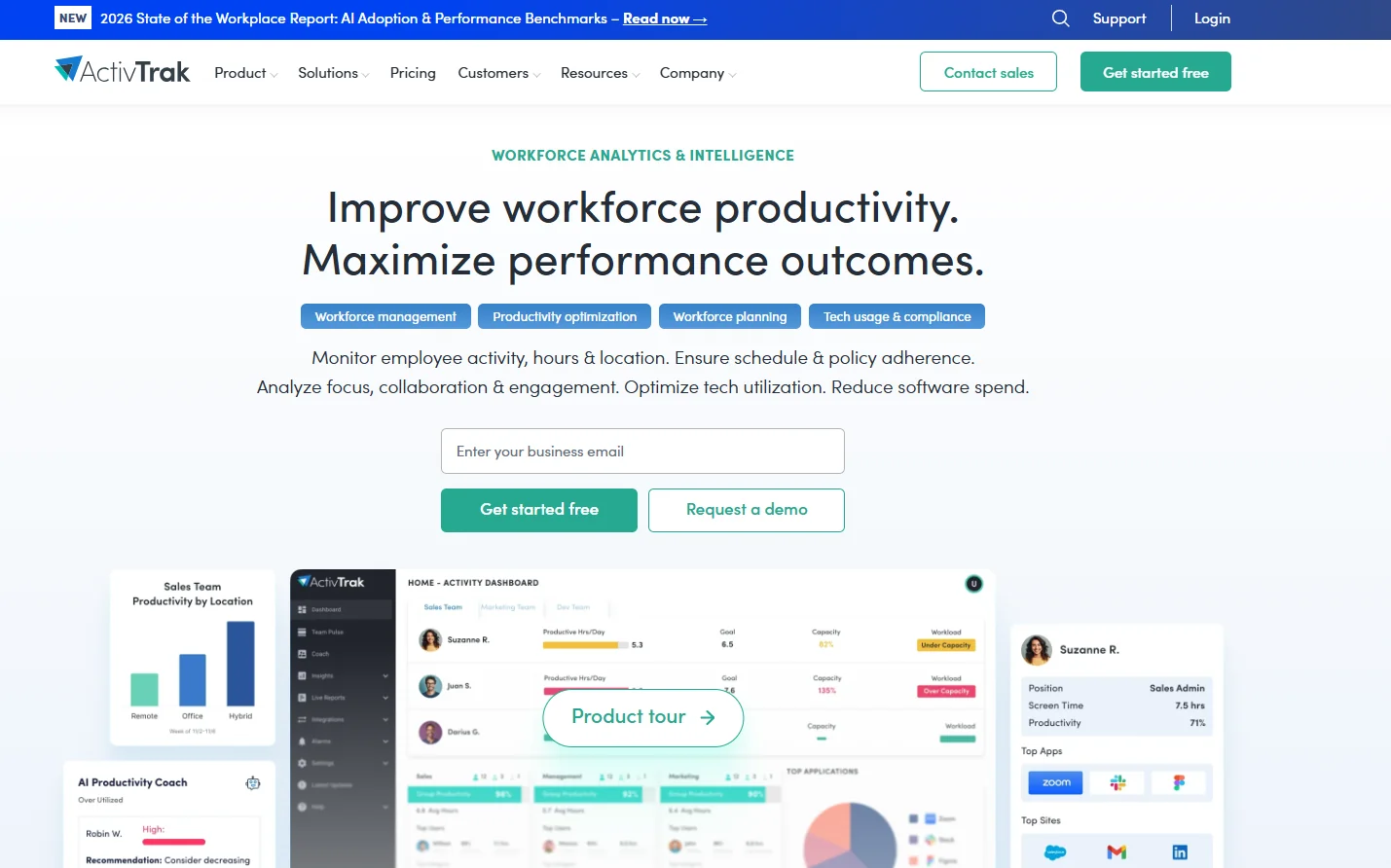
ActivTrak offers an integrated platform for monitoring employee activity and analyzing performance, with a focus on improving productivity, compliance, and strategic workforce planning. The tool enables time tracking, digital activity data collection, and monitoring of app and website usage, as well as individual and team performance analysis via Dashboards & Reports. Key features include: Productivity reports, Activity logs, Daily Work Metrics, Productivity Trends, Schedule & Policy Adherence, Workload Balance, Coaching Opportunities, and Executive Insights. It also provides workforce planning tools such as Capacity & Headcount Planning and Tech Spend Optimization, with the ability to customize dashboards and reports to suit the company’s needs.

What does it actually offer based on user experience? ⭐
ActivTrak gives companies a comprehensive view of how their teams work, showing who is working efficiently, who is overburdened, and where operational weaknesses lie. The tool helps improve daily productivity, provide coaching, ensure policy compliance, and reduce waste. It also supports senior management through Executive Insights to understand financial losses, investment efficiency, and improve strategic decision-making.

Does it include automation? 🤖
Yes, automation includes automatically collecting and analyzing data from employee devices and work environments, creating custom Reports & Dashboards, generating Compliance Alarms, and providing targeted Performance Optimization & Coaching, while automatically monitoring schedule and policy compliance.

Pricing Model: 💰
Per User Pricing, meaning pricing is based on the number of users, with monthly or annual payment options for each plan, and a 14-day free trial for the Professional plan.

🆓 Free Plan Details:

Free: $0 per user per month, up to 3 users, 30-day data history, and essential features such as Basic time tracking, Productivity reports, Activity logs & summary, with the option to activate "Get started free."
Paid plan details: 💳

Essentials: $10 per user per month when billed annually, unlimited users, 6 months of data retention, additional features: Meeting time tracking, Activity alerts, Organizational performance, with a "Request quote" button.
Essentials Plus: $15 per user per month when billed annually, unlimited users, 6 months of team data, advanced features: Productivity goals, Exception reporting, Work location visibility, labeled Most Popular.
Professional: $19 per user per month when billed annually, unlimited users, one year of data history, advanced features: Team performance, Capacity planning, Activity alignment.
The tool offers a 14-day free trial of the Professional plan with no credit card required.
How to access the tool: 🧭
You can access ActivTrak via your browser by clicking the "Get started free" button to activate the free trial, or "Contact sales" to request a quote, or "Request demo" to schedule a demo. After logging in, the system connects to team devices to collect activity data, enable time tracking, access dashboards and reports, and track team performance and analyze productivity.

Trial link or official website: 🔗
https://www.activtrak.com

Pricing Details

ActivTrak offers a user-based pricing model with monthly or annual payment options for each plan, and provides a 14-day free trial of the Professional plan with no credit card required. The free plan allows up to three users to use the tool with 30 days of data retention and includes basic features such as basic time tracking, productivity reports, and activity logs, with the ability to get started right away. Paid plans start with Essentials at $10 per user per month when billed annually, offering unlimited users and six months of data retention, along with additional features such as meeting time tracking, activity alerts, and organizational performance metrics. Next is the Essentials Plus plan, priced at $15 per user per month when billed annually, with unlimited users and six months of team data retention, plus advanced features such as productivity goals, exception reports, and work location visibility—it is the most popular plan. The Professional plan costs $19 per user per month when billed annually, with one year of data retention and advanced features including team performance, capacity planning, and activity alignment. You can access the tool via your browser and start a free trial by clicking the "Get Started" button, or contact sales to request a quote or a demo. Once logged in, the system connects to your team’s devices to track activity, enable time tracking, and provide access to dashboards and reports for analyzing productivity and team performance.