Description

️ Tool Name: 🖼
Typora

Tool Category: 🔖
Content and Text Writing, Content Management and Publishing, Business Document Creation, Teaching and Assessment Tools

️ What does this tool offer? ✏
Typora is a Markdown editor that offers a seamless live preview experience, allowing you to write and preview simultaneously. It supports the insertion of images, tables, lists, mathematical symbols, diagrams, and internal text styles. It provides organizational tools such as the Outline Panel and Organize Files, as well as focus modes like Focus Mode and Typewriter Mode. It allows for easy file import and export, and offers full interface customization via Themes and CSS.

What does it actually offer based on user experience? ⭐

  • A live writing environment that displays the final text as you type.
  • Advanced support for Markdown elements: Headers, Lists, Tables, Images, Code Fences, Math, Diagrams.
  • Productivity tools: Word Count, Focus Mode, Typewriter Mode, Auto Pair.
  • File management: Organize Files and Outline Panel.
  • Import and export files in multiple formats.
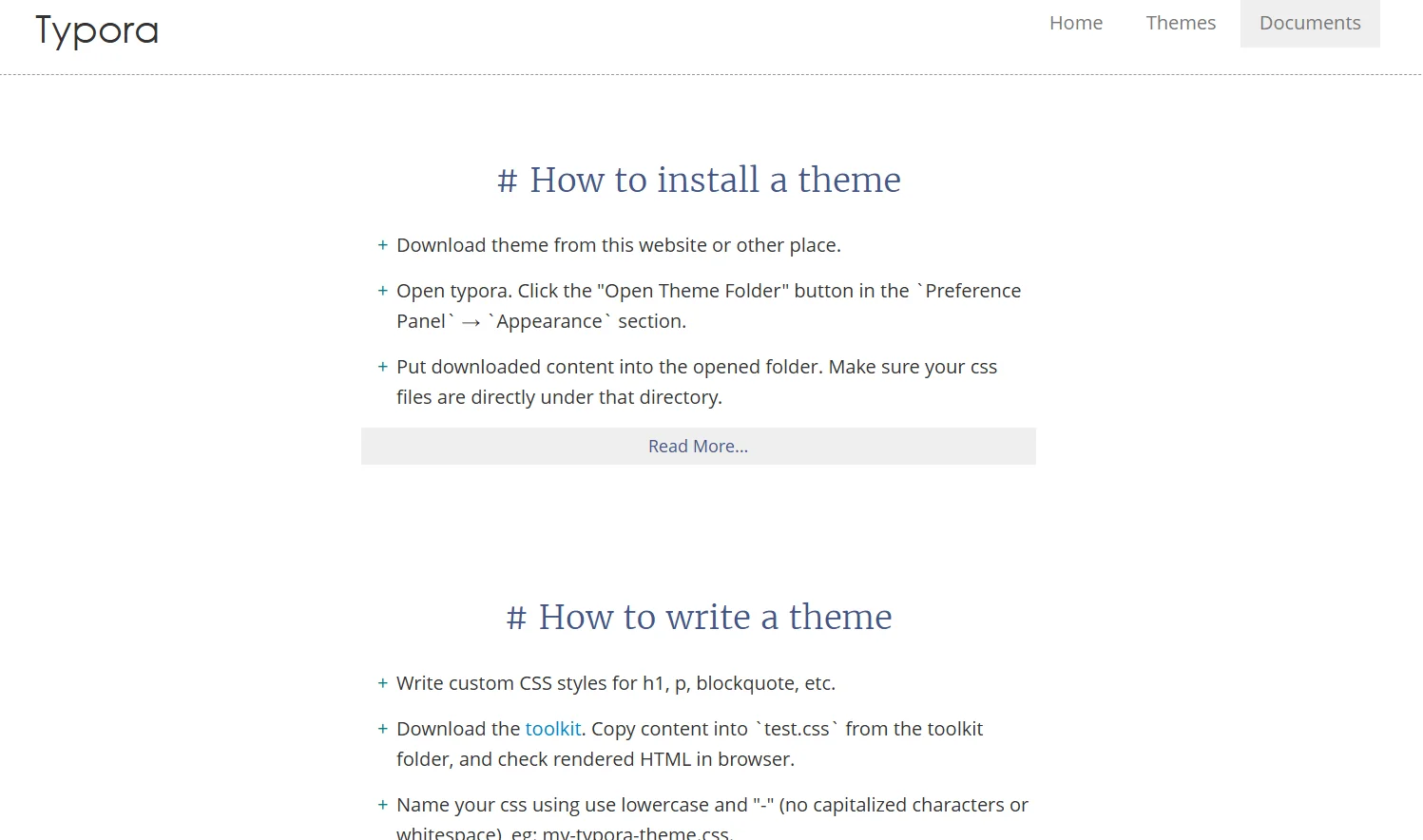
  • Fully customize the appearance with pre-made themes or create a custom theme using CSS.
  • 15-day free trial to evaluate the full version before purchasing.

Does it include automation? 🤖
Yes, the tool offers partial automation such as automatic closing of parentheses and double quotes (Auto Pair), as well as automatic file management and organization within the Outline Panel.

Pricing model: 💰
A one-time payment of $14.99 per user, with a 15-day limited free trial. No monthly or annual subscriptions.

🆓 Free Plan Details:

  • A full 15-day trial to evaluate all features on up to 3 devices.
  • Access to all basic Markdown tools, file management, and themes.

Paid Plan Details: 💳

  • One-time purchase of the software for $14.99 (tax not included).
  • Provides permanent access to all basic and advanced features on three devices.
  • Support for continuous software updates and access to “What’s New” releases.

How to access the tool: 🧭

  • Visit the official website.
  • Download the version compatible with your operating system (Windows, macOS, Linux).
  • Install the software and start using it immediately after trying the free version.

Trial link or official website: 🔗
https://store.typora.io/

Pricing Details

The pricing model is based on a one-time payment of $14.99 per user, with a 15-day limited free trial available to evaluate all the program’s features on up to three devices, with no monthly or annual subscriptions. In the free plan, you can use all basic Markdown tools, manage files, and change themes, allowing you to fully experience the program before purchasing. After purchase, users gain permanent access to all basic and advanced features on three devices, with support for continuous updates and the ability to follow “What’s New” releases to ensure they benefit from all new improvements.