Description
🖼️ Tool Name:
SurfMind
🔖 Selected Classifications:
Summaries, Headlines & Ideas (Instant TL;DR of long web pages)
Knowledge Base & Self-Service (Recall browsing history via natural language)
Study Assistants & Notes (Extracting facts and definitions from online courses)
Coding Assistants (Explaining complex APIs and engineering docs in-browser)
Finance, Forecasting & Dashboards (Comparing specs and prices across tabs)
Multi-Page Research (Cross-referencing facts across multiple open websites)
✏️ Overview & Key AI Features:
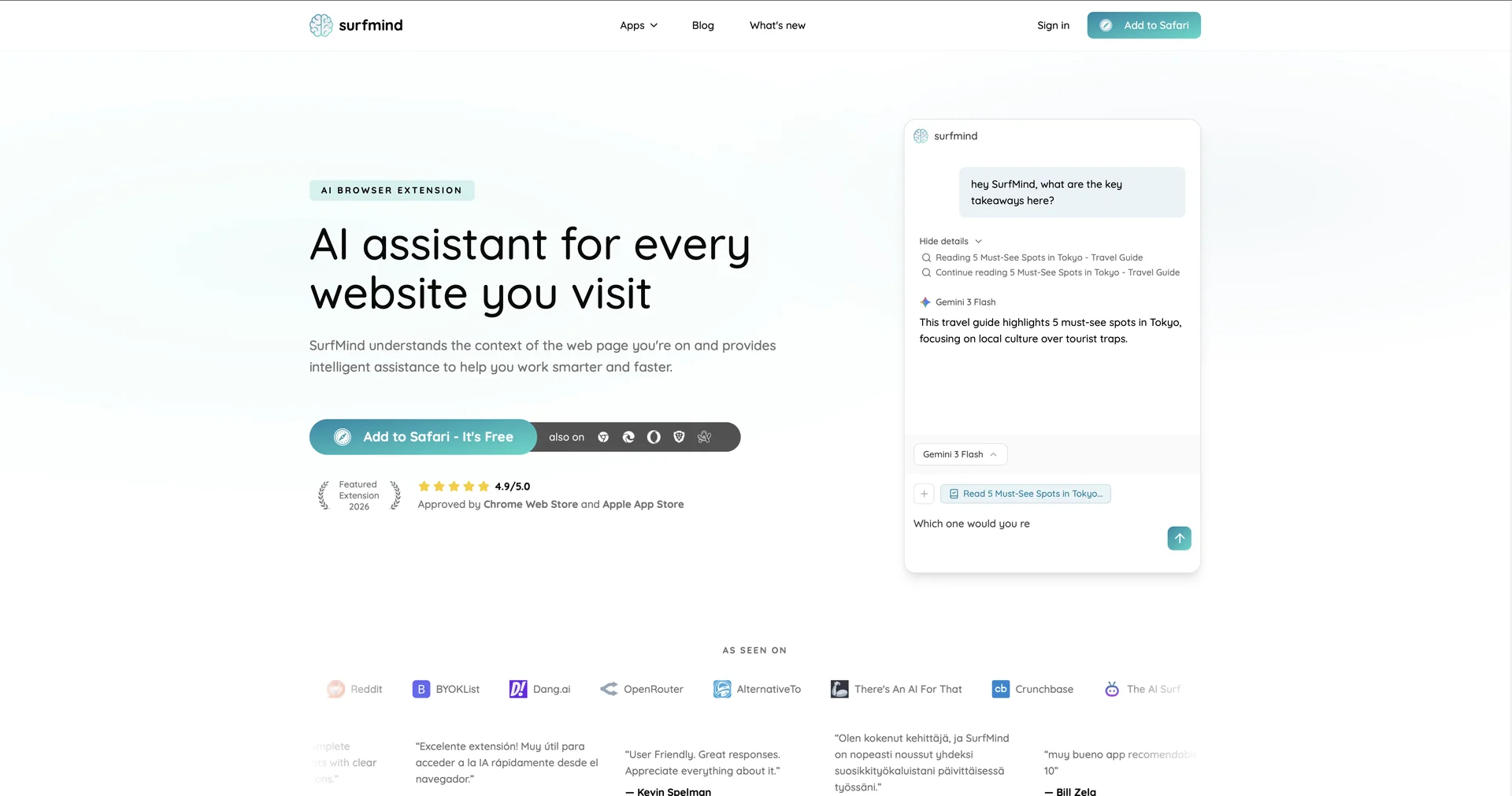
The "Context-Aware" Browser Layer: SurfMind is an AI-first browser extension designed to turn the entire web into a searchable, interactive workspace. It lives in a persistent sidebar, allowing you to interact with any website without losing your flow.
Page-Aware Intelligence: Unlike generic chatbots, SurfMind "reads" the active tab (articles, emails, GitHub repos, or product pages) to provide answers and actions based specifically on that page's content.
Semantic Recall (Vector Memory): Using FAISS and vector embeddings, SurfMind acts as a "second brain" for your browsing. You can ask, "Where did I read about that specific luxury car chassis last week?" and it will retrieve the exact site and section from your history.
Multi-Tab Research Chat: A standout 2026 feature that allows one conversation to span multiple open tabs.You can ask it to "Compare the features of the three AI tools I have open right now," and it will generate a structured comparison table.
Actionable Highlighting: Highlighting any text on a page unlocks a contextual menu for instant translation, simplification of technical jargon, or drafting a professional reply to a forum thread.
BYOM (Bring Your Own Model): In line with modern privacy standards, SurfMind allows users to connect their own API keys (OpenAI, Anthropic, Gemini) or point the extension to local endpoints (Ollama), giving users total control over their data privacy.
⭐️ User Experience:
"The Web's Invisible Assistant": As of April 2026, SurfMind is highly rated on the Chrome Web Store (4.8/5). It is particularly popular among researchers and developers who need to synthesize information from multiple sources quickly. Users praise the "Sleek Sidebar" and the fact that it doesn't clutter the page unless summoned.
💵 Pricing & Plans (April 2026 Status):
SurfMind follows a "Freemium" model with a focus on power-user features.
🎁 How to Get Started:
Install the SurfMind extension from the Chrome Web Store. Navigate to any long technical article and click the sidebar icon to see an instant summary, or highlight a difficult paragraph to ask for a "Simplified" explanation.
⚙️ Access or Source:
Official Website
Platform: Chrome, Edge, and Brave Browser Extension.
🔗 Experience Link:
https://surfmind.ai/
