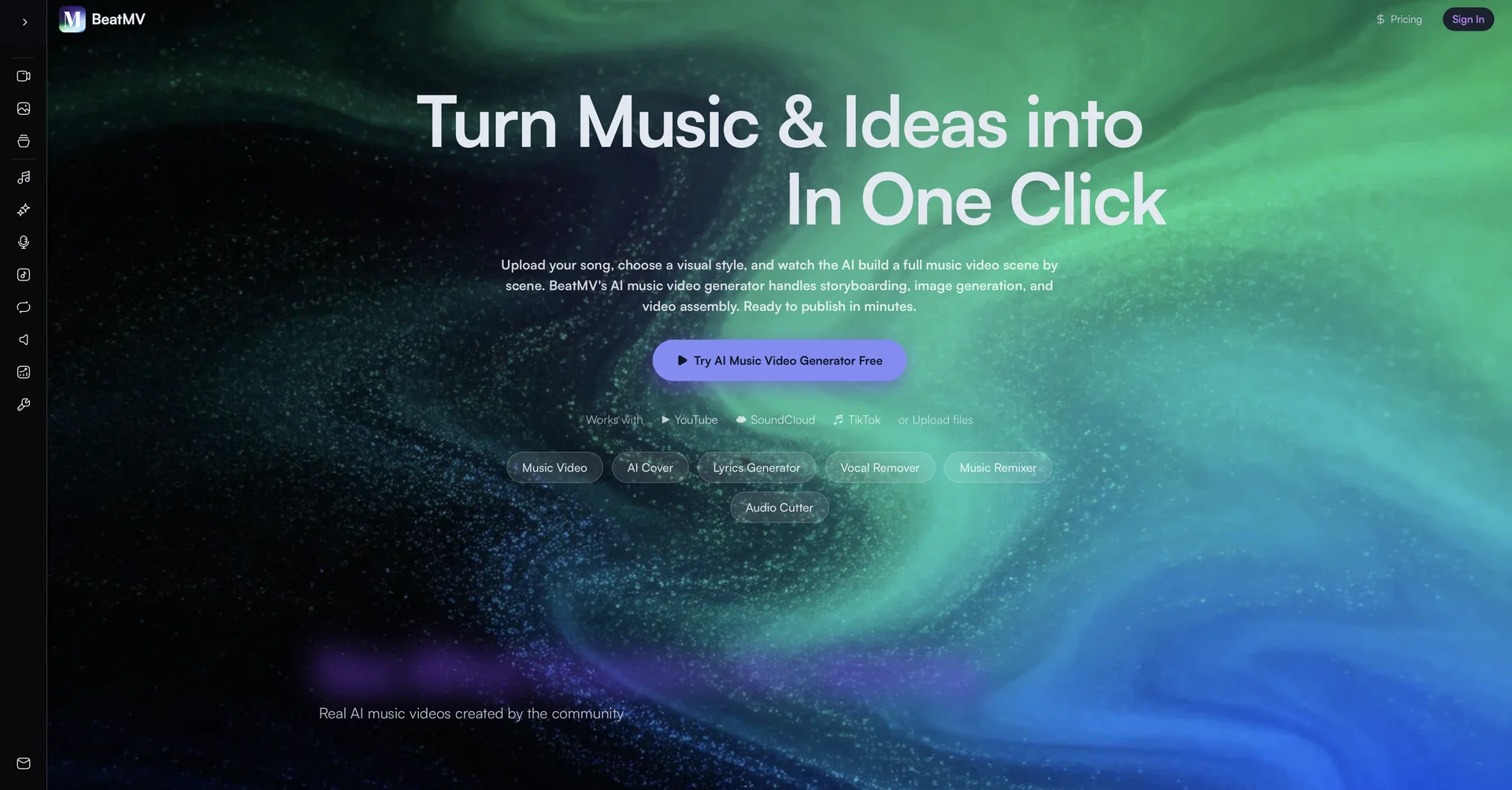
Description

🖼️ Tool Name:

BeatMV

🔖 Selected Classifications:

  • Video Generation (Transforming audio tracks into cinematic visual content)

  • Music & SFX Generation (All-in-one song and audio creation)

  • Social Templates & Auto-Editing (Optimized for YouTube, TikTok, and Reels)

  • Interactive Stories & Characters (Consistent characters across multi-scene videos)

  • Tasks & Projects (Automating the storyboard-to-final-cut workflow)

✏️ Overview & Key AI Features:

  • The "AI Music Video Director": BeatMV is an all-in-one AI platform designed to transform songs into high-quality music videos in minutes. It bridges the gap between music production and visual storytelling, specifically for independent artists and content creators.

  • AI Director Mode: A fully autonomous mode where the AI analyzes the song’s lyrics, beat structure (BPM), and emotional mood. It automatically generates a storyboard, selects camera angles, and assembles a professional multi-scene video.

  • Specialized Video Modes:

    • Story Mode: Focuses on dramatic plots and cinematic storytelling (short films).

    • Singing Mode: Optimizes for lip-sync, glamorous lighting, and close-up vocal performances.

    • Dancing Mode: Tailored for K-pop style choreography with high-energy camera motion.

  • Consistent Character Engine: Users can upload reference photos to ensure that characters remain visually consistent throughout various scenes and camera angles.

  • Custom Production Studio: For creators who want more control, the "Custom Mode" allows for frame-by-frame guidance, specific visual style selections (Anime, Cyberpunk, 3D Render, etc.), and manual scene descriptions.

  • Beat-Sync Technology: Powered by advanced models like Seedance 2.0, the tool ensures that cuts, transitions, and camera movements are perfectly synchronized with the rhythm of the music.

⭐️ User Experience:

  • "A Production Team in Your Pocket": In April 2026, BeatMV is rated as a top-tier tool for "Indie Artist Empowerment." Users—particularly those on TikTok and YouTube—praise the tool for its ability to generate "viral-ready" content without the need for expensive filming equipment or editing software. The "Director Mode" is frequently cited as the fastest way to get a professional visual representation for a new track.

💵 Pricing & Plans (April 2026 Status):

BeatMV operates on a freemium model with a focus on quick previews.

PlanPrice (Approx.)Key Features
Free Trial$015-second preview clips; Watermarked; Basic styles.
Pro Monthly$15 - $25 / moUnlimited 1080p exports; No watermarks; Character consistency tools.
Elite / StudioCustom4K rendering; Priority cloud processing; Commercial licensing for labels.

🎁 How to Get Started:

  • Visit beatmv.ai, upload your MP3 track, and select "Director Mode" for an instant result. If you have a specific character in mind, use the "Reference Photo" feature in Custom Mode to make sure the AI "casts" the right person for your video.

⚙️ Access or Source:

  • Official Website

  • Platform: Web-based (Desktop/Mobile).

🔗 Experience Link:

https://beatmv.ai/

Pricing Details

💵 Pricing & Plans (April 2026 Status): BeatMV operates on a freemium model with a focus on quick previews. Plan Price (Approx.) Key Features Free Trial $0 15-second preview clips; Watermarked; Basic styles. Pro Monthly $15 - $25 / mo Unlimited 1080p exports; No watermarks; Character consistency tools. Elite / Studio Custom 4K rendering; Priority cloud processing; Commercial licensing for labels. 🎁 How to Get Started: Visit beatmv.ai, upload your MP3 track, and select "Director Mode" for an instant result. If you have a specific character in mind, use the "Reference Photo" feature in Custom Mode to make sure the AI "casts" the right person for your video.