Description

🖼 Tool Name: 

Caret

🔖 Categories:

  • Meeting Notes & Summaries

  • Article & Social Generation

  • Knowledge Base & Self-Service

  • Search & Discovery

  • Analytics & Dashboards

✏ What does this tool offer?

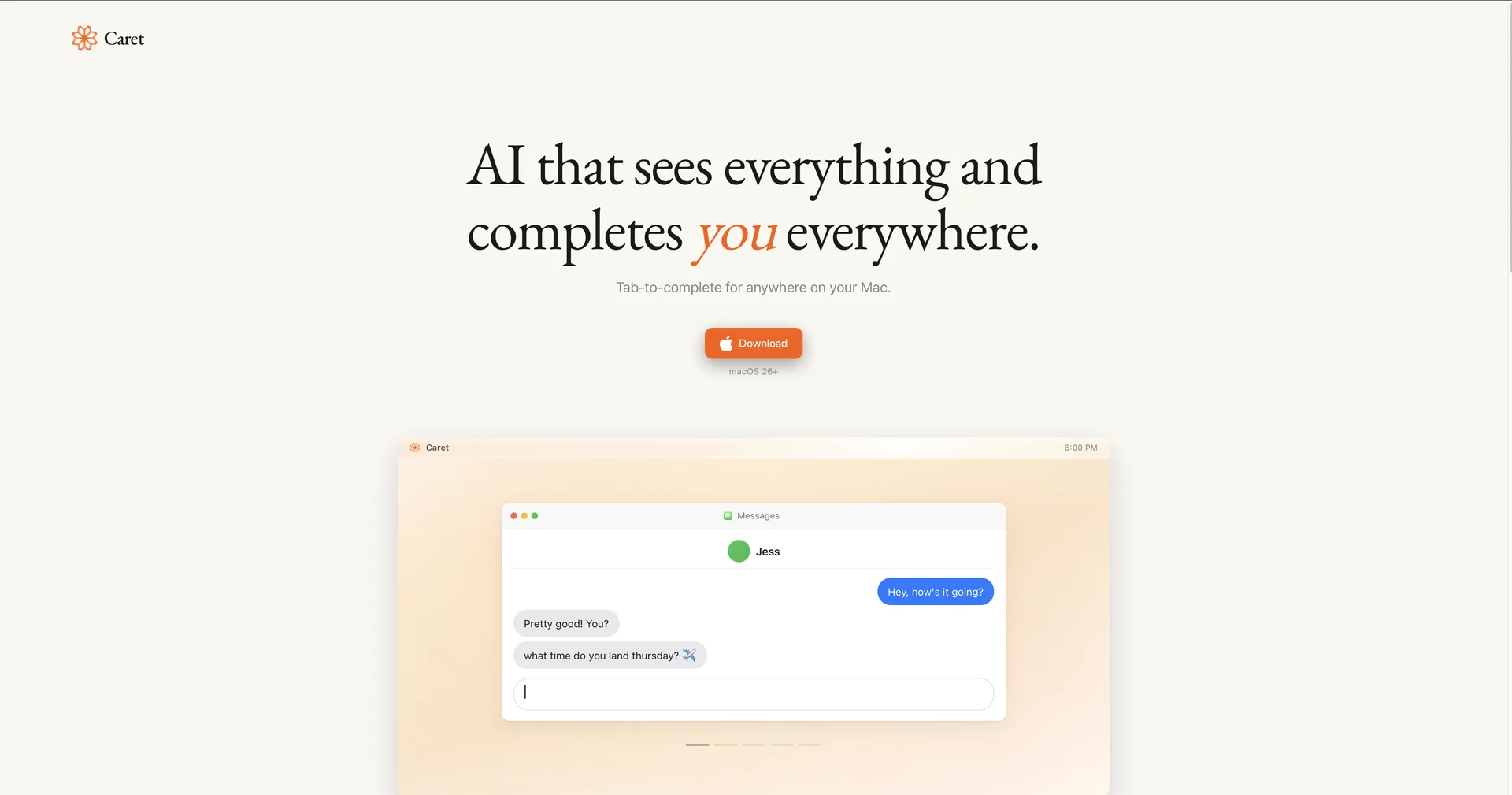
  • Caret is a dual-purpose AI system designed for macOS and iOS. It functions as both a System-wide Writing Assistant that autocompletes text across every app and a Proactive Meeting Assistant that transcribes and summarizes live conversations.

  • The Writing Assistant (macOS) uses an "Always-On Context Engine" that reads your screen to build a memory of your current work. By simply pressing Tab, it suggests the next sentence in your unique voice, appearing as a native overlay rather than a separate chat window.

  • The Meeting Assistant (iOS/macOS) records and transcribes meetings in real-time, whether online or in person. It connects to your calendar to automatically join calls and provides instant translations as you speak.

  • Its 2026 update introduced the "Liquid Glass" UI, specifically optimized for devices running iOS 26 or later, offering a cleaner, transparent interface that supports faster and more accurate transcriptions.

⭐ What does it actually offer based on user experience?

  • Invisible Integration: The writing assistant works in any text field (Slack, Gmail, Notion, etc.), making AI assistance feel like a built-in feature of the operating system.

  • Compounding Memory: The tool learns your style, common phrases, and previous decisions over time, ensuring that summaries and writing suggestions become increasingly accurate.

  • Meeting Intelligence: Beyond just summaries, it extracts "Action Items" and provides "Live Coaching" or suggestions during the call to help you stay on track.

  • Privacy Controls: A major focus is user control; audio data is never saved unless explicitly requested, and everything can be set to auto-delete after the summary is generated.

  • Searchable Archive: You can search through months of transcripts to find specific quotes or decisions, with the AI identifying different speakers even in chaotic conversations.

🤖 Does it include automation?

  • Yes, Caret is built to automate the administrative overhead of professional work:

  • Automated Meeting Attendance: Syncs with your calendar to automatically record and transcribe scheduled Zoom, Teams, or Google Meet calls.

  • System-level Autocomplete Automation: Automatically predicts your next sentence by reading on-screen context without requiring manual prompts.

  • Workflow Sync Automation: Automatically pushes action items and notes to integrated tools like Slack, Notion, and major CRMs.

  • Automated Memory Building: Silently catalogs key facts from your work and conversations in the background to build a personalized knowledge base.c💰 Pricing Model

  • Item Details: Model Type: Freemium + Tiered Subscription (Monthly/Yearly).

  • General Concept: A 7-day free trial is available for new users, followed by tiers based on meeting minutes and the depth of "Workspace Memory."

🆓 Free Plan Details

  • Feature: Credits / Details: 200 minutes of meeting transcription per month.

  • Feature: Core Tools / Details: Basic AI meeting notes, summaries, and basic integrations (Slack, Gmail).

  • Feature: Writing / Details: Limited access to the system-wide autocomplete on macOS.

  • Cost: Free.

💳 Paid Plans 🔹 Pro Plan

  • Item: Price / Details: Approximately $18.00 - $20.00 per month.

  • Item: Inclusions / Details: 1,500 minutes/mo, unlimited live suggestions/coaching, and custom insight extraction.

🔹 Team Plan

  • Item: Price / Details: Approximately $40.00 per user/month (up to 10 seats).

  • Item: Features / Details: 3,000 minutes/mo, Workspace-level Compounding Memory, and centralized user management.

🧭 How to access the tool:

  • Available as a macOS application (for the writing assistant and meetings) and an iOS/watchOS app for mobile meeting recording.

🔗 Experience link or official website: 

https://www.trycaret.com/

Pricing Details

💰 Pricing Model Item Details: Model Type: Freemium + Tiered Subscription (Monthly/Yearly). General Concept: A 7-day free trial is available for new users, followed by tiers based on meeting minutes and the depth of "Workspace Memory." 🆓 Free Plan Details Feature: Credits / Details: 200 minutes of meeting transcription per month. Feature: Core Tools / Details: Basic AI meeting notes, summaries, and basic integrations (Slack, Gmail). Feature: Writing / Details: Limited access to the system-wide autocomplete on macOS. Cost: Free. 💳 Paid Plans 🔹 Pro Plan Item: Price / Details: Approximately $18.00 - $20.00 per month. Item: Inclusions / Details: 1,500 minutes/mo, unlimited live suggestions/coaching, and custom insight extraction. 🔹 Team Plan Item: Price / Details: Approximately $40.00 per user/month (up to 10 seats). Item: Features / Details: 3,000 minutes/mo, Workspace-level Compounding Memory, and centralized user management.