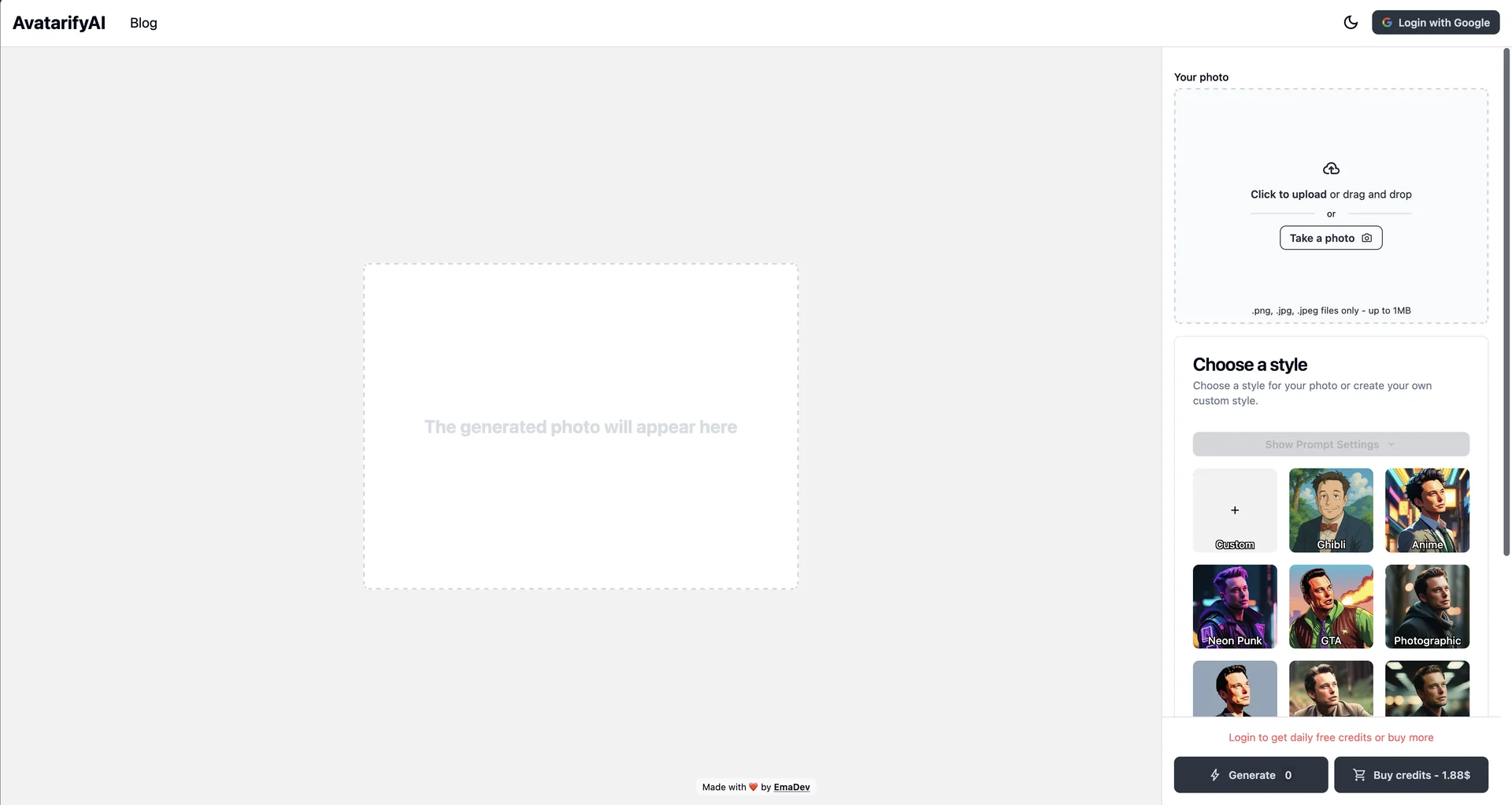
Description
🖼 Tool Name:
Avatarify AI
🔖 Categories:
Text and Images to Video
Voice Cloning (Audio Lip-sync)
Social Templates & Auto-Editing
Interactive Stories & Characters
✏ What does this tool offer?
AI Real-Time Face Animation: Avatarify utilizes advanced neural networks to map your live facial movements, head orientation, and expressions onto any static front-facing photo.
Talking Photos & Singing Portraits: Users can upload a photo of a person, celebrity, historical figure, or pet, and apply a pre-recorded audio track or music file to make the image sing or speak with realistic lip-syncing.
Virtual Webcam Integration (Desktop): Features a virtual camera setup that allows users to pipe their animated avatars directly into live video conferencing platforms like Zoom, Microsoft Teams, and Skype.
On-Device Processing (iOS): On Apple devices, the app handles AI rendering locally, ensuring that user photos and recordings are not sent to external servers.
StyleGAN Avatar Sampling: A developer-focused script option that lets users sample non-existent, AI-generated faces dynamically at the press of a button.
⭐ What does it actually offer based on user experience?
Viral Meme Material: Highly popular on social media platforms like TikTok, Instagram Reels, and YouTube Shorts for generating comedic deepfakes and singing memes.
Instant Calibration: The "C-key" calibration system makes it incredibly easy to align your real face with the avatar template to reduce distortion.
High Entertainment Value: Users value its nostalgic utility, often using the app to animate old family photographs or make pets "talk."
Hardware Dependencies: While it runs flawlessly with low latency on modern Apple Silicon and high-end PCs, older mobile hardware or Android devices can occasionally experience lagging or frame drops.
🤖 Does it include automation?
Yes, it relies on automated computer vision frameworks:
Automated Facial Landmark Tracking: Continuously tracks key points on the user's face (eyes, brows, mouth) and translates them into motion coordinates autonomously.
Auto-Cropping & Alignment: Automatically centers and crops uploaded source images to fit the requirements of the facial driving engine.
Automated Motion Mapping: Calculates fluid transitions and physical limits of facial stretching to keep the animated output looking coherent during complex turns.
💰 Pricing Model
Item Details: Freemium mobile application with In-App Purchases (weekly/monthly/yearly subscriptions).
General Concept: Desktop versions (Python/GitHub open-source) are free, while the mobile applications restrict generation counts and song selections under a subscription paywall.
🆓 Free Plan Details
Feature: Basic Mobile App Access / Open-Source Desktop.
Details: Allows up to 3 video generations per day on mobile, restricted to a standard library of ~10 songs, and includes watermarks on exported clips.
Cost: Free ($0).
💳 Paid Plans (2026 Estimates)
| Plan | Price (Approx.) | Features |
| 🔹 Weekly Pass | ~$4.99 / week | Full premium access for short-term project creation, no watermarks, unlimited generations. |
| 🔹 Premium Mobile Pro | ~$49.99 / year | Unlimited generation, access to the entire trending audio/song hub, priority processing, no watermarks. |
| 🔹 Open-Source Desktop | Free (MIT License) | Requires command-line installation (Python), completely free for local processing on PC/Mac. |
🧭 How to access the tool:
Available as a mobile app on the iOS App Store (supports Apple Vision) and Google Play. The desktop pipeline can be accessed via GitHub (Avatarify Python).