Mailbutler Smart Assistant
Description
🖼 Tool Name:
Mailbutler Smart Assistant
🔖 Categories:
Article & Social GenerationSmart Calendars & AssistantsSummaries, Headlines & IdeasParaphrasing & Style
✏️ What does this tool offer?
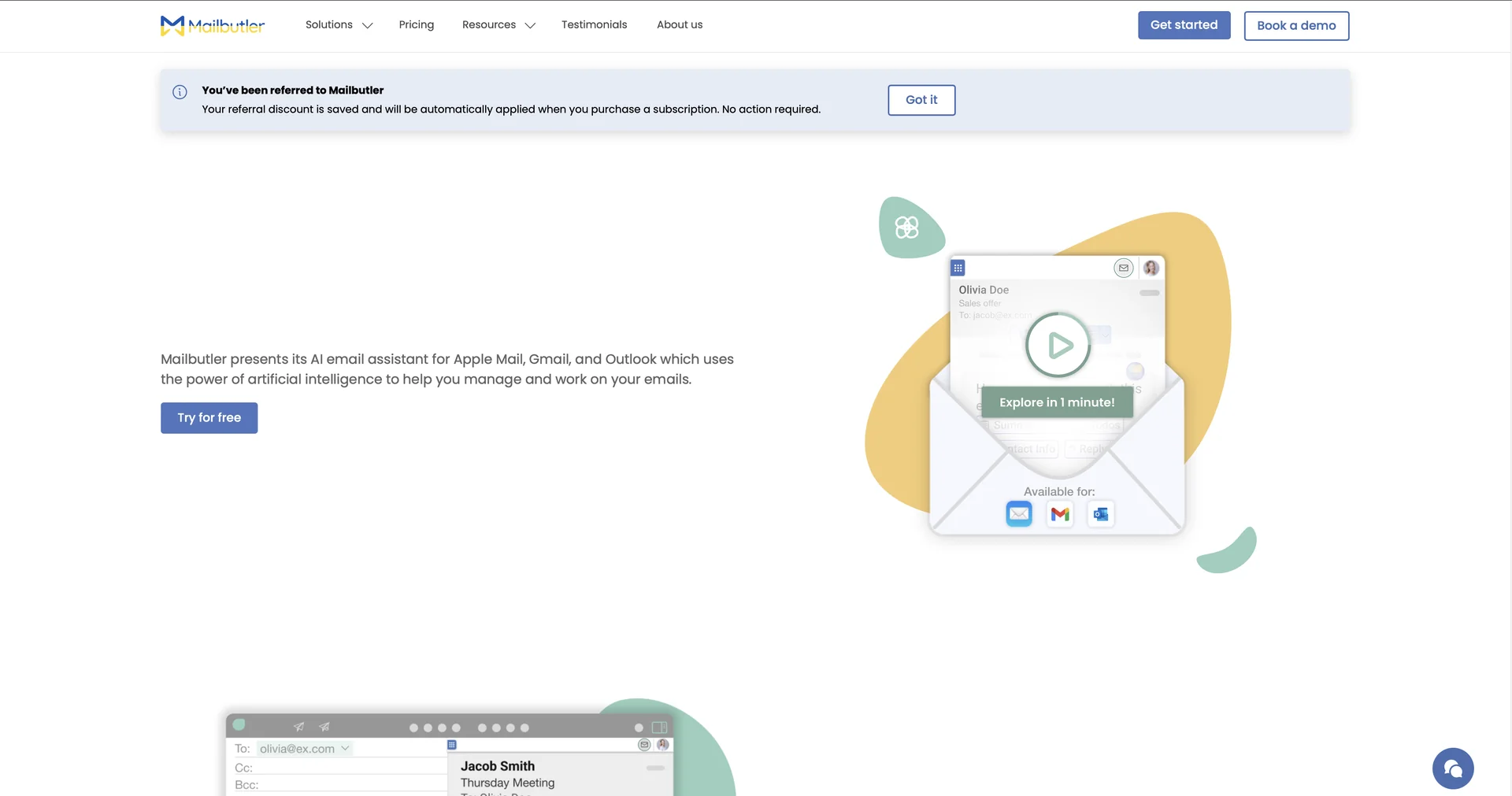
Native AI Email Assistant Extension: Mailbutler Smart Assistant is an AI-powered inbox copilot that integrates directly into your existing desktop and mobile email client interfaces (Apple Mail, Microsoft Outlook, and Gmail) rather than requiring an external application dashboard.
Context-Aware Smart Compose & Reply: Drafts complete, professional email responses or initial outreach sequences from brief bullet points. It intelligently reads the context of incoming message threads to generate tailored replies automatically.
Smart Improve & Tone Corrector: Functions as an advanced grammar and syntax refinery that cleans up text layout flaws, optimizes phrasing density, and shifts the overall communication tone (e.g., from casual to highly professional) before sending.
One-Click Smart Summarize: Programmatically analyzes massive, multi-threaded email conversations to instantly extract an overview of key technical details, deliverables, and conversation points.
Smart Task & Contact Finder: Automatically scans incoming message payloads to isolate action items and requested meetings, converting them into interactive tasks or pulling contact credentials to populate your customer relationship files.
OpenAI GPT-4o Integration & Enterprise Security: Runs on advanced frontier AI architecture (OpenAI GPT-4o) while guaranteeing full enterprise data privacy protection backed by direct ISO/IEC 27001 certification and strict 100% GDPR compliance.
⭐ What does it actually offer based on user experience?
Zero Tab Switching Friction: Creative and corporate professionals appreciate that the system places its tools directly inside their native email sidebar, completely removing the hassle of copy-pasting text back and forth to external web browsers.
Accelerated Daily Inbox Triage: Business owners and managers handling massive communication volumes find that the instant summarization and task-extraction modules cut their routine daily email processing times in half.
Flawless Tone Consistency: Users writing important client emails late at night highly value the tone correction features, noting it acts as a reliable safety buffer that ensures absolute corporate alignment.
🤖 Does it include automation?
Yes, the system coordinates background text evaluation, status tracking, and extraction workflows on autopilot:
Automated Action Item Extraction: Programmatically combs through incoming text layouts to flag tasks and structure to-do checklists automatically.
Autonomous Content Summarization: Instantly compiles bulleted breakdowns of extensive text chains without manual user highlighting.
Dynamic Information Ingestion: Autonomously extracts contact details like phone numbers and corporate titles to build rich contact logs.
💰 Pricing Model
Item Details: Freemium / Tiered Per-User Monthly SaaS Subscription.
General Concept: Mailbutler offers standard email tracking, basic templates, and scheduling features on lower tiers. However, the advanced AI-driven Smart Assistant capabilities are specifically integrated into and gated behind the Smart and Business subscription packages.
🆓 Free Plan Details
Feature: 14-Day Full-Feature Evaluation Window.
Details: Unlocks complete, unrestricted access to the entire platform feature matrix—including full Smart Assistant usage, custom templates, and email tracking pipelines—for 14 days.
Cost: Free ($0 onboarding sandbox; requires zero initial credit card details).
💳 Paid Plans (Official 2026 Standards)
Subscriptions are billed per user per month. Upgrades remove monthly token restrictions, expand collaboration capabilities, and activate priority server resources.
🧭 How to access the tool:
Emails can be composed, lengthy message chains summarized, and interactive tasks extracted directly inside your regular inbox by adding the companion app extension via mailbutler.io/smart-assistant or downloading the mobile suite from the iOS App Store or Google Play marketplace.