ChaiBar

Description
🖼 Tool Name:
ChaiBar
🔖 Approved Categories:
No-Code WorkflowsStudy Assistants & Notes(System-wide utility integration)
✏️ What does this tool offer?
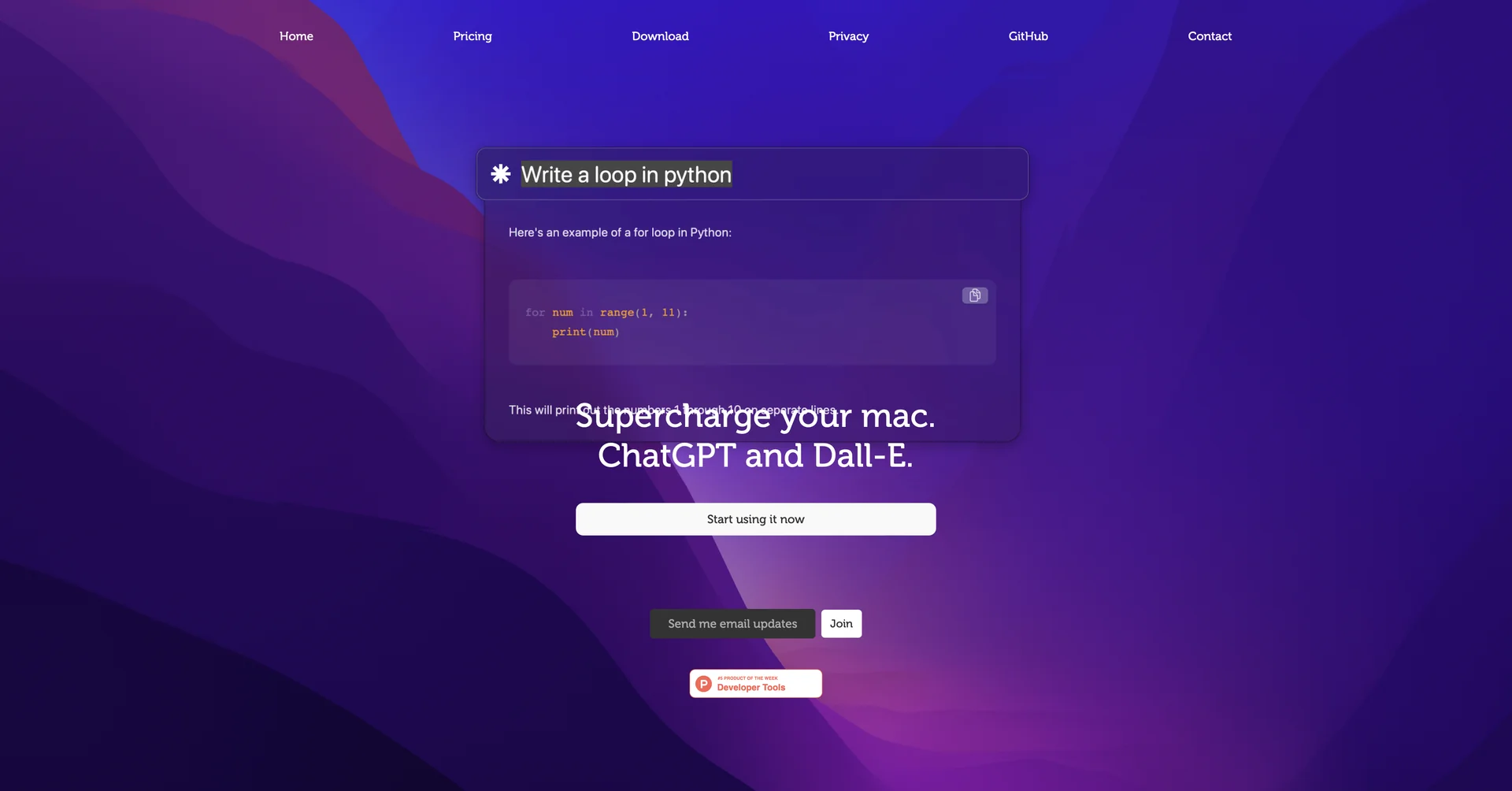
System-Wide macOS AI Assistant: ChaiBar is a specialized productivity application designed to supercharge macOS by weaving artificial intelligence directly into the operating system. Instead of relying on a isolated browser tab, it lives natively on your Mac to execute background commands.
Unified ChatGPT & DALL-E Workflows: It brings together advanced conversational text generation and image generation capabilities under a single desktop framework, giving users instant access to copywriting and creative mockups simultaneously.
Natural Language Machine Controls: Built to bridge the gap between human language and computer execution. Users can use plain, conversational phrasing to instruct the system to compose files, write scripts, or sort notes.
Instant Text Summarization & Drafting: Acts as an on-the-fly desktop study and reading aid. It allows users to quickly extract bullet points from open documentation, draft outgoing emails, and structure layout text natively inside any active Mac environment.
Fluid Hub UI: It utilizes a lightweight, clean command panel interface that can be toggled on or off with a simple keyboard shortcut, completely eliminating the constant back-and-forth window-switching friction common with web-based chatbots.
⭐ What does it actually offer based on user experience?
Drastic Context-Switching Reductions: Mac users heavily appreciate that they can summon quick text generation and image drafting directly inside whatever app they are working in, keeping them focused on their primary workspace.
Accessible System Assistance: Non-technical professionals find great value in using standard sentences to handle document drafting, appointment planning, and web parsing without dealing with complicated multi-step software menus.
Ultra-Lightweight Desktop Footprint: Reviewers note that it operates smoothly in the background, offering an immediate desktop hub experience without hogging valuable system RAM.
🤖 Does it include automation?
Yes, ChaiBar orchestrates desktop-level automation shortcuts:
Automated Action Mapping: Programmatically bridges text instructions to relevant system utilities like default email managers or text docs.
Autonomous Document Structuring: Converts loose conversational input notes into formal, neatly formatted summaries or structural templates in real time.
Programmatic Image Staging: Automatically translates background parameters directly into DALL-E asset pipelines without manual prompt engineering.
💰 Pricing Model
Item Details: Paid Application / Monthly Micro-Subscription.
General Concept: The platform skips complex enterprise price tiers in favor of a highly accessible, single-premium pricing standard targeted at solo creators and professionals.
🆓 Free Plan Details
No Permanent Free Tier: Because this utility relies on direct native desktop builds and continuous cloud AI model API streaming, it does not offer an uncapped free workspace plan.
💳 Subscription Plans (Official 2026 Standards)
Upgrading unlocks system-wide text drafting, automatic document formatting, and direct AI image generation layers.
🧭 How to access the tool:
Your everyday macOS workflows can be supercharged with generative intelligence, complex documents structured through native machine shortcuts, and creative graphics generated inline by starting your workspace layout at chaibar.ai.