Features
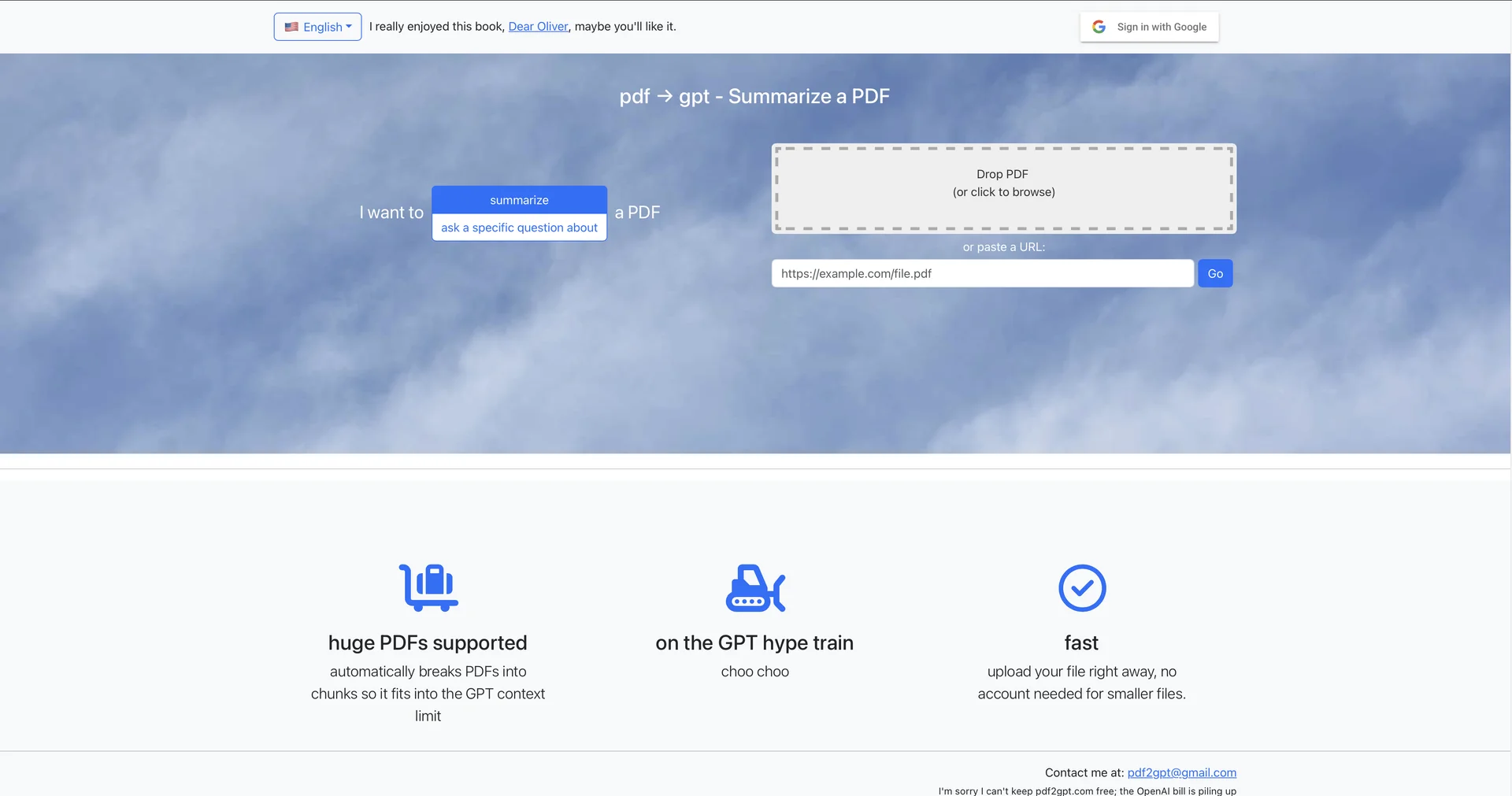
- Summarizes PDFs using GPT models
- Answers specific questions about an uploaded PDF
- Splits large PDFs into chunks to fit GPT context limits
- Accepts PDF uploads by drag and drop or from a web URL
- Works without registration for standard files
Pricing Details
💰 Pricing Model Item Details: Freemium / Paid Usage (Sign-in required for heavy usage). General Concept: Provides basic document processing for smaller files directly on the site, while requiring Google sign-in or API key usage/paid usage for high-volume and larger document processing. 🆓 Free Access Details Feature: Free Base Access. Details: Smaller files can be uploaded and processed directly without an account or upfront payment. Cost: Free ($0) Base Access. 💳 Access & Subscription Options (Official Standards) Access Tier Price Structure Primary Workspace Scope & Allowances 🌱 Free Access $0 / Free Immediate PDF uploads for smaller documents, basic file summarization, and direct Q&A queries. ⚡ Account / Usage Tier Google Sign-in / Tiered Access for handling larger documents, extended query allowances, and context chunking for higher volume files.