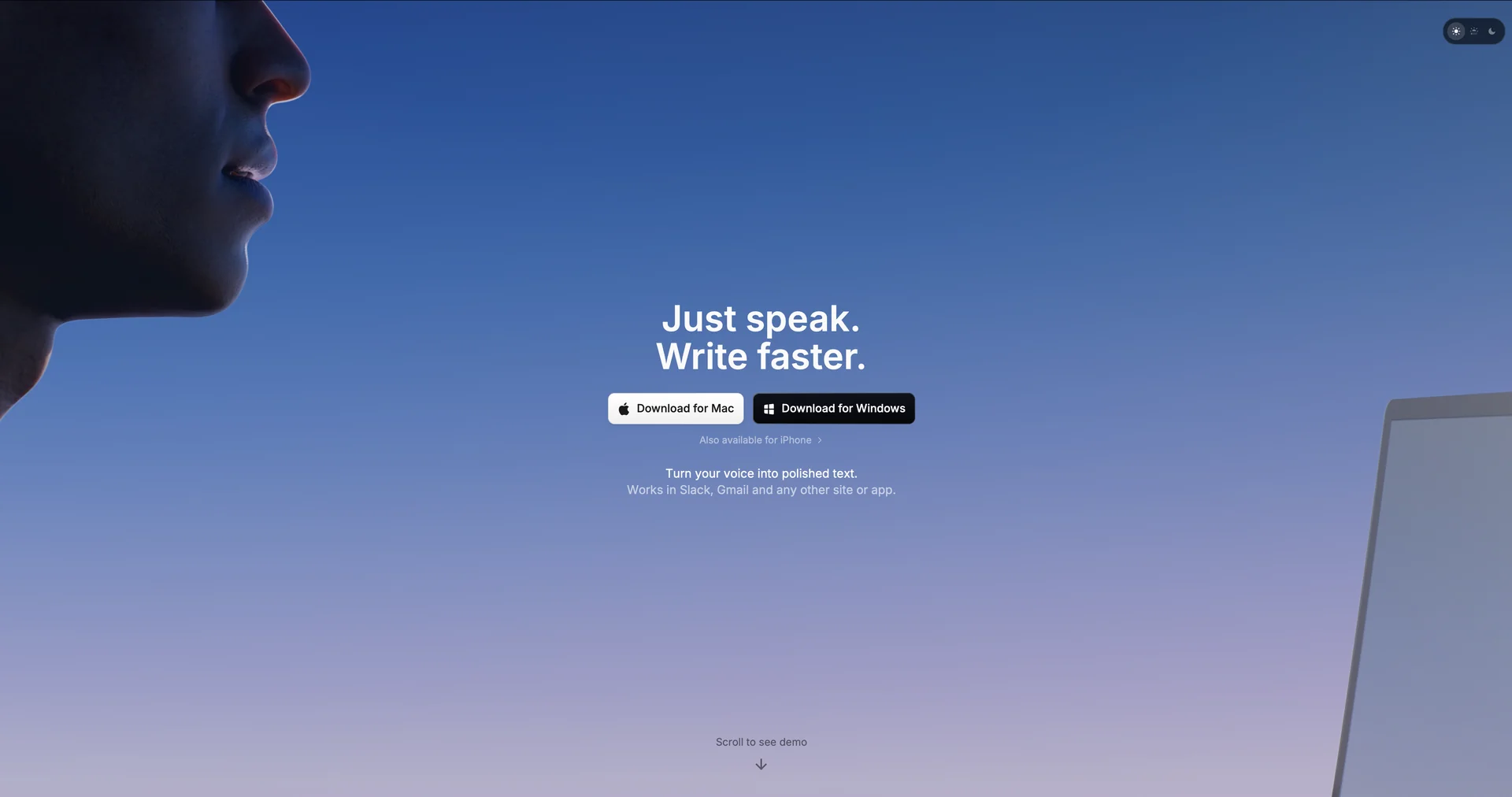
Superwhisper
AI-powered voice to text for macOS
Last updated
Features
- Dictates transcribed, auto-formatted text into any active app at the cursor
- Runs on macOS, Windows and iOS
- Offline on-device processing with local Whisper models, plus cloud model options
- Custom modes for formal email, casual chat or developer code output
- Removes filler words and background noise and adds punctuation
- Bring your own API keys such as OpenAI and Anthropic
- Records meetings and transcribes audio files in 100+ languages
- Custom keyboard shortcuts for text insertion
Pricing Details
💰 Pricing Model
Item Details: Freemium / Subscription & Lifetime License.
General Concept: Offers a functional free tier using smaller local models, alongside paid Pro subscriptions or a one-off lifetime purchase for high-end models, translation, and BYOK capabilities.
🆓 Free Access Details
Feature: Free Forever Tier.
Details: Includes basic local dictation models, meeting recording, 100+ language support, and custom prompt options.
Cost: Free ($0) Base Access.
💳 Access & Subscription Options (Official Standards)
| Access Tier | Price Structure | Primary Workspace Scope & Allowances |
|---|---|---|
| 🌱 Free Plan | $0 / Free | Unlimited use of small local models, basic dictation, meeting recording, custom prompts. |
| ⚡ Pro (Monthly) | $8.49 / month | Unlimited cloud/large local models, BYOK API keys, language translation, file transcription. |
| 🚀 Pro (Annual) | $84.99 / year(~$7.08/mo) | Full Pro features with annual discount. (Student discount: 40% off) |
| ♾️ Pro (Lifetime) | $249.99 One-Time | Single payment for lifetime access, including all future Pro updates. |
Related Tips
- Revid AI vs. Fliki: Which is better for creating ready-to-go Reels from a single idea? · Video Generation & Editing, Text and Images to Video…
- Head-to-head comparison: Mindgrasp AI or Scholarcy? · Education & Research, Teacher Tools & Assessment…
- Have you tried researching with AI instead of traditional, cumbersome methods? · Content Management, No-Code Workflows…
- Between writing 10 pages manually... or uploading a single file to Turboscribe.ai? · Video Generation & Editing, Social Templates & Auto-Editing…
- Want to manage all your accounts... from one place? · Chat/Voice Agents, Business Operations…