VIDIO
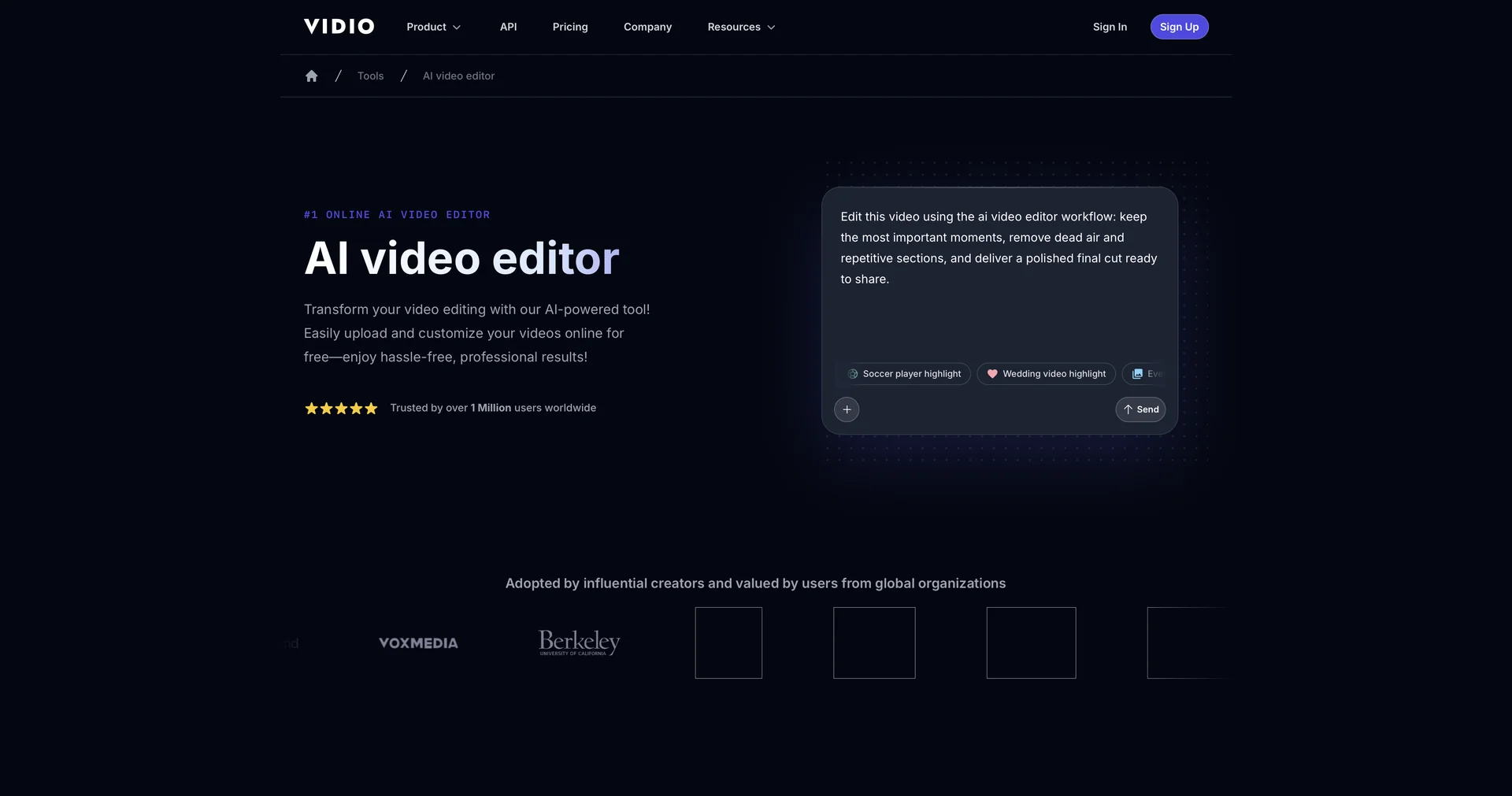
Transform videos effortlessly with AI-powered editing.
- Text and Images to Video
- Motion, Titles & Subtitles
- Video Summaries & Clips
- Social Templates & Auto-Editing
- Editing, Enhancement & Upscaling
Last updated
Features
- Edits uploaded footage from a text prompt
- Detects scenes, trims dead air and auto-cuts long videos
- Inserts relevant B-roll and dynamic transitions automatically
- Generates auto-captions with text and emojis
- Syncs background music to the beat
- Speech or visual summarization modes to adjust video length and pace
- Reformats landscape videos to vertical for TikTok, Reels and Shorts
- Runs in the browser with no installation
Pricing Details
💰 Pricing Model
Item Details: Freemium / Web Subscription.
General Concept: Offers free options to edit and preview videos, with premium capabilities (larger file uploads up to 3GB, faster processing, and higher export resolution) available on paid plans.
🆓 Free Access Details
Feature: Free Online Version.
Details: Web users can drag, drop, and edit videos for free using standard AI workflows.
Cost: Free ($0) Base Access.
💳 Access & Subscription Options (Official Standards)
| Access Tier | Price Structure | Primary Workspace Scope & Allowances |
|---|---|---|
| 🌱 Free Plan | $0 / Free | Basic AI video editor, text prompt editing, standard video uploads. |
| ⚡ Premium / Pro Tiers | Varies (Check site) | Upload file limit up to 3GB, faster GPU processing, priority AI rendering, high-res exports. |
Related Tips
- A video prompt that gives you the feel of GTA with an Arabic twist · Video Generation & Editing, Text and Images to Video
- 2 million free tokens to create videos! on Seedance · Video Generation & Editing, Text and Images to Video
- How to Use the Pokecut Tool to Easily Extract Images · Image Design and Creation, Editing, Enhancement & Upscaling…
- How to Create a Series of Educational Videos Using ChatGPT, PixVerse, and Nabat? · Audio & Voice, Text-to-Speech / Speech-to-Text…
- An Explanation of GeminiGen AI for Creating Videos and Images for Children · Video Generation & Editing, Text and Images to Video…