DocuWriter.ai
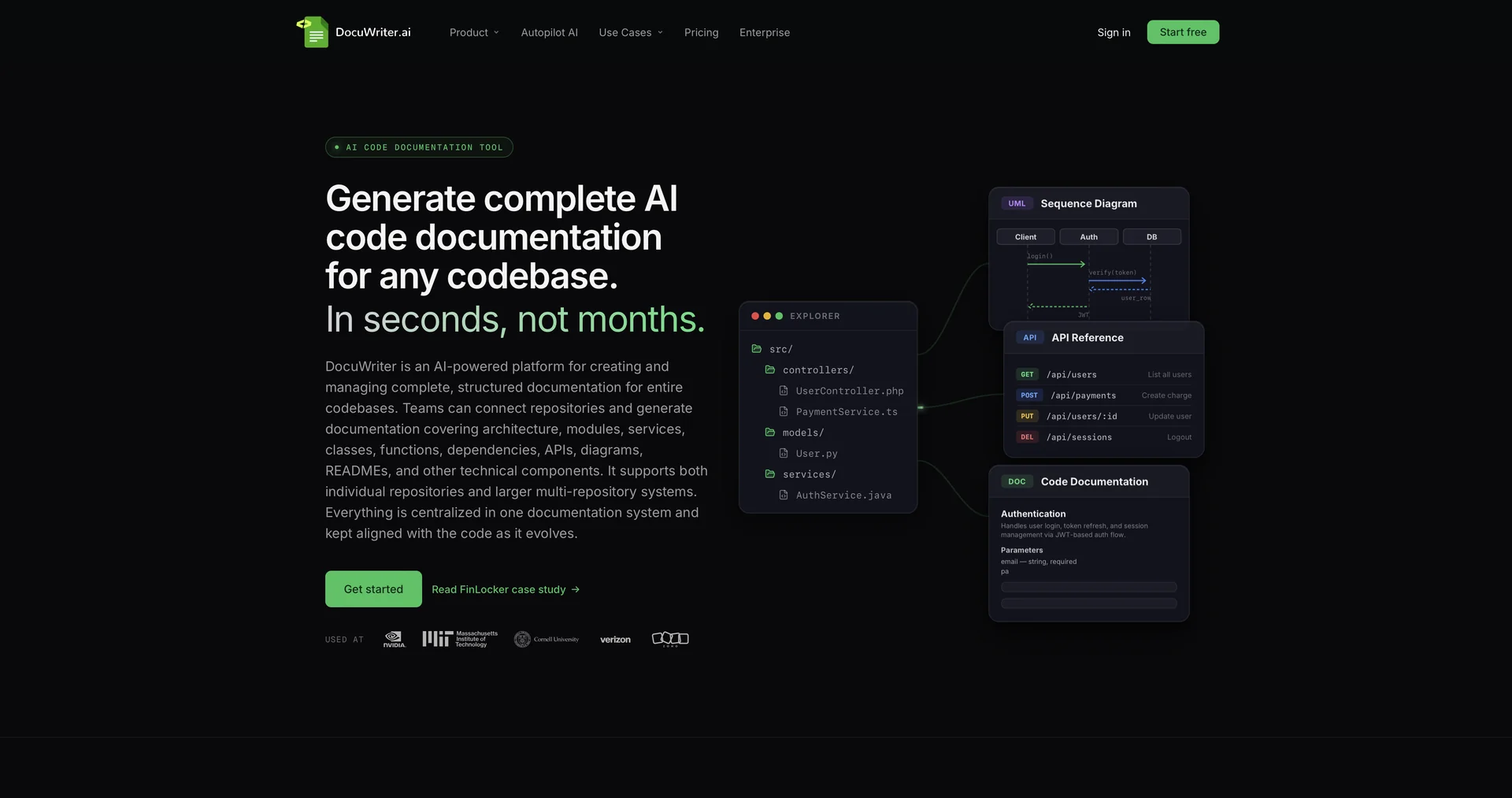
Automated AI-powered tools to generate Code & Api documentation from your source
- RPA & Task Automation
- Code Generation & Review
- Docs & Software Development Kit
- Testing & Quality Assurance
Last updated
Features
- Generates code documentation, inline comments and API references from source code
- Generates unit and integration tests from existing code
- Recommends optimizations, dead code removal and clean-code formatting
- Converts code between programming languages
- Connects to GitHub, GitLab and Bitbucket repositories
- Includes a VS Code extension for generating docs in the IDE
- Updates documentation automatically on code pushes
- Exports Markdown and PDF and integrates with Zapier
Pricing Details
💰 Pricing Model
Capterra
Item Details: Flat Rate Monthly / Annual Subscriptions with Free Trial.
General Concept: Billed flat-rate per month based on total AI generation allowances, connected Git repositories, workspace spaces, and team permissions.
🆓 Free Access Details
Feature: Free Trial Available.
Details: Offers a free evaluation trial so developers can test VS Code extensions, document generators, and test suites.
Cost: Free Trial Access.
💳 Access & Subscription Options (Official Standards)
| Access Tier | Price Structure | Primary Workspace Scope & Allowances |
|---|---|---|
| 🌱 Free Trial | $0 / Free Trial | Evaluation access to test document generators, multi-language support, and extensions. |
| ⚡ Starter Plan | $29.00 / month | 200 Generations/mo, all generators included, spaces support, Markdown & PDF exports, Zapier integration. |
| 🚀 Professional Plan | $49.00 / month | 400 Generations/mo, up to 5 spaces, multi-file uploads, Git repositories, team member permissions. |
| 💼 Enterprise Plan | $129.00 / month | 1,000 Generations/mo, unlimited spaces, automatic Git documentation pipeline, team capabilities. |
| 🔥 Unlimited Plan | $249.00 / month | Unlimited generations, unlimited spaces, priority beta access to new feature releases. |
Related Tips
- WebWave (What is it? How is it used? Features? Pricing?) · Content Management, Docs & Software Development Kit
- Do you have an idea for a fashion piece but don't know how it will actually look? · Paraphrasing & Style, Image Design and Creation…
- Have you tried researching with AI instead of traditional, cumbersome methods? · Content Management, No-Code Workflows…
- Between writing 10 pages manually... or uploading a single file to Turboscribe.ai? · Video Generation & Editing, Social Templates & Auto-Editing…