Pointer AI
Description
️ 🖼Tool name:
Pointer AI
🔖 Tool category:
• Rewriting and style improvement
• Business document creation
• Automation and smart agents
• Content and copywriting
️ ✏What does this tool offer?
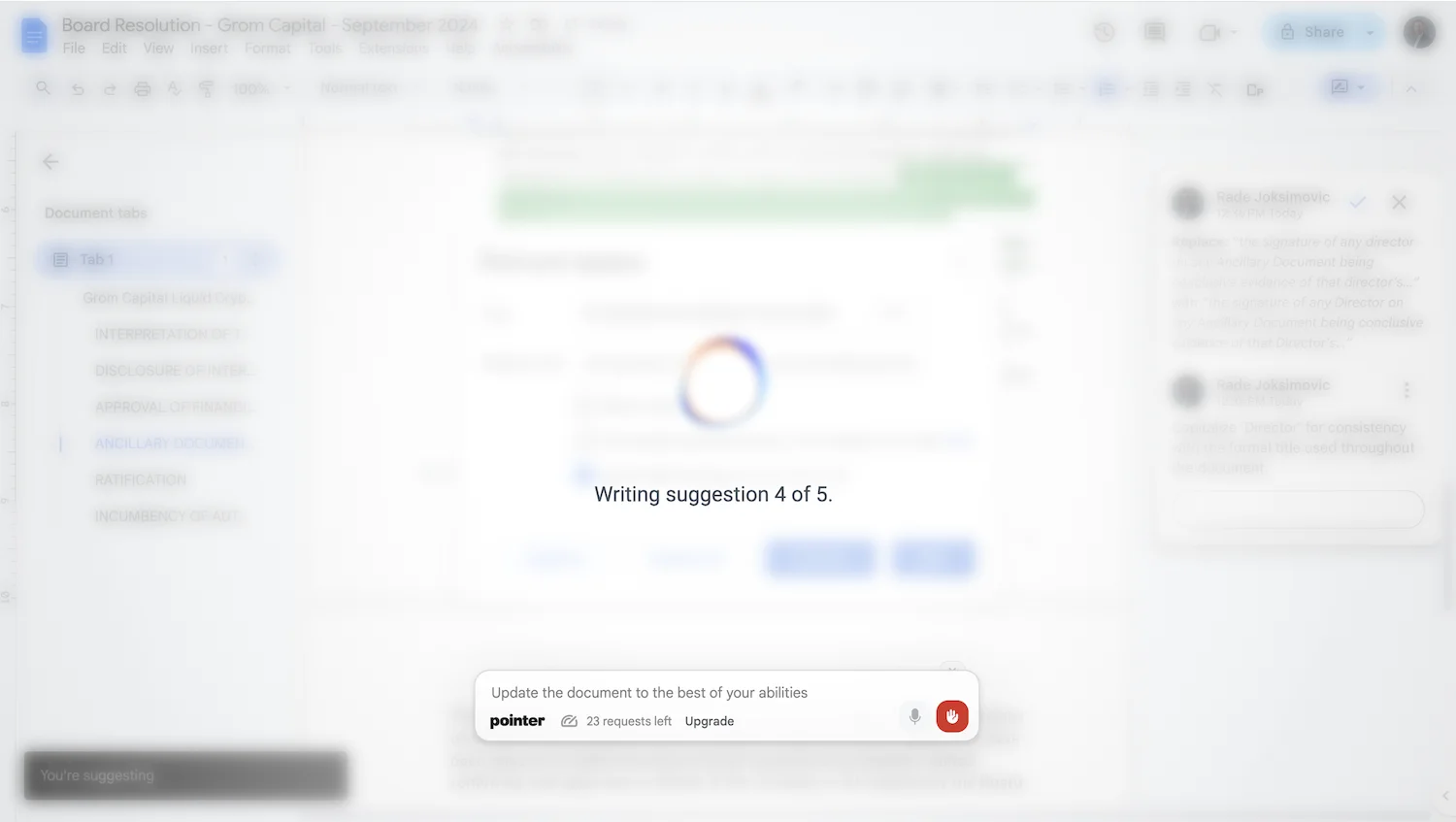
Pointer AI makes it easy to edit your documents directly in Google Docs. It suggests changes based on your instructions and preserves the original formatting, saving you from copying and pasting from ChatGPT and manually reformatting. Suggestions appear very quickly, making the editing process much faster.
⭐ What does it actually offer based on user experience?
Users have found that the tool speeds up the editing process by up to 5 times compared to traditional methods, provides accurate suggestions that can be approved directly within the document, and supports multiple languages.
🤖 Does it include automation?
Yes, the tool automatically writes suggestions within the document without continuous manual intervention, and they can be modified according to user instructions.
💰 Pricing model:
🆓 Free plan details:
Price: $0 USD
For new accounts
5 fast requests
0 add-on requests
Access to basic LLM models
💳 Paid plan details:
Monthly Pro plan – $19.95 USD/month
100 fast requests per month
Unlimited regular requests
Best LLM models
Multilingual support
Add additional requests at $0.05 per request
🧭 How to access the tool:
Install the extension from the Chrome Web Store and work directly within Google Docs to apply edits and suggestions quickly and intelligently.
🔗 Trial link or official website:
Pointer AI Pricing