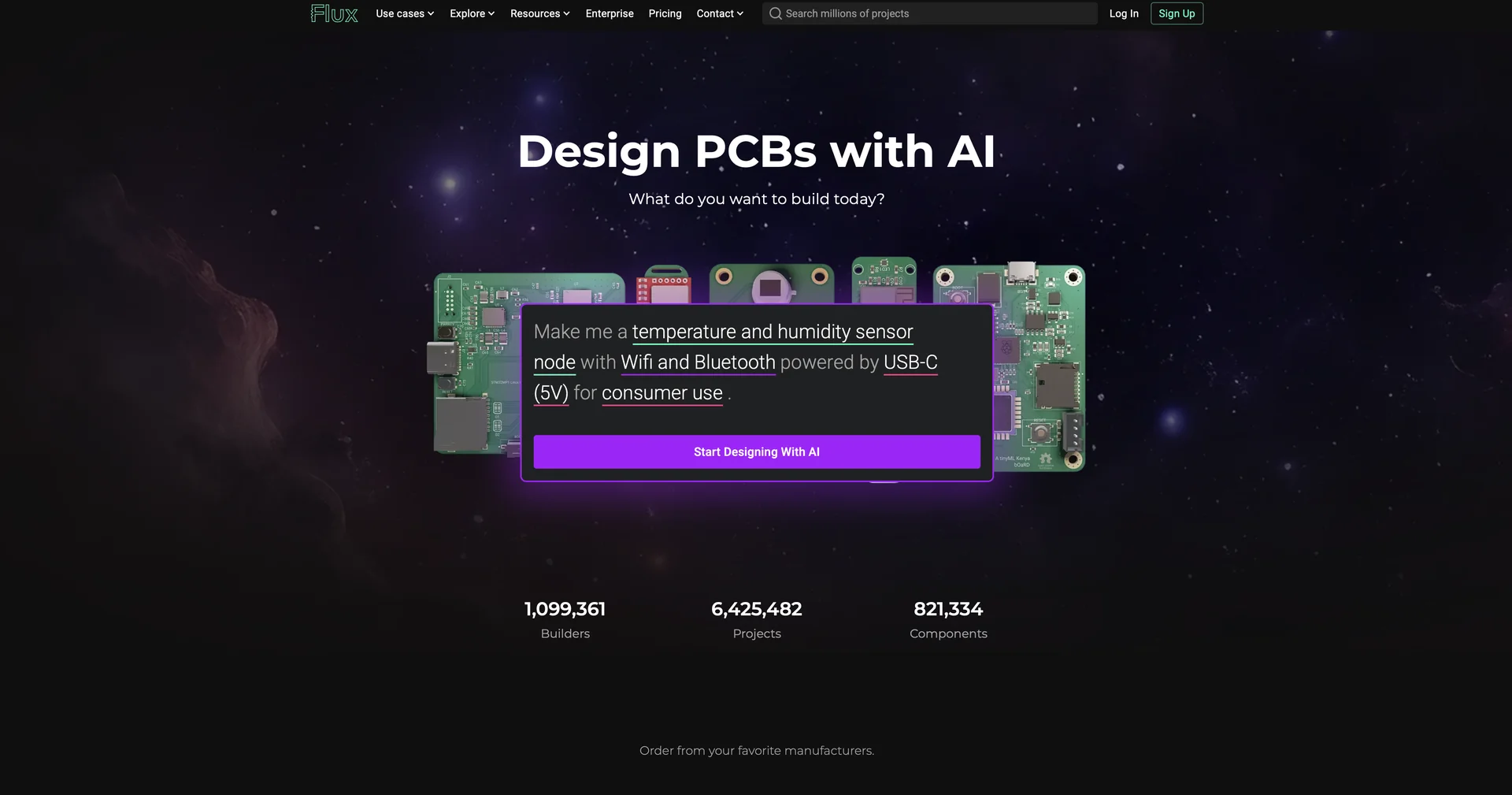
Description
🖼 Tool Name:
Flux
🔖 Approved Categories:
3D Modeling & RenderingRPA & Task AutomationIntegrations & APIsCode Generation & Review
✏️ What does this tool offer?
Flux Copilot AI Hardware Engineer: Features a conversational AI assistant that operates inside the editor to generate schematic diagrams, research electronic components, analyze datasheets, check pinouts, and propose trace layouts.
Real-Time Cloud Collaboration: Enables multiple hardware engineers to work concurrently on the same board layout with built-in version control, comment threads, and live sync (similar to Google Docs for hardware).
Schematic Capture & Auto-Routing: Translates natural language requirements into functional circuit schematics, automatically places components, and assists with PCB trace routing and design rule checks (DRC).
Live Parts Sourcing & SPICE Simulation: Integrates real-time component inventory data, pricing, and alternative MPN suggestions, along with built-in SPICE circuit simulation.
3D View & Manufacturing Export: Allows interactive 3D board visualization and exports production-ready Gerber, BOM (Bill of Materials), and pick-and-place centroid files for fabrication.
⭐ What does it actually offer based on user experience?
Accelerates Hardware Prototyping: Drastically reduces time spent on repetitive tasks like component search, initial placement, routing iterations, and footprints setup.
Removes Desktop Software Barriers: Runs entirely in modern web browsers across Mac, Windows, Linux, and Chromebooks without requiring license keys or local installations.
Reduces Engineering Errors: Cross-checks components against datasheets, flags routing issues, and validates electrical rules automatically before sending boards to manufacturing.
🤖 Does it include automation?
Yes, Flux automates schematic generation, component placement, trace routing, live stock tracking, and design rule checks:
Automated Natural Language-to-Schematic: Converts conversational build briefs and attached PDF datasheets into structured circuit layouts.
Automated Design Rule & Layout Verification: Programmatically checks clearances, pin connectivity, and trace geometry in real time.
💰 Pricing Model
Item Details: Freemium / Monthly & Annual Subscriptions.
General Concept: Provides free tier/trial access for personal projects and basic designs, with paid subscription tiers (Explore, Build, Pro) for commercial features, advanced AI reasoning, and team workspaces.
🆓 Free Access Details
Feature: Free Base Edition / 14-Day Trial.
Details: Users can create an account to test browser-based PCB editing, basic schematics, public projects, and trial AI assistance.
Cost: Free ($0) Base Plan.
💳 Access & Subscription Options (Official Standards)
🧭 How to access the tool:
Your AI-assisted hardware engineering, schematic generation, and browser-based PCB design workflows can be launched by visiting flux.ai.